
Five Android Auto tweaks that actually make driving easier
TL;DR Summary
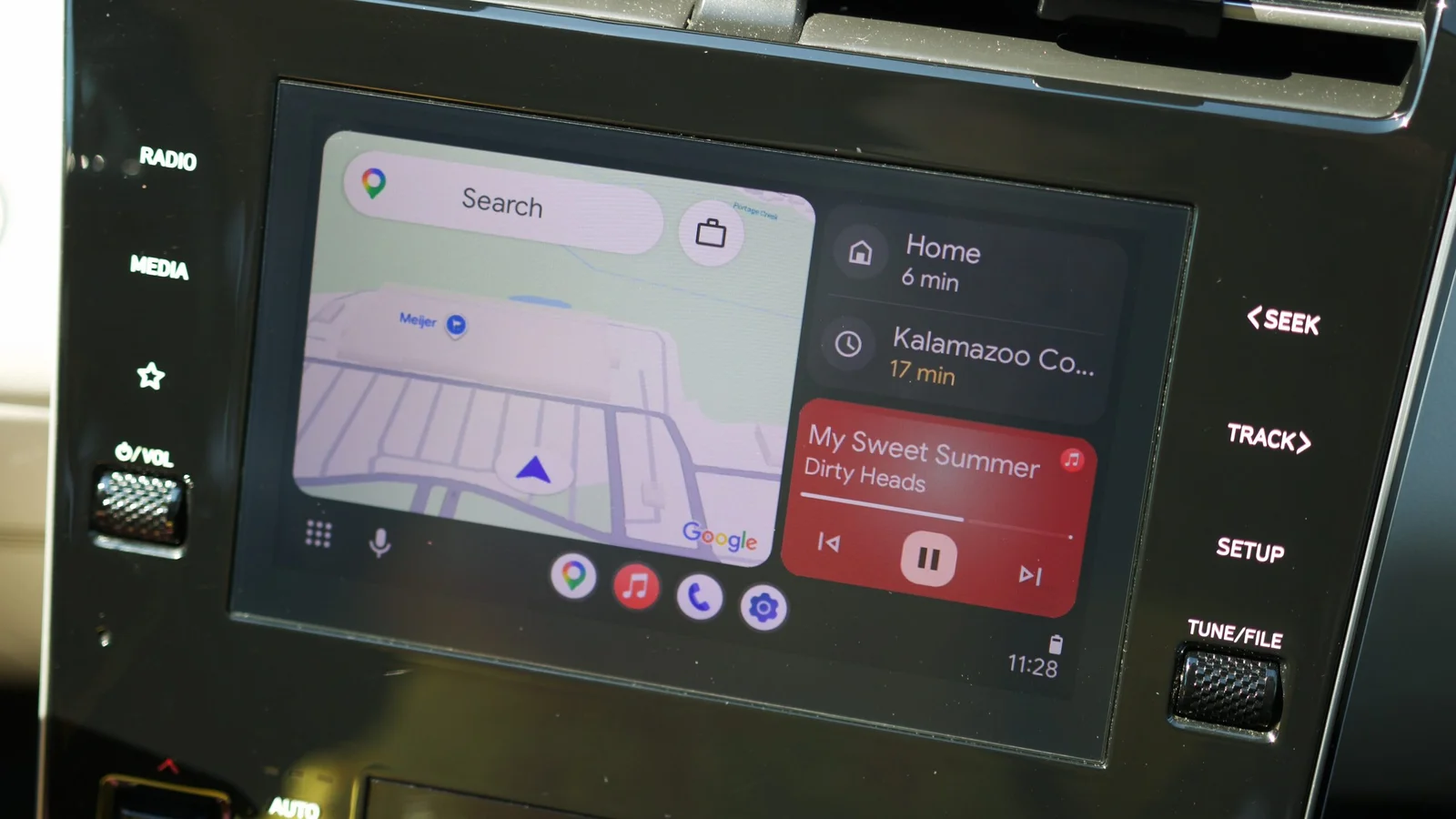
A tech writer shares five Android Auto settings that boost in-car usability: enable Taskbar widgets to show mini controls (music or maps) in the taskbar; customize the launcher to reorder or hide apps; swap the home screen layout so media controls sit closer to the driver; disable auto-start of last-played media so you choose what to listen to; and use Gemini actions to chain multi-step tasks (like navigating home, adjusting climate, turning on lights, and playing a playlist).
Topics:technology#android-auto#gemini-actions#launcher-customization#media-layout#taskbar-widgets#technology
- I wish someone told me about these 5 Android Auto settings before I bought my new car Android Authority
- These overlooked Android Auto features save me more time than any navigation shortcut Android Police
- 4 Android Auto settings I always change right away on a new phone XDA
- Stop blaming your phone for Android Auto lag—your head unit matters more than Google admits How-To Geek
- 3 Android Auto automations that make my drives much easier - and how I set them up ZDNET
Reading Insights
Total Reads
0
Unique Readers
21
Time Saved
5 min
vs 6 min read
Condensed
92%
1,010 → 78 words
Want the full story? Read the original article
Read on Android Authority