
 Now on the App Store
The day’s news, summarized.
Every story gets a TL;DR with the key points, and the Daily Briefing rounds up the day’s news to read or listen to. Stay informed in minutes, wherever you are.
 Coming soon toGoogle Play
Free on iPhone, iPad and Apple Watch. Coming soon to Android, Wear OS and Android TV.
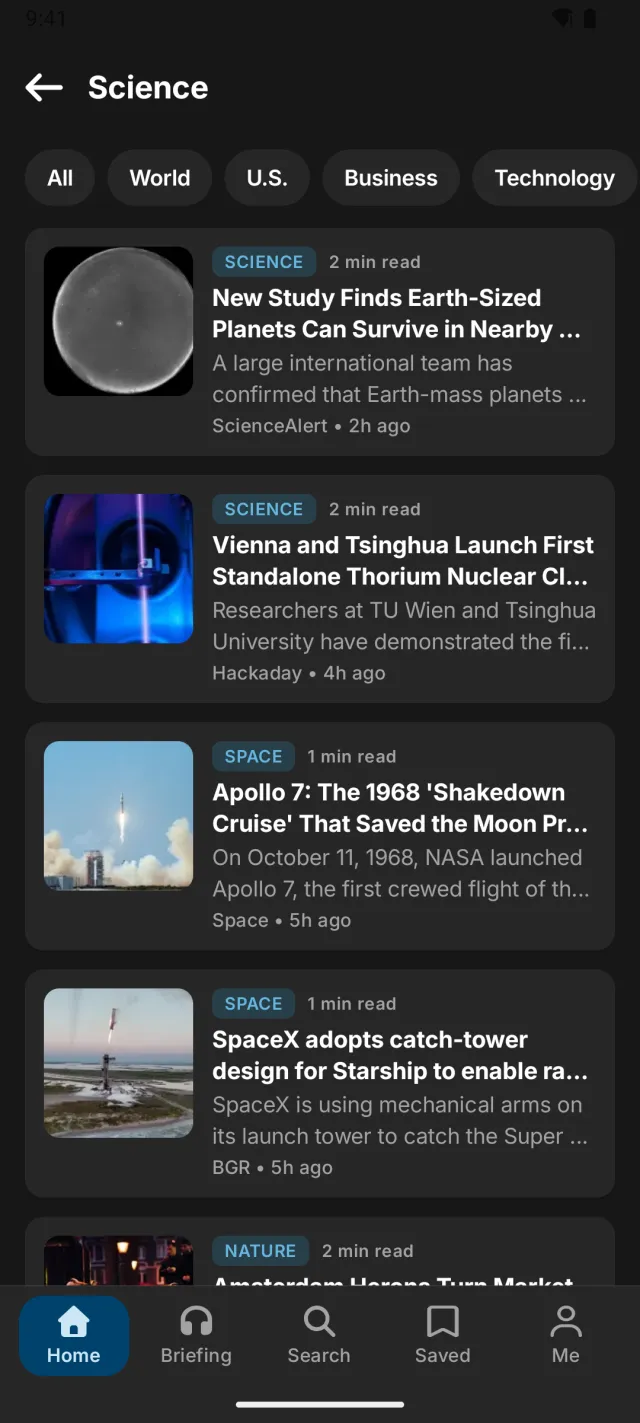
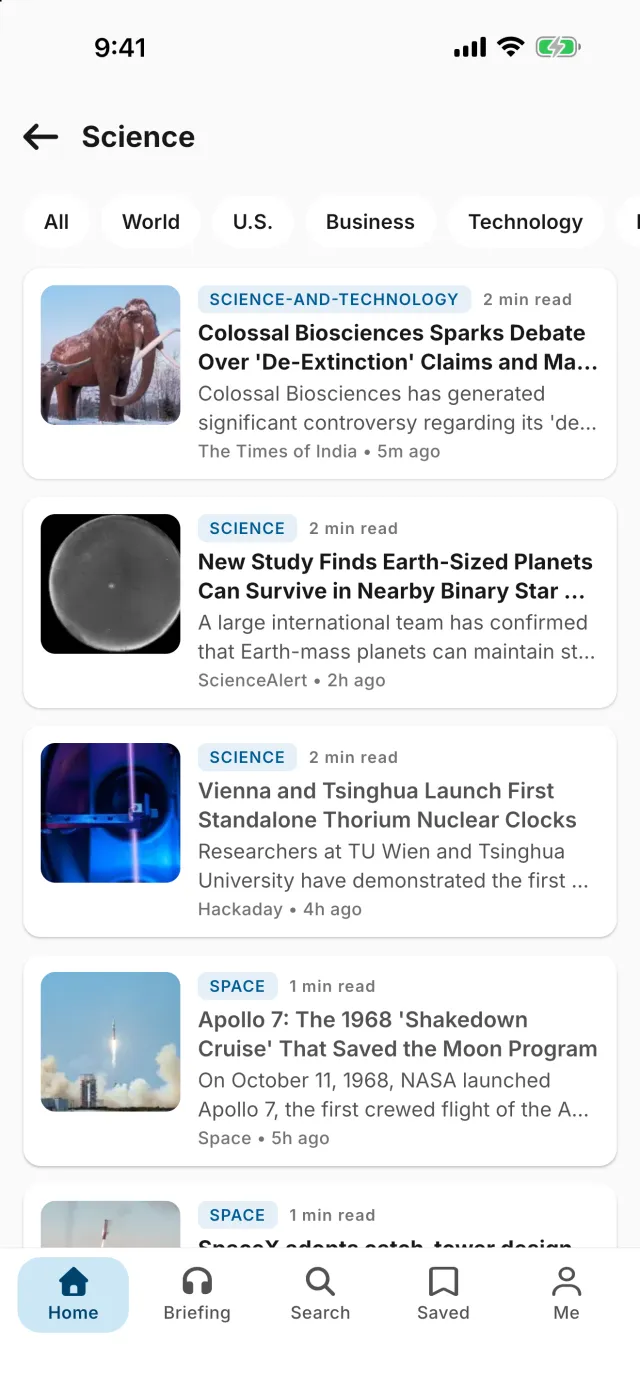
One tl;dr, everywhere you are
Start the briefing on your phone, finish it on your watch, and pick up your saved stories on the web.
- iPhone & iPadiOS 16 or later
- Apple WatchwatchOS 10 or later
- AndroidPhones & tablets, Android 8.0+
- Wear OSWear OS 3 or later
- Android TVGoogle TV & Android TV
- The webSynced with tldrdailynews.com
Every story
Get the TL;DR.
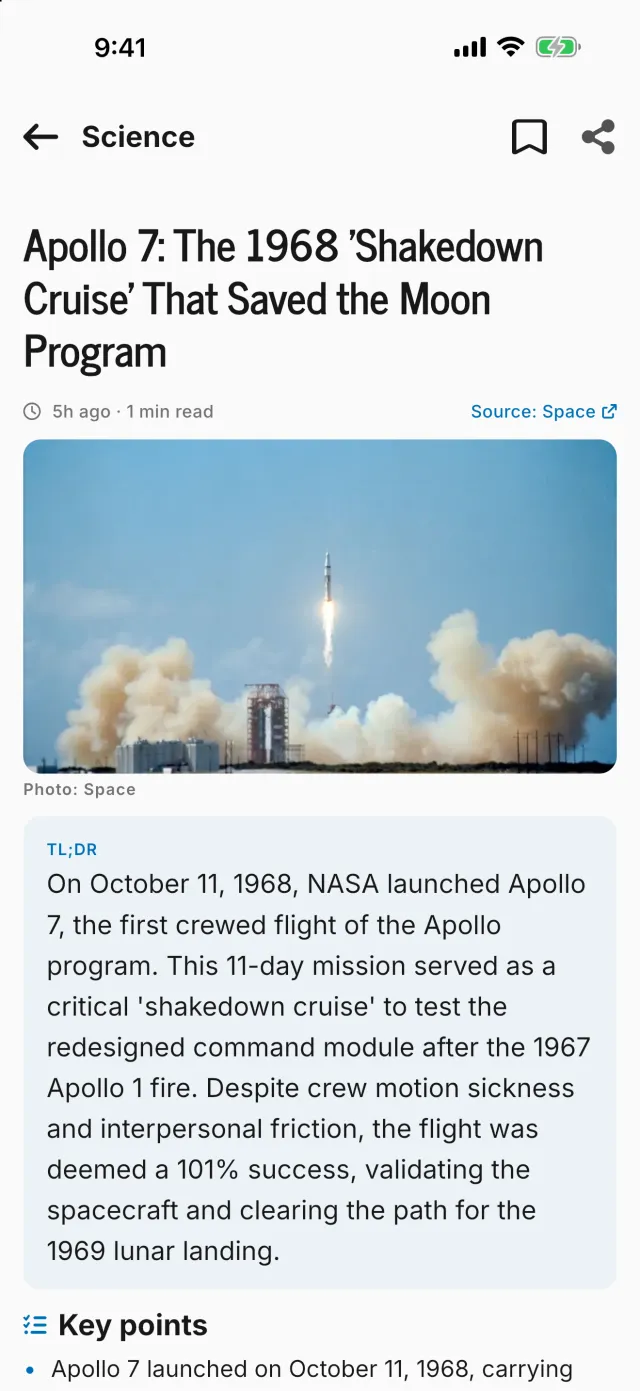
Every story gets a short summary, the key points, the background, why it matters and what to watch next. Each one is built from the original report plus up to three other outlets covering the same event.
- Key points you can scan in seconds
- Background and why it matters
- The original reporting, one tap away
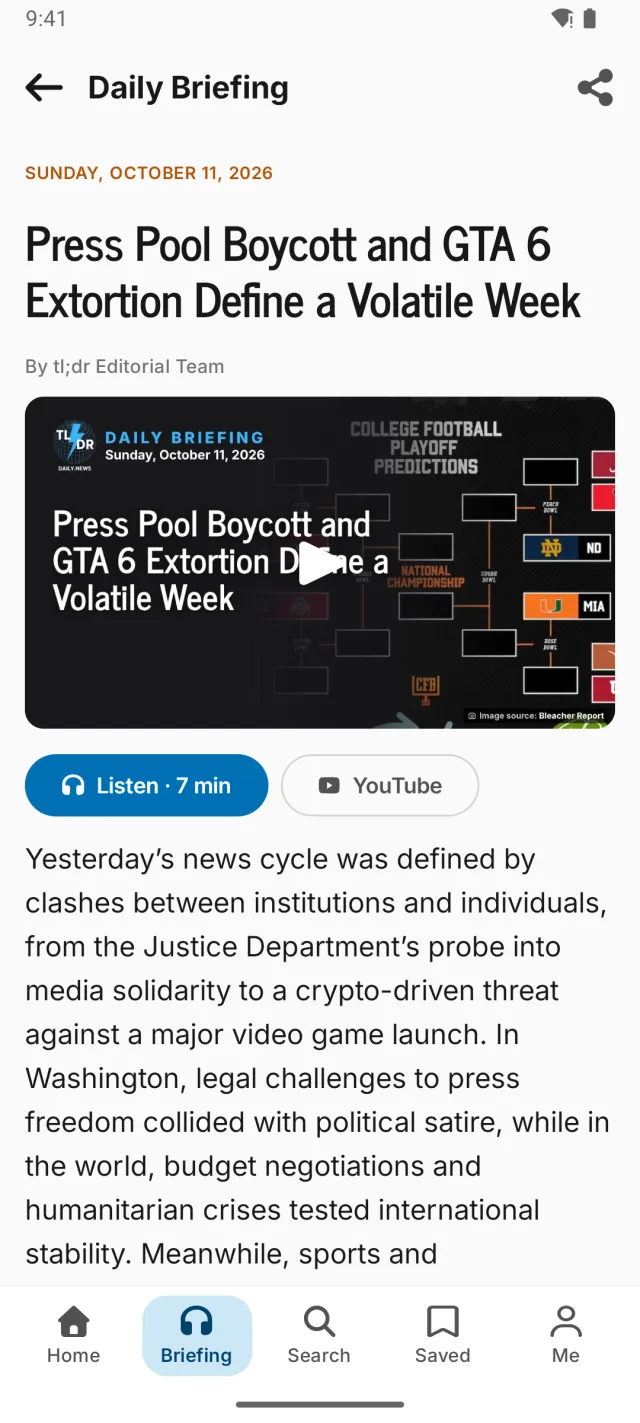
The Daily Briefing
Read it in minutes, or listen on the go.
Every morning, the day's biggest stories in one short read. Prefer to listen? Play the narrated edition and keep going: it carries on in the background while you commute, cook or work out.
- A narrated audio edition of every briefing
- Keeps playing with the screen off
- A notification when the new one is ready
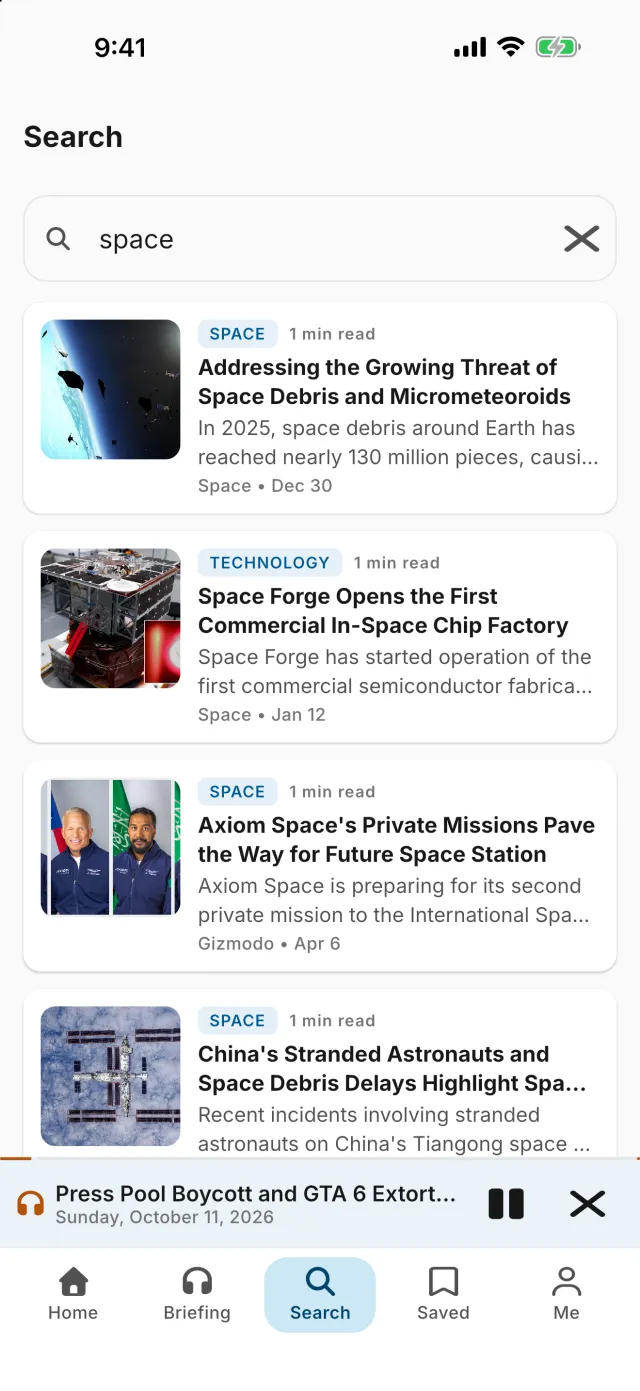
Search and topics
Find any story, fast.
Search everything we've summarized, browse what's trending, and follow the topics you care about. We'll let you know when there's breaking news or something new on a topic you follow.
- Search every summary we’ve published
- Follow topics and get alerts for them
- Trending topics, updated all day
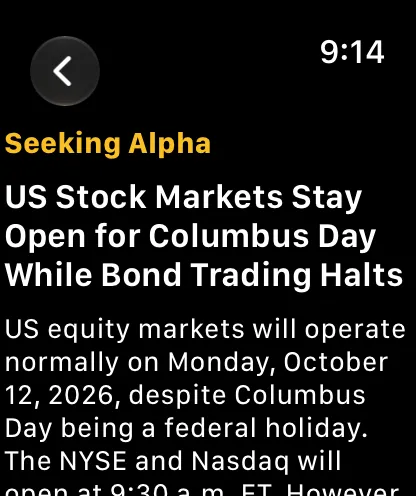
Apple Watch & Wear OS
Your briefing, on your wrist.
Start the Daily Briefing from your watch and skim the top stories between meetings. Add a complication to your Apple Watch face, or a tile on Wear OS, to see the latest briefing at a glance.
- Listen to the briefing with playback controls on your wrist
- Top stories and summaries, sized for a glance
- Complications for Apple Watch, tiles for Wear OS

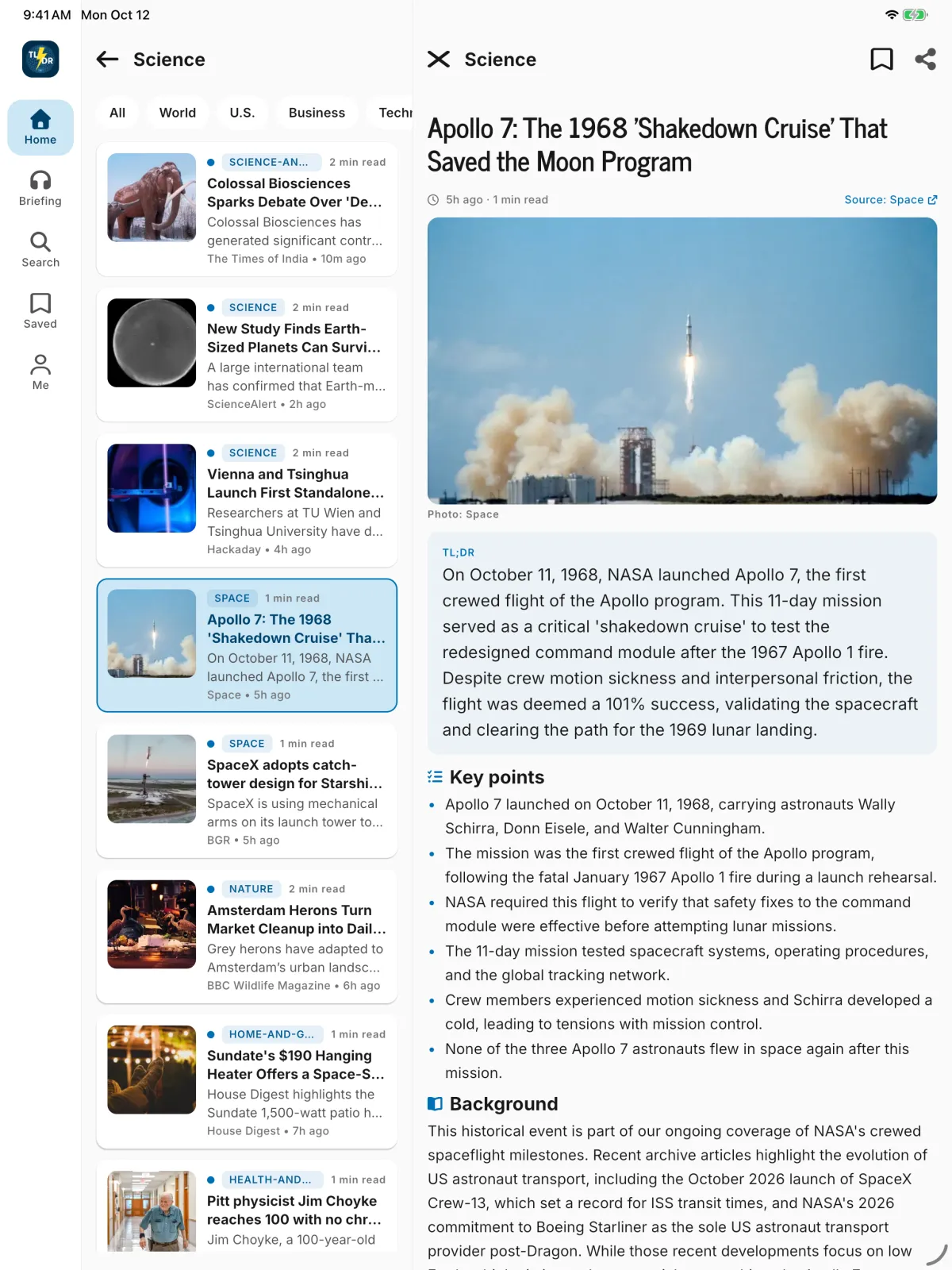
iPad and tablets
Made for bigger screens.
On iPad and Android tablets, your feed sits on one side and the full story on the other, so you can work through the news without losing your place.
- Feed and story side by side
- A side rail that keeps every section in reach
- The same saved stories as on your phone
Android TV
The Daily Briefing, on the big screen.
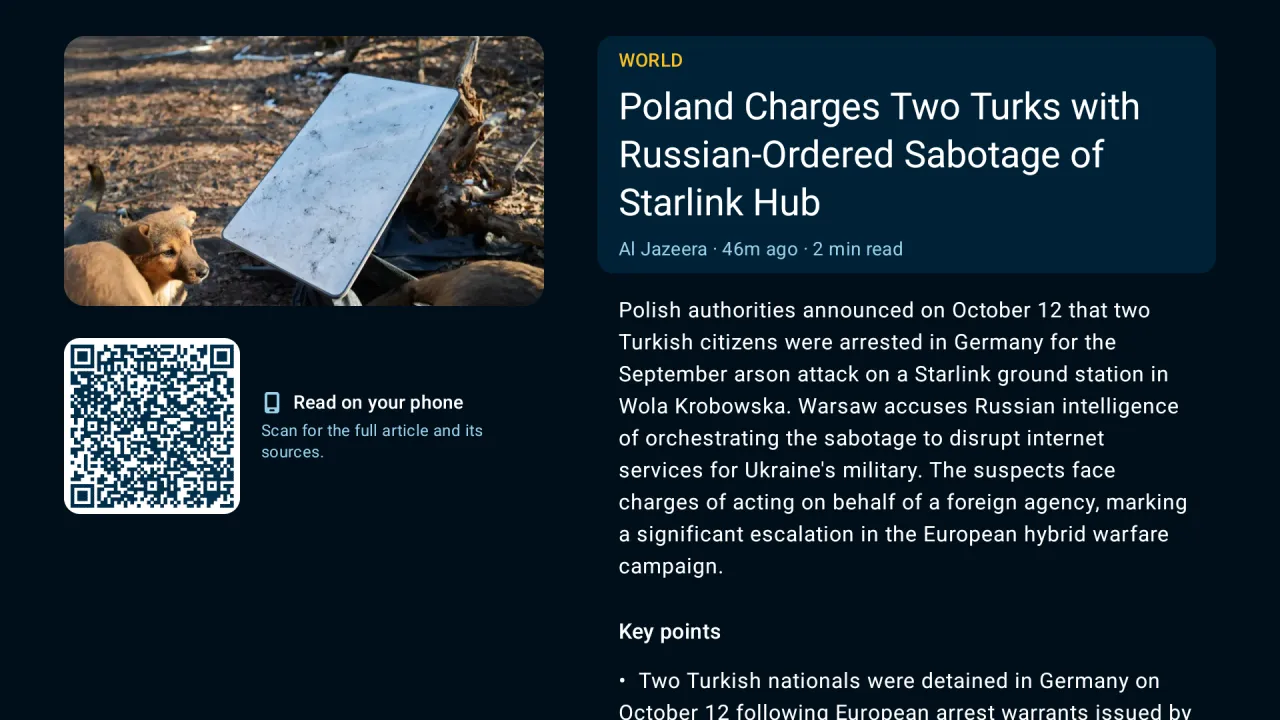
Watch, listen to or read the Daily Briefing from your couch, and browse every section with your remote. Found something worth a closer look? Scan the code on screen to keep reading on your phone.
- Watch the video edition of the briefing
- Browse sections and search with your remote
- Scan to continue any story on your phone
And there’s more
Everything you need, nothing you don’t.
Home screen widgets
Keep the latest Daily Briefing on your home screen, on iPhone and Android.
Notifications that matter
The Daily Briefing, breaking news, and new stories on the topics you follow.
Saved and synced
Save stories and follow topics with a free account, synced with tldrdailynews.com.
Quick sign-in
Sign in with Google or email (or Apple, on iPhone and iPad), or just start reading.
Light and dark
Made for reading, day or night, in light or dark mode.
Every section
World, U.S., Business, Technology, Science, Health, Sports and Entertainment.
Sources up front
Facts are credited to the outlets that reported them, and the original is one tap away.
Free to read
Every story, no paywall and no article limit. The app is supported by ads.
Questions, answered
Is the tl;dr app free?
Yes. The app is free to download and every story is free to read, with no article limit. It is supported by ads.
Which devices does it run on?
iPhone and iPad (iOS 16 or later), Apple Watch (watchOS 10 or later), Android phones and tablets (Android 8.0 or later), Wear OS watches (Wear OS 3 or later) and Android TV.
How do I get the watch app?
On Apple Watch, the tl;dr watch app comes with the iPhone app: install it from the Watch app on your iPhone or the App Store on your watch. On Wear OS, open Google Play on your watch and search for TL;DR Daily News.
Do I need an account?
No. You can read everything without signing in. A free account lets you save stories, follow topics and get notifications for them, and keeps all of that in sync with tldrdailynews.com.
Can I listen instead of reading?
Yes. The Daily Briefing has a narrated audio edition you can play in the app, in the background, or from your watch.
How are the summaries made?
We use AI tools to draft each summary from the source reporting, with facts attributed to the outlets they come from. Our editors choose what runs, review and correct what we publish, and write editor’s notes. Our editorial policy has the details.
Stay informed in minutes.
Download TL;DR Daily News free on the App Store. Coming soon to Google Play.
Coming soon toGoogle PlayApple, the Apple logo, iPhone, iPad and Apple Watch are trademarks of Apple Inc., registered in the U.S. and other countries. App Store is a service mark of Apple Inc. Google Play, the Google Play logo, Android, Wear OS, Google TV and Android TV are trademarks of Google LLC.