
"Mastering Chunk Reloading in Minecraft: A Step-by-Step Guide"
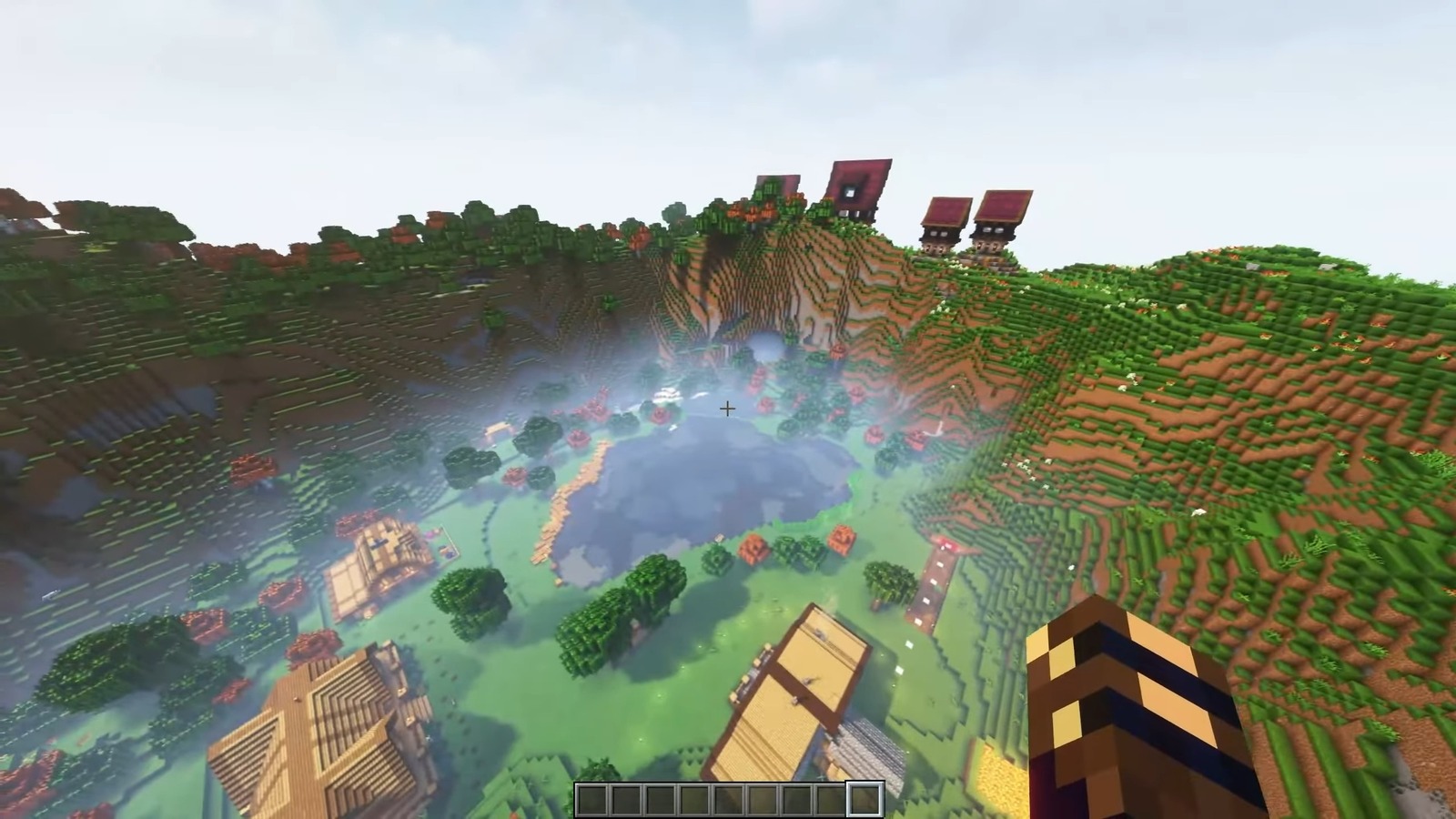
TL;DR Summary
Minecraft players can reload chunks to address performance issues by pressing 'F3' and 'A' simultaneously to refresh nearby chunks. For a more comprehensive solution, players can exit and re-enter the world to initiate a complete reload, resolving a range of accumulated issues. The choice of method depends on the nature and scope of the encountered problems.
Reading Insights
Total Reads
0
Unique Readers
9
Time Saved
1 min
vs 2 min read
Condensed
84%
351 → 56 words
Want the full story? Read the original article
Read on Dexerto