
Running Twilight Princess PC Port on Steam Deck: A Practical Guide
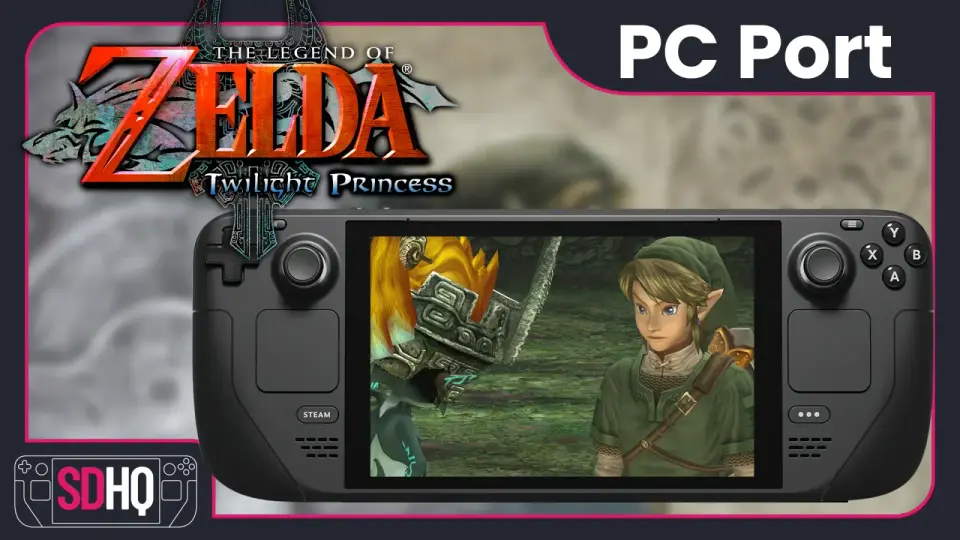
This guide explains how to run The Legend of Zelda: Twilight Princess PC Port on Steam Deck using the Dusk GitHub AppImage. You must own and legally dump your own Twilight Princess copy (USA or EUR). Steps: download the latest Linux x86 AppImage (version 1.0.0 at the time), place it in a dedicated folder, run the AppImage and point it to your dumped disc image, then add the AppImage to Steam for Game Mode. In Steam Deck game mode, it will auto-detect controls and can upscale the resolution; for better usability, set Video to fullscreen to fit the Deck’s 16:10 aspect and rebind Z to a comfortable button (the guide recommends binding it to clicking the right joystick). This is presented as a practical method to enjoy Twilight Princess on the Steam Deck, with reference to related performance settings elsewhere on the site.
- How To Install The Legend of Zelda: Twilight Princess PC Port On Steam Deck Steam Deck HQ
- Dusk Brings The Legend of Zelda Twilight Princess to PC Natively for the First Time TechEBlog -
- The Legend of Zelda: Twilight Princess finally gets a fan-made PC port, and I can't wait to see what modders do with the GameCube classic Yahoo Tech
- Zelda: Twilight Princess unofficially ported to PC with lots of extra features & quality of life My Nintendo News
- The Legend of Zelda: Twilight Princess Unofficial PC Port Released DSOGaming
Want the full story? Read the original reporting
Read on Steam Deck HQ