
"Exploring Google Gemini: A Comprehensive Guide to the New AI Platform"
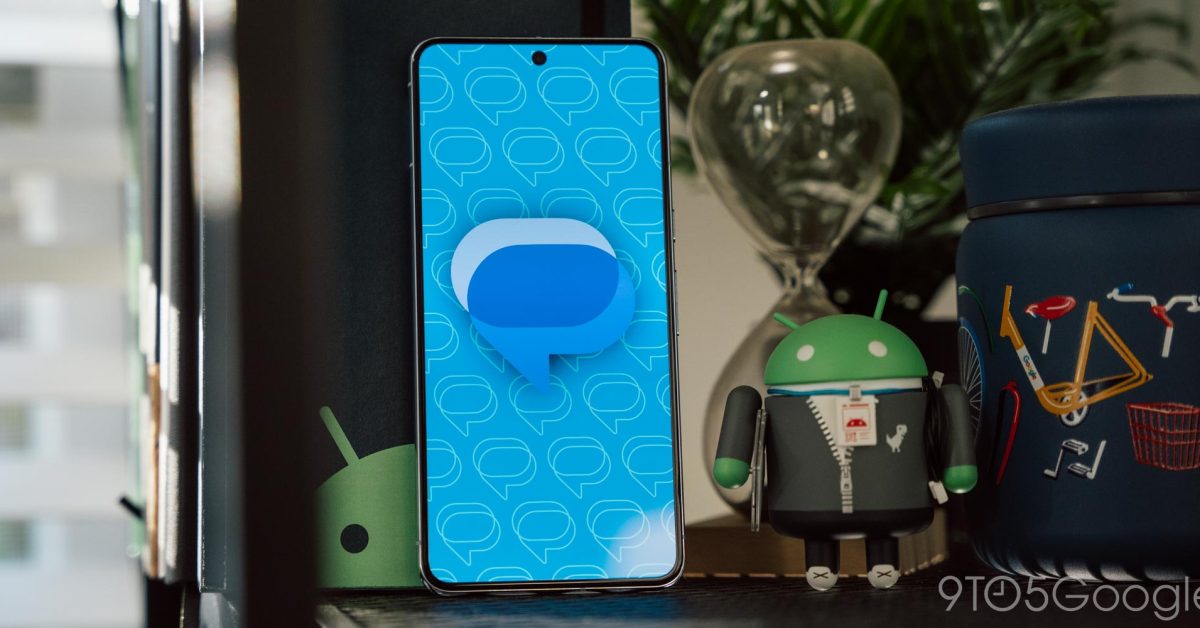
Gemini is starting to roll out for some Google Messages beta users, requiring RCS enabled, a personal Google Account, and one of the specified newer devices. The messaging UI remains familiar, with the only change being the lack of voice messages, though images can still be uploaded. Conversations are over RCS but not end-to-end encrypted, and Gemini is a direct 1:1 conversation with the LLM. Google's example use cases for Gemini include drafting messages, suggesting dinner menus, and coming up with conversation starters. Gemini is gradually rolling out to Google Messages beta testers and offers support for Gemini Extensions to access various Google services.
- Gemini in Google Messages beta rolling out for some 9to5Google
- How to Use Google Gemini AI: 14 Ways It Can Make Your Life Easier PCMag
- Here's a first look at Gemini in Google Messages (Update: Google clarifies features) Android Authority
- How to Use Gemini (Formerly Duet AI) to Create Images for Slides & Backgrounds TechRepublic
- Google Gemini: Everything you need to know about the new generative AI platform TechCrunch
Reading Insights
0
21
1 min
vs 2 min read
71%
353 → 104 words
Want the full story? Read the original article
Read on 9to5Google