
"Maximize Your Apple Watch Experience with These Essential Settings Tweaks"
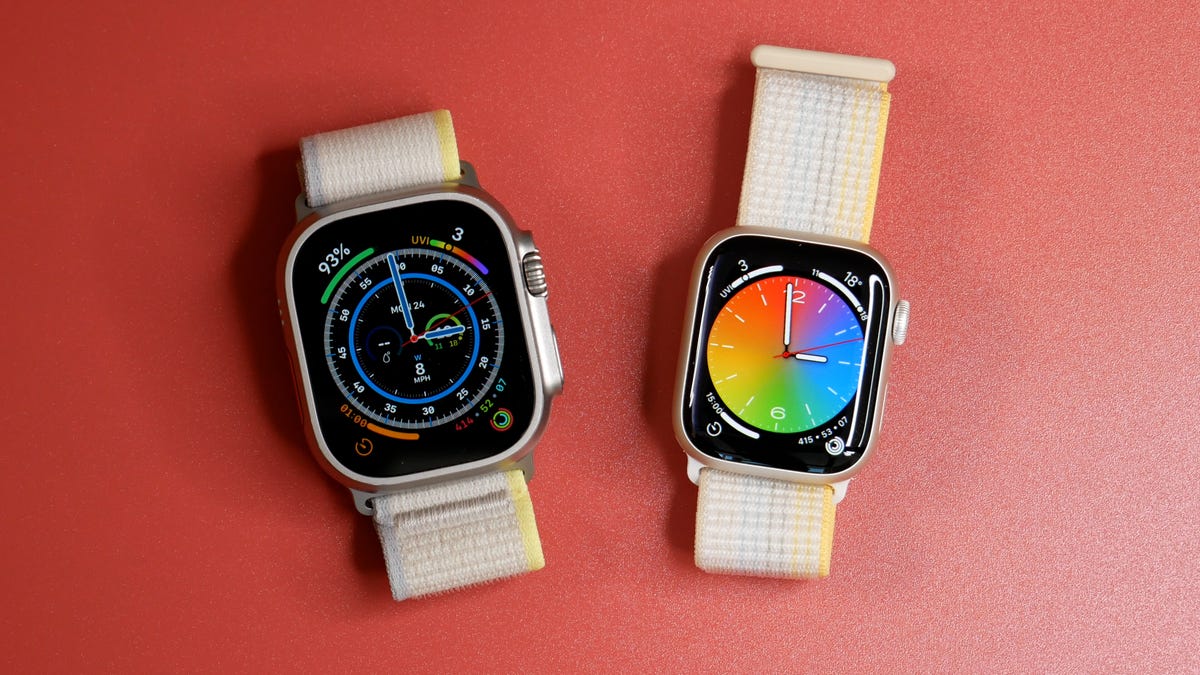
Customizing the settings on your Apple Watch can greatly enhance your user experience. Some recommended settings changes include adjusting your activity goals to fit your routine, customizing widgets to display the information you're interested in, enabling Low Power Mode to conserve battery life, disabling the ability to take accidental screenshots, setting Portrait mode photos as your watch background, extending the screen awake time, preventing automatic app installations, silencing notifications, configuring Siri to only speak when wearing headphones, increasing font size for easier reading, disabling the Breathe reminder, unlocking your watch with your iPhone, switching to list view for easier app navigation, controlling when Siri is activated, and rearranging the Control Center to prioritize frequently used options.
Reading Insights
0
14
11 min
vs 12 min read
95%
2,279 → 116 words
Want the full story? Read the original article
Read on CNET