
One UI 9 Update Glitch Leaves Galaxy Devices Stuck on Error Screen
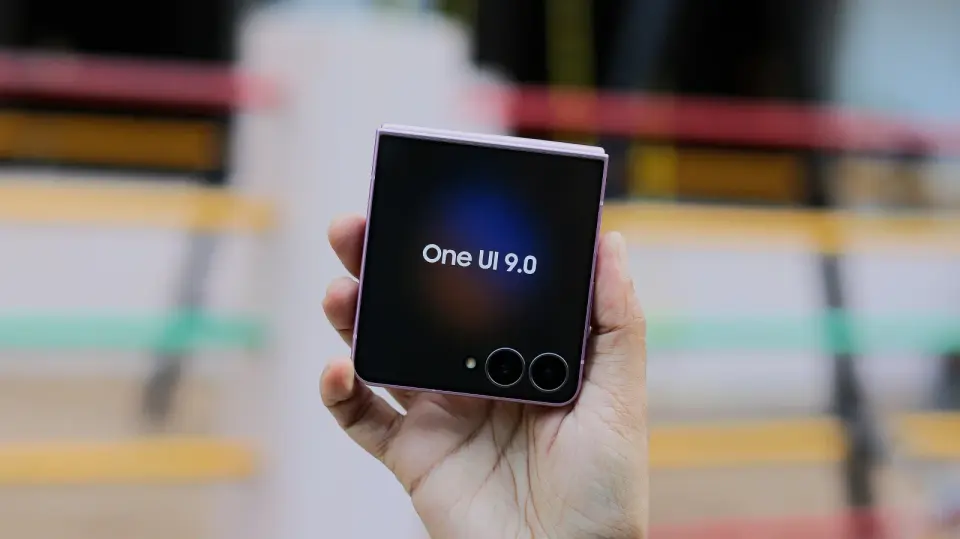
Samsung's latest One UI 9 update is causing some Galaxy devices to freeze on an error screen instead of displaying the standard changelog. Users report that standard restarts do not resolve the issue, but a specific workaround involving Safe Mode and Airplane Mode can restore functionality. The problem appears linked to a server-side change by Samsung intended to prevent firmware leaks, which has inadvertently broken the update process for some users.
Key points
- Several users report that their Galaxy devices get stuck on a scary-looking error screen after installing the One UI 9 update, preventing access to the phone.
- Standard restarts do not fix the issue, but a workaround involves force-restarting the device, booting into Safe Mode, enabling Airplane Mode, and then restarting again.
- The glitch is attributed to a server-side change by Samsung aimed at preventing firmware leaks, which has caused unintended consequences for users.
- Samsung is expected to roll back the problematic changes, but users are advised to enable Airplane Mode before updating to avoid the issue.
- The One UI 9 update, based on Android 17, is currently rolling out to various Galaxy models, including the S24, S25, and Z Fold 7 series.
Background
This issue arises during the accelerated global rollout of One UI 9, which is based on Android 17. The update has recently reached the Galaxy S24 series in Europe and India, following earlier releases for newer flagships like the S25 and Z Fold 7. While the update introduces new AI-driven features such as video reframing and a warranty dashboard, user satisfaction has been mixed due to a lack of major visual changes. The current glitch adds to concerns about the stability of the update process for some users.
Why it matters
This glitch highlights the risks associated with large-scale software updates, particularly when server-side changes are implemented without adequate testing. For users, it can cause significant anxiety and inconvenience, as the error screen prevents access to the device. For Samsung, it may lead to increased support requests and potential reputational damage if not resolved quickly. The issue also underscores the importance of thorough testing before rolling out major updates to a wide user base.
What to watch
Samsung is expected to roll back the server-side changes that caused the error screen. In the meantime, users are advised to enable Airplane Mode before updating their devices to avoid the issue. If the problem persists, users should follow the Safe Mode workaround to restore functionality. Samsung may also issue a new update to address the glitch and ensure a smoother experience for all users.
Want the full story? Read the original reporting
Read on SamMobile