
RGB Driver Naming Conflict Blamed for Windows 11 Game Crashes
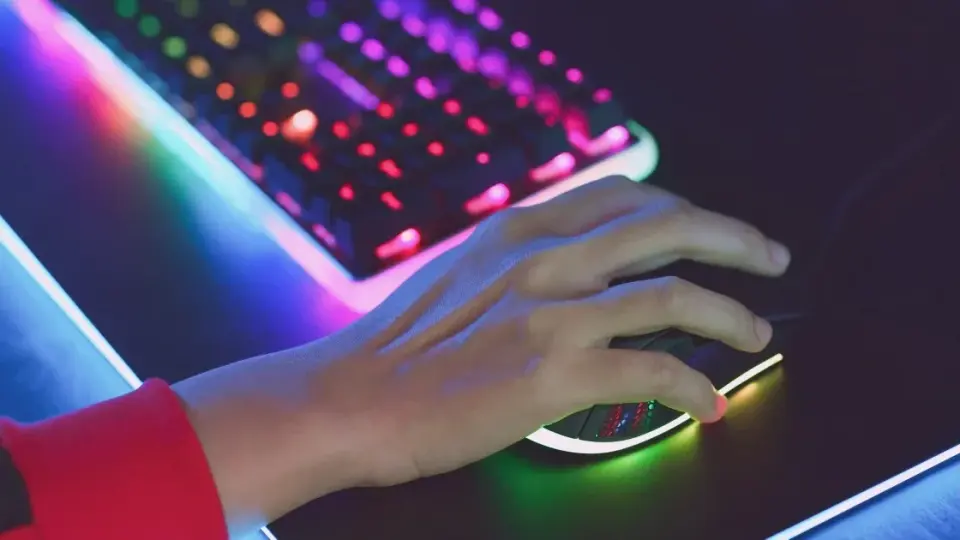
Microsoft identified RGB peripheral software as the cause of game crashes following the August 2026 Windows 11 update. The issue stems from a driver file named similarly to a core system file, causing conflicts in titles like ARC Raiders and The Finals. A temporary workaround involves deleting the conflicting driver, though no official patch has been released yet.
Key points
- Microsoft attributes the crashes to RGB lighting peripherals installing drivers with file names similar to 'inpoutx64.sys'.
- The August 2026 update (KB5121003) triggered compatibility issues with these third-party drivers, affecting games from Embark Studios.
- Affected titles include ARC Raiders, The Finals, and MARVEL Tōkon: Fighting Souls, causing errors like EXCEPTION_ACCESS_VIOLATION.
- Embark Studios provided a workaround to stop and delete the 'inpoutx64' service and remove the driver file from the system.
- Microsoft has not yet released a permanent fix but is investigating the relationship between the RGB components and the game crashes.
Background
This incident follows a pattern of driver-related issues in recent Windows 11 updates. In July 2026, Microsoft paused the KB5101650 update for certain Dell PCs due to conflicts with Intel IPF drivers that caused overheating and shutdowns. Additionally, earlier in 2026, concerns arose regarding the Global Device Identifier (GDID) used for tracking, highlighting ongoing scrutiny of Windows system-level changes and their impact on user stability and privacy.
How outlets are covering it
PCMag and Tom's Hardware emphasize that the root cause is not the RGB hardware itself, but the software drivers installed by peripherals that share file names with core Windows system files. PCWorld highlights the broader instability of the KB5121003 update, noting additional issues such as broken HDR, black screens, and corrupted Windows Hello PINs, suggesting the update may have introduced multiple regressions. Windows Latest focuses on the specific technical conflict, noting that while Microsoft's official release notes initially claimed no issues, user reports and Embark Studios confirmed the problem. Windows Latest also advises caution against uninstalling the update due to the 400+ security vulnerabilities it patches, including a zero-day vulnerability known as 'LegacyHive', whereas PCWorld suggests uninstalling the update as a last resort for severely affected users.
Why it matters
This issue highlights the risks of third-party driver conflicts in major operating system updates. For gamers and PC enthusiasts, it demonstrates how peripheral software can inadvertently destabilize core system functionality. For Microsoft, it underscores the challenge of ensuring update compatibility across a vast ecosystem of third-party hardware and software, potentially affecting user trust in mandatory security patches.
What to watch
Microsoft is expected to provide an update once more information is available regarding the relationship between RGB components and the affected games. Embark Studios is working on a long-term fix, while users are advised to monitor for a permanent solution or wait for the September 2026 update. In the interim, affected users may need to apply the driver deletion workaround or uninstall the KB5121003 update if their systems are severely impacted.
- Windows 11 Gaming Issue Linked To RGB Devices of All Things PCMag
- Microsoft blames RGB peripherals for crashing Windows 11 — RGB software is causing blue screens, crashes, and game freezes Tom's Hardware
- Windows 11’s August update is crashing games and causing PC problems PCWorld
- Windows 11 KB5121003 is triggering game crashes and other issues on some PCs Windows Latest
- ARC Raiders developer Embark Studios confirms Windows 11's KB5121003 update introduced a serious new crash — Here's a temporary fix while Microsoft investigates Windows Central
Want the full story? Read the original reporting
Read on PCMag