
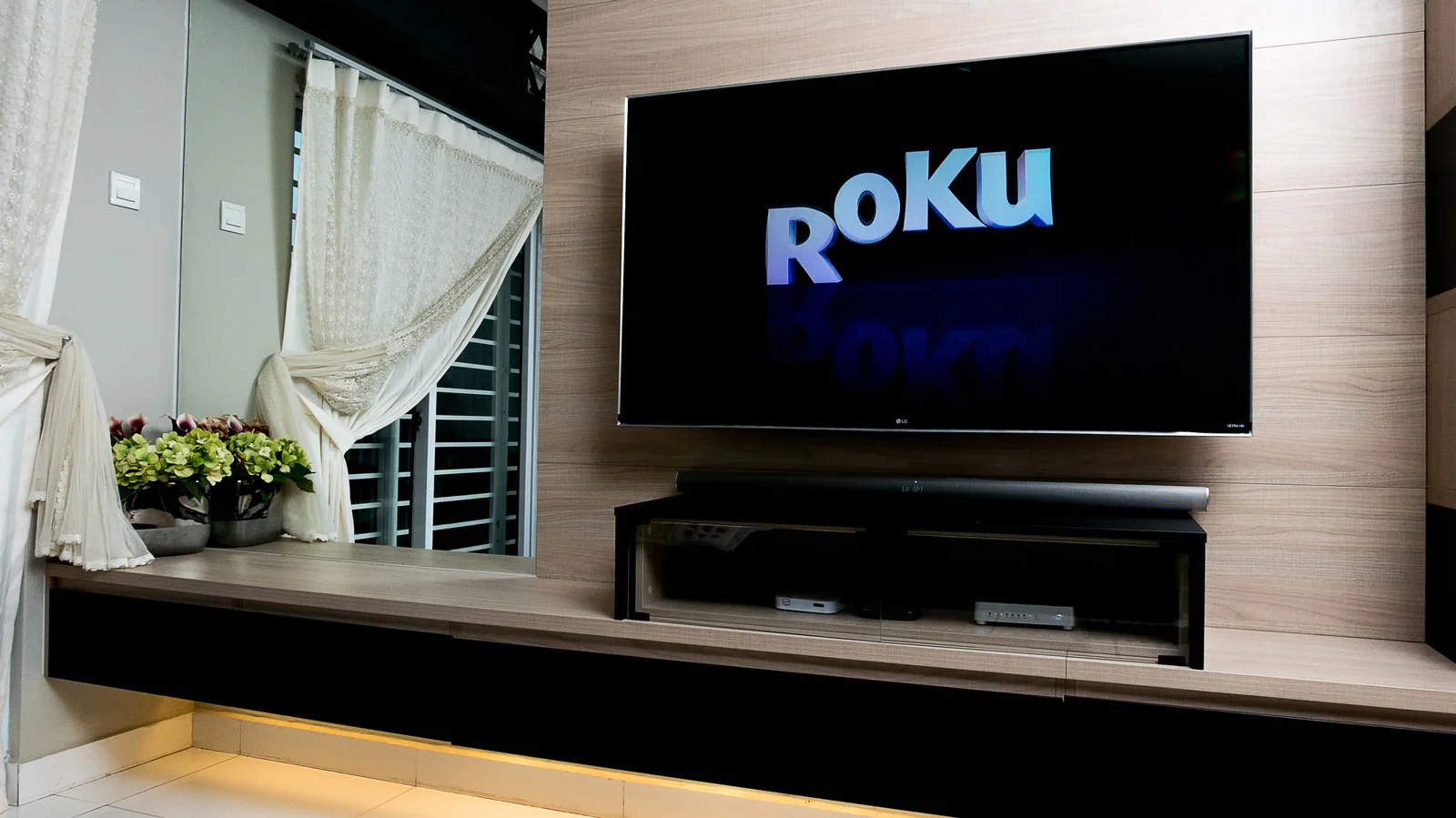
Roku TV Reset Guide: From Quick Restart to a Fresh Start
This guide explains how to reset a Roku TV, from a non-destructive soft reset that reboots the device and preserves apps and settings, to a full factory reset that erases all accounts and data and requires reactivation. It covers using the remote (Settings > System > Power > System restart or Factory reset), performing a hardware reset via pinhole or two-button combos on various models, resetting without a remote via the Roku app, and steps for reconnecting Wi-Fi and reinstalling apps after a reset. It also advises having your Roku account credentials handy and notes possible issues like resets due to updates or hardware faults.