
Five essential Android Auto tweaks for a safer drive
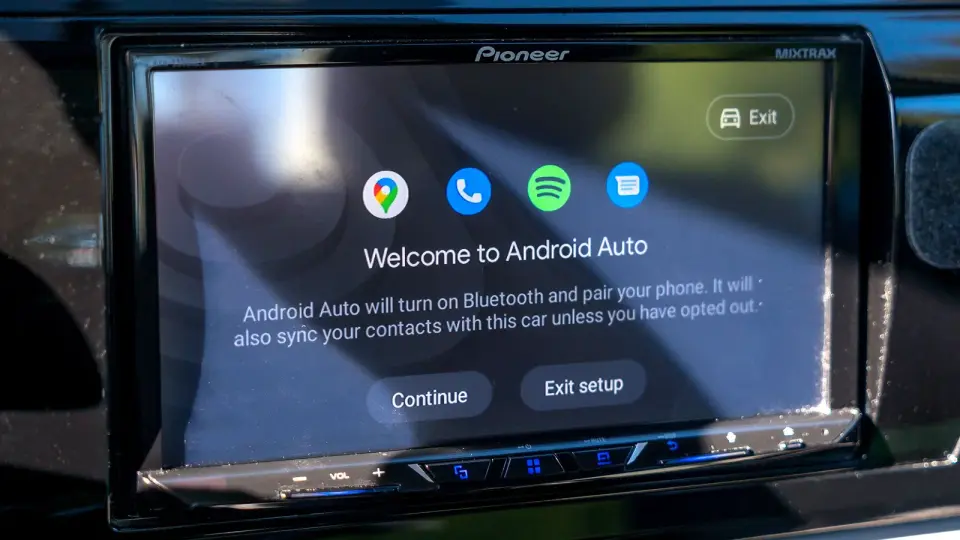
TL;DR
Android Auto can be improved with five quick tweaks: stop music from auto-playing when connected; minimize notification distractions by turning off the message chime or removing apps from the Android Auto drawer; prevent Android Auto from starting automatically (no direct setting—use the workaround to disable Start Android Auto while the phone is locked); create shortcuts in Customize Launcher for frequent actions; and enable Taskbar widgets to control playback from the taskbar, so you can stay focused on the road.
Topics:technologyapps-and-software#android-auto#apps-and-software#car-infotainment#driving-safety#settings#tips
- 5 Android Auto settings I always change on any new Android phone Android Central
- Unlock Android Auto’s Hidden Setting That Transforms Your Car Display Quality Talk Android
- 5 underrated Android Auto features that make long trips not just bearable, but enjoyable Android Police
- 7 Android Auto apps that actually make driving better (instead of just mirroring your phone) Yahoo Autos
- 5 Android Auto settings you should change from your phone Yahoo Autos
Want the full story? Read the original reporting
Read on Android Central