apps-and-software127.73 min read
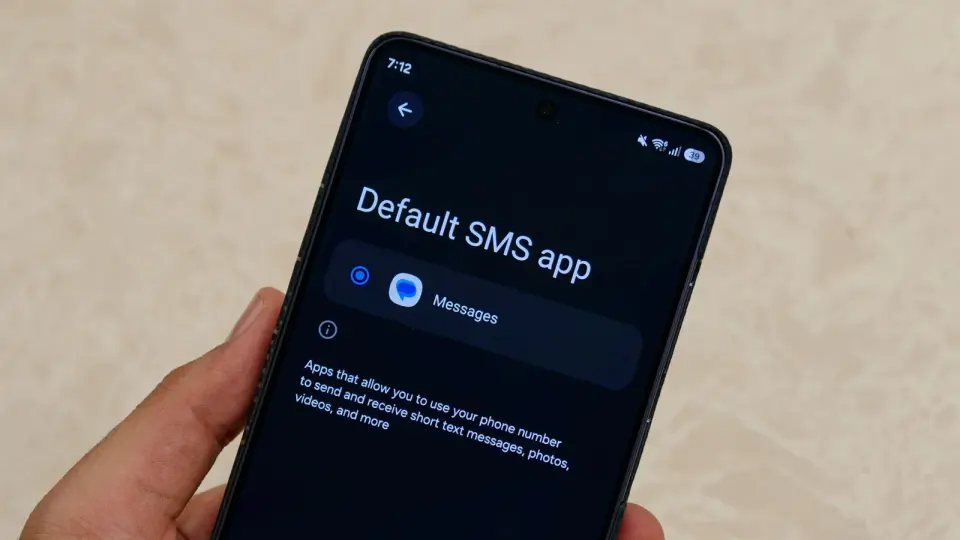
Galaxy users hit RCS snag after Smart Switch transfer, Google blames cached data
1 month ago•Source: Android Central

The latest apps and software stories, each synthesized from multiple sources with added background and context.
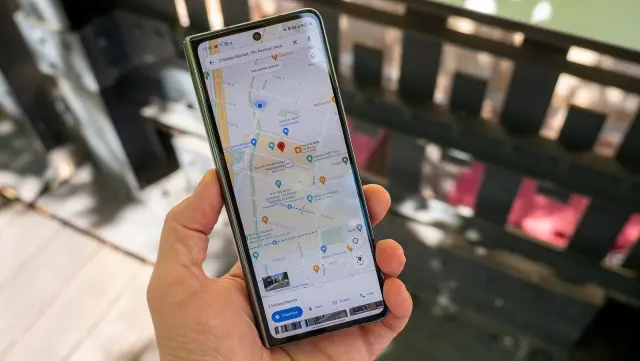
Hidden strings in the latest Google Maps build point to an upcoming feature called 'Ask Maps to order food' that would let Maps place a restaurant order via Gemini-powered natural-language conversations, potentially replacing separate ordering apps. The feature isn’t live yet, and it’s unclear whether ordering would happen in the cloud or on-device, with no public test or launch timeline.
Android Central•4 months ago
Android Central•4 months ago
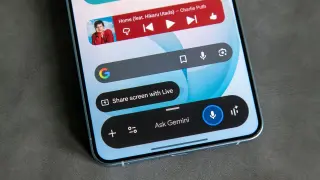
Google reportedly is testing Remy, a Gemini-powered AI assistant designed to act as a proactive digital operator inside the Gemini app, capable of managing work, school and personal tasks, learning user habits, and planning actions beyond simple questions. The move signals a shift toward agentic AI—integrating planning and task execution across Google services like Workspace, Android and Search—though no launch date is set and privacy concerns persist.
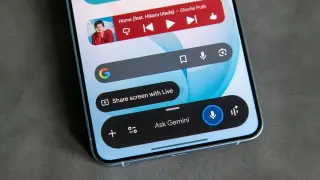
Google says AICore may temporarily consume a large amount of storage while background AI model updates run, keeping both the old and new models for up to three days as a rollback fail-safe, and freeing the extra space automatically once the update is stable (some users may see 10–11 GB temporarily).

Google's Gemini can now create and directly download common file formats—PDFs, Word, Excel, as well as Google Docs, Sheets, and Slides—straight from chat, removing the need to copy-paste content. Supported formats include Docs, Sheets, Slides, .pdf, .docx, .xlsx, .csv, LaTeX, TXT, RTF, and Markdown; PowerPoint export is not directly available yet. The feature is rolling out to all users starting today.
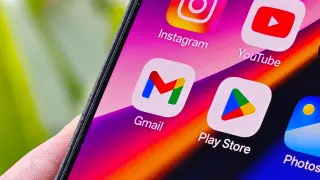
Google is reportedly redesigning Workspace app icons—including Gmail, Drive, Calendar, Docs, Sheets, Meet, and more—with a gradient style and color-shift away from the four-brand palette, giving a fresher look that hints at deeper AI integration; rollout hasn’t begun yet.
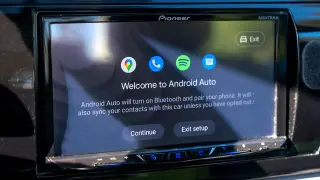
Android Auto can be improved with five quick tweaks: stop music from auto-playing when connected; minimize notification distractions by turning off the message chime or removing apps from the Android Auto drawer; prevent Android Auto from starting automatically (no direct setting—use the workaround to disable Start Android Auto while the phone is locked); create shortcuts in Customize Launcher for frequent actions; and enable Taskbar widgets to control playback from the taskbar, so you can stay focused on the road.
Google is rolling out a feature that lets you change your Gmail username (the part before @gmail.com) without resetting your account data. Your old address remains available as an alias, and all data stays intact, with the option to switch back. Availability is currently limited to the US and India, and you can change your username only once per year (up to four usernames total per account, since you can change it three times after the original). Chromebook users may need to remove and re-add their Google account, and you may need to sign back into some apps after the change.
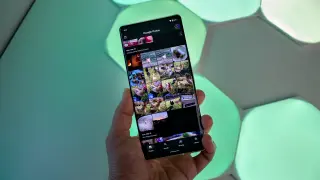
Google Photos on Android now lets you speed up or slow down videos (0.5x to 2x) inside the app; the feature is rolling out gradually and isn’t yet available on iOS, addressing a long-standing gap in the gallery app.
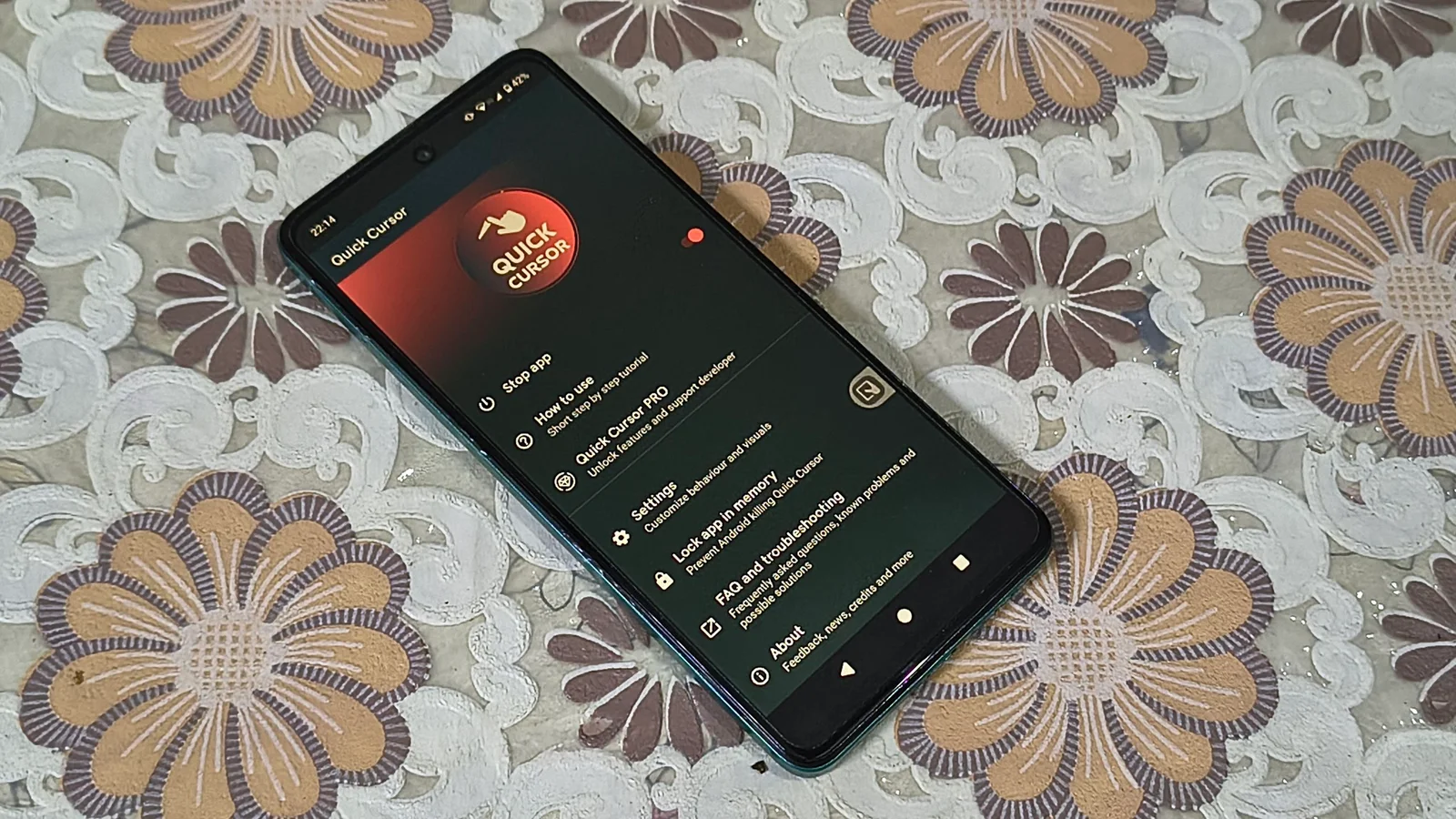
Android Central reviews Quick Cursor, an app that overlays a floating cursor and a tracker on your display to turn large smartphones into one-hand-friendly devices. You activate it by swiping from the screen’s bottom half; the tracker acts as a mini touchpad for tapping and swiping UI elements in the top half. Setup requires granting accessibility access. The app is freemium—the base features are free, with paid options for advanced gestures and customization. It's presented as a convenient alternative to shrinking your grip on bigger phones.
Google's Gemini 3.1 Flash Live speeds up real-time AI help by delivering low-latency, voice-first responses with a larger context window, multilingual support, and improved acoustic nuance; it enhances Gemini Live/Search Live with real-time features like camera and screen-sharing and is accessible via the Gemini API and AI Studio for developers and enterprises.
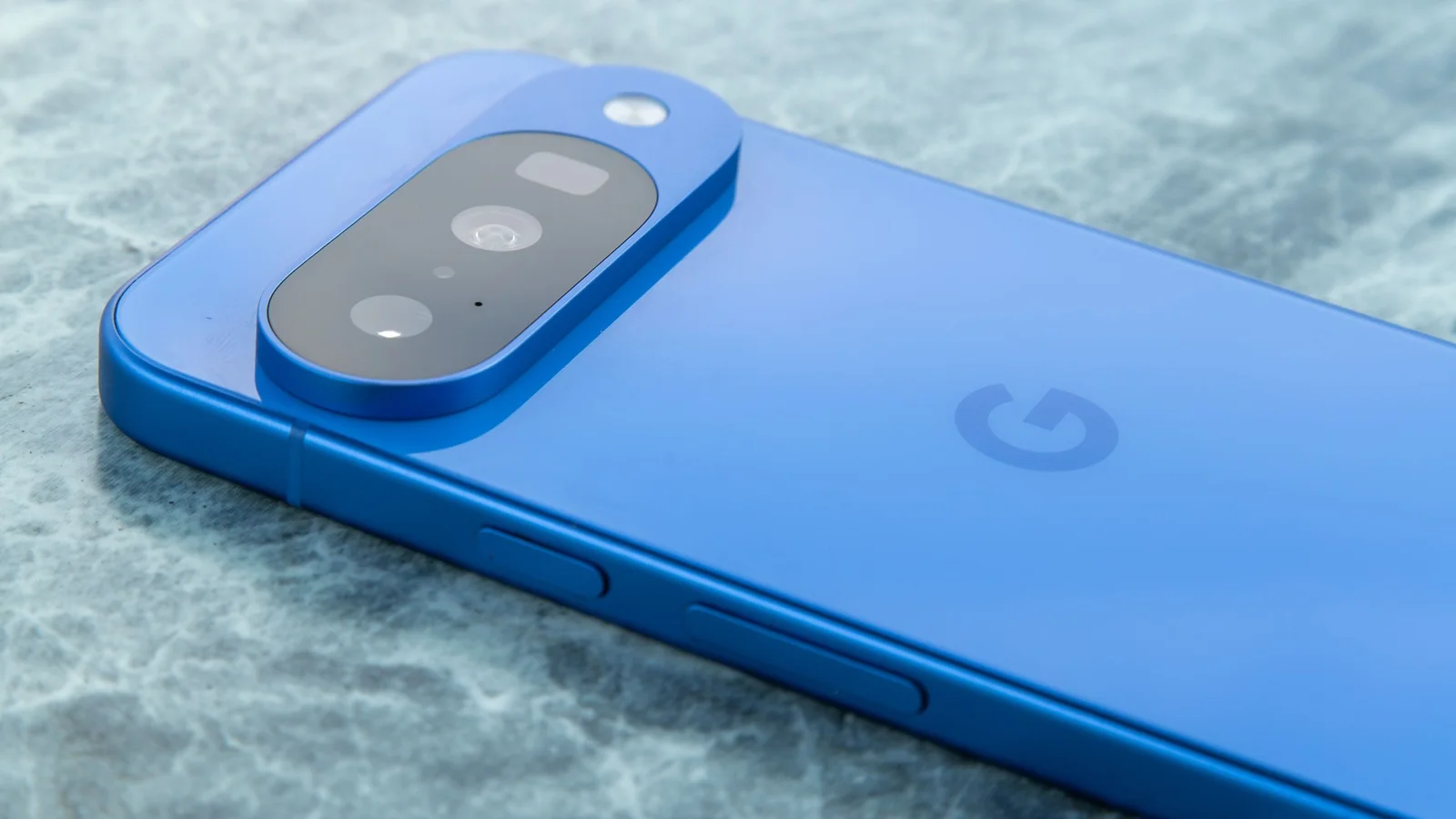
Google has turned Now Playing into a standalone Pixel app on the Play Store, moving it out of Settings to enable faster updates and greater visibility. The app still identifies songs entirely on-device using a fingerprint database (no audio is sent to the cloud), and Google is testing a refreshed UI with clearer album art and easier navigation between the song history and recognition features.