
GTA 6 Launch: Essential Settings Tweaks for Performance, Aiming, and HDR
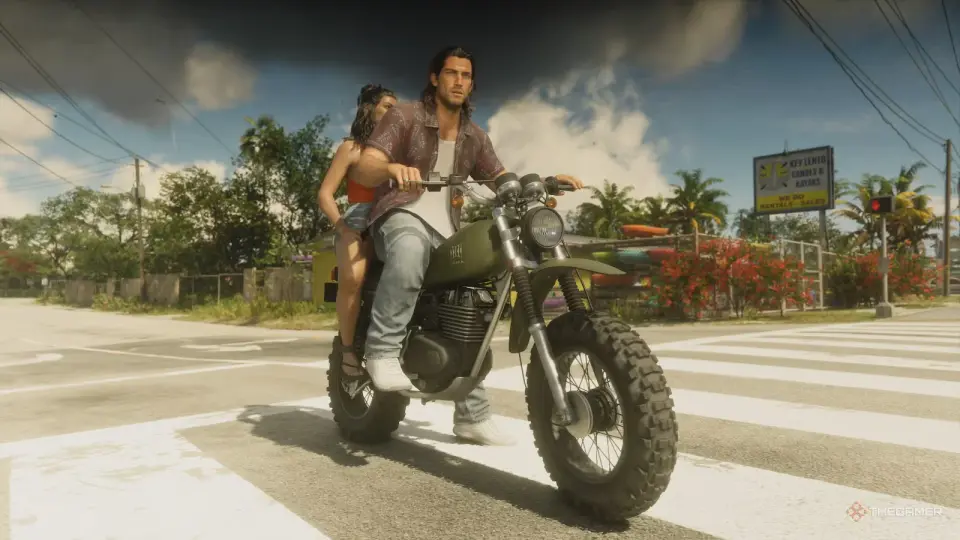
GTA 6 launched on November 19, 2026, with a fixed 30 FPS target across all current-gen consoles. Players are advised to adjust motion blur, camera shake, and aim sensitivity to mitigate visual artifacts and improve control. While the PS5 Pro offers the best visuals via PSSR, the game’s HDR calibration tool is currently buggy, requiring manual workarounds. For streamers, muting licensed music is critical to avoid copyright strikes, and accessibility options like 'God Mode' remain available for those seeking a less challenging experience.
Key points
- GTA 6 is locked at 30 FPS on PS5, PS5 Pro, and Xbox Series X/S, with no 60 FPS mode planned for current hardware.
- The default control scheme ties sprinting to the left stick, but a 'Classic' preset is available for players preferring traditional button inputs.
- Recommended aim settings include 'Partial' targeting and Aim Assist strength of 4, while Free Aim is generally discouraged for controller users.
- Motion blur and camera shake should be reduced or disabled to improve clarity, as the 30 FPS cap can cause visual smearing and stutter.
- The in-game HDR calibration tool is malfunctioning, linking maximum brightness and paper white values incorrectly; community workarounds are currently the only solution.
- Streamers must enable 'Mute Licensed Music' to prevent copyright flags, though this removes the game's dynamic soundtrack.
Background
GTA 6 launched on November 19, 2026, following a period of intense anticipation and pre-release marketing. Our archive notes that Rockstar confirmed the 30 FPS lock due to hardware limitations, with the PS5 Pro offering the highest fidelity through ray-traced shadows and PSSR upscaling. The Xbox Series S version faces the most performance challenges, relying on FSR 4 to upscale from 720p. This launch coincided with broader retail initiatives, such as Best Buy's 'Gamers' hub, designed to capitalize on major title releases.
How outlets are covering it
Outlets differ in their emphasis on technical fixes versus gameplay adjustments. TheGamer and Red Bull focus heavily on controller sensitivity, aiming assists, and HUD customization to enhance playability. RTINGS.com shifts the focus to external hardware, analyzing how TV motion interpolation can mitigate the 30 FPS stutter, with mixed results across brands like TCL, Hisense, and Samsung. GameSpot highlights a specific software defect, noting that the HDR calibration tool is broken and requires manual workarounds, a detail not emphasized in the other guides. While TheGamer suggests lowering motion blur to help with the 30 FPS cap, RTINGS argues that TV-based interpolation may introduce input lag, creating a trade-off between smoothness and responsiveness.
Why it matters
With 45 million players expected to engage with the game, these settings directly impact the core experience. The 30 FPS lock is a significant departure from modern standards, making visual and input tweaks essential for comfort. The broken HDR tool and copyright risks for streamers represent immediate hurdles that could detract from the game's reputation if not addressed. Understanding these adjustments helps players optimize their hardware and gameplay style, ensuring a smoother experience despite the technical limitations of the current console generation.
What to watch
Rockstar has released the first patch, primarily addressing widespread bugs, but the HDR calibration issue remains unresolved. Players should monitor for future updates that may fix the brightness/white point linkage. Streamers should continue to manually censor content or edit videos to avoid platform strikes, as the 'Mute Licensed Music' setting does not guarantee full copyright protection. As the game evolves, further tweaks to aim sensitivity and accessibility options may become necessary based on community feedback and potential performance patches.
- GTA 6 Is Finally Here, But You'll Want To Change These Settings Before Getting Started TheGamer
- GTA 6 best settings: The options you should change first on PS5 and Xbox Red Bull
- GTA VI At 30 FPS: Can Your TV Save The Day? RTINGS.com
- Grand Theft Auto 6’s HDR Is Broken, But These Tweaks Can Fix It GameSpot
- GTA 6 Has An Impressive Number Of Accessibility Options To Make The Game Less Frustrating Kotaku
Want the full story? Read the original reporting
Read on TheGamer