
Optimize Your Display for GTA 6’s 30 FPS Launch
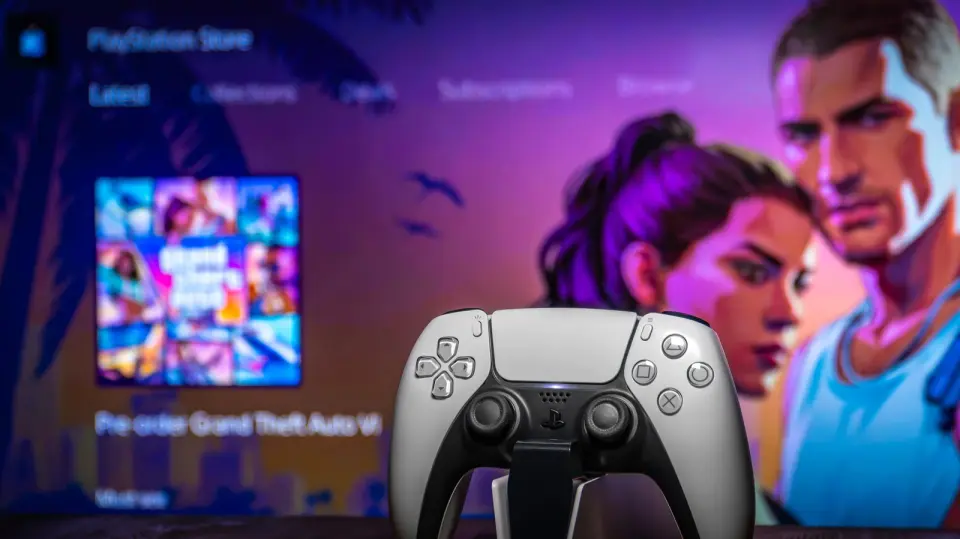
Grand Theft Auto 6 launches on November 19 for PS5 and Xbox Series X|S, targeting a 30 FPS frame rate. To ensure the best visual and audio experience, players should enable Game Mode, configure audio passthrough, and activate 4K HDR settings.
Key points
- Enable Game Mode or Auto Low Latency Mode (ALLM) to minimize input lag, which is critical for the game's 30 FPS target.
- Ensure motion smoothing is disabled to prevent artificial frame insertion, which adds delay and visual artifacts during fast-paced action.
- Configure audio settings to match your hardware, such as enabling Tempest 3D AudioTech on PS5 or selecting Dolby Atmos/DTS:X on Xbox, to avoid unnecessary downmixing.
- Activate 4K resolution and HDR on both the console and display to preserve color accuracy and detail in neon-lit and high-contrast scenes.
- Consider enabling VRR as a failsafe, though it may not engage if the game's 30 FPS falls below the TV's native VRR range.
Background
GTA 6 launches on November 19 for PS5 and Xbox Series X|S, featuring a fictionalized Florida setting called Leonida and centering on the criminal duo Jason and Lucia. The game has received critical acclaim with a 99 Metacritic score and introduces systemic changes like a fuel requirement and dynamic criminal profiles. While PC players must wait, console versions support visual enhancements like PSSR AI upscaling and ray-traced shadows on the PS5 Pro.
Why it matters
Proper display configuration is essential for experiencing GTA 6 as intended, given its focus on high graphics fidelity and spatial audio. Incorrect settings can introduce input lag or wash out colors, detracting from the detailed animations and narrative-driven gameplay that define the title.
What to watch
Players should fine-tune color temperature and sharpness settings after starting the game, as personal preference may vary. Future updates may support higher refresh rates, but the current 30 FPS target means high-refresh-rate displays are not strictly necessary for optimal performance.
Want the full story? Read the original reporting
Read on BGR