
Guide to Creating Clear iPhone App Icons with iOS 26
TL;DR
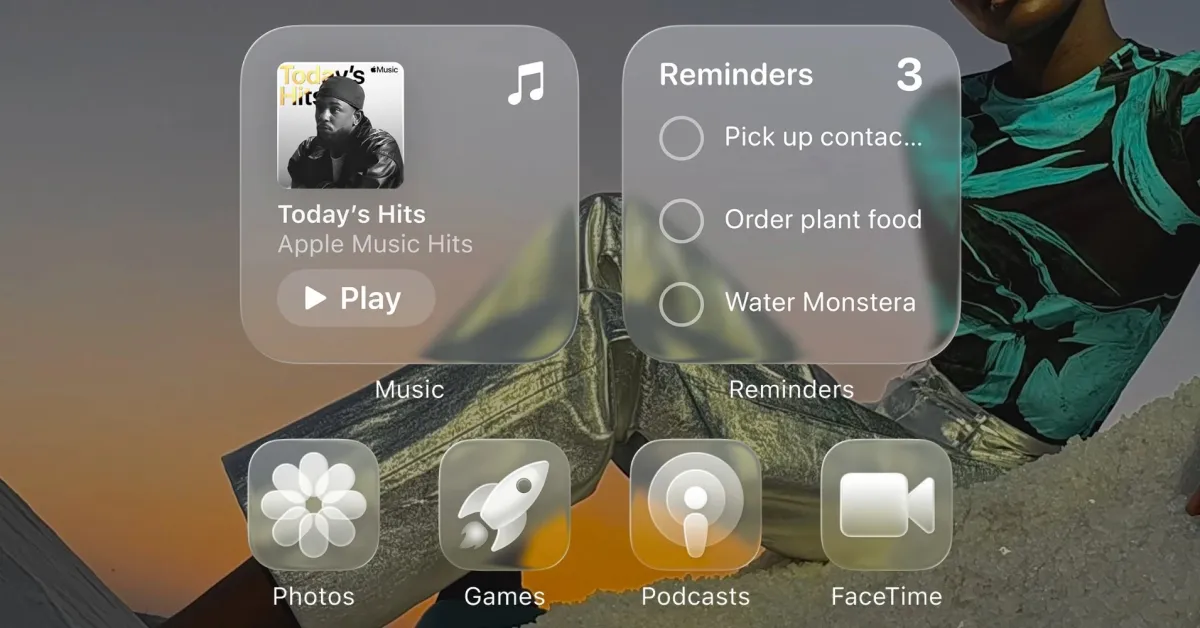
iOS 26 introduces a new system-wide Liquid Glass redesign allowing users to make all app icons transparent or clear, offering a dramatic new look for the Home Screen on iPhone, iPad, and Mac, with customizable options for light, dark, auto, and tinted appearances.
Topics:top-newstechnology#app-icons#clear-mode#home-screen-customization#ios-26#liquid-glass#technology
Want the full story? Read the original reporting
Read on 9to5Mac