
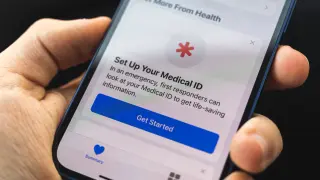
iPhone Lifeline: Set Up Medical ID and Emergency Contacts
Learn how to pre‑configure your iPhone’s Medical ID and Emergency Contacts in the Health app so first responders and loved ones can access crucial data in a crisis. The guide covers showing Medical ID on the lock screen, sharing during emergencies, adding multiple emergency contacts, and using Emergency SOS with options like Call with 5 Button Presses or Call Quietly. It also notes related features like Emergency Bypass, how to test settings, and updates such as satellite connectivity and 911 texting where available, emphasizing regular reviews to keep information current.