
A quick guide listing five settings to improve TV picture: switch to Movie/Filmmaker mode, turn off motion smoothing, lower brightness, disable dynamic contrast/adaptive brightness, and enable HDMI Enhanced Format for gaming, yielding a crisper, more cinema-like image.
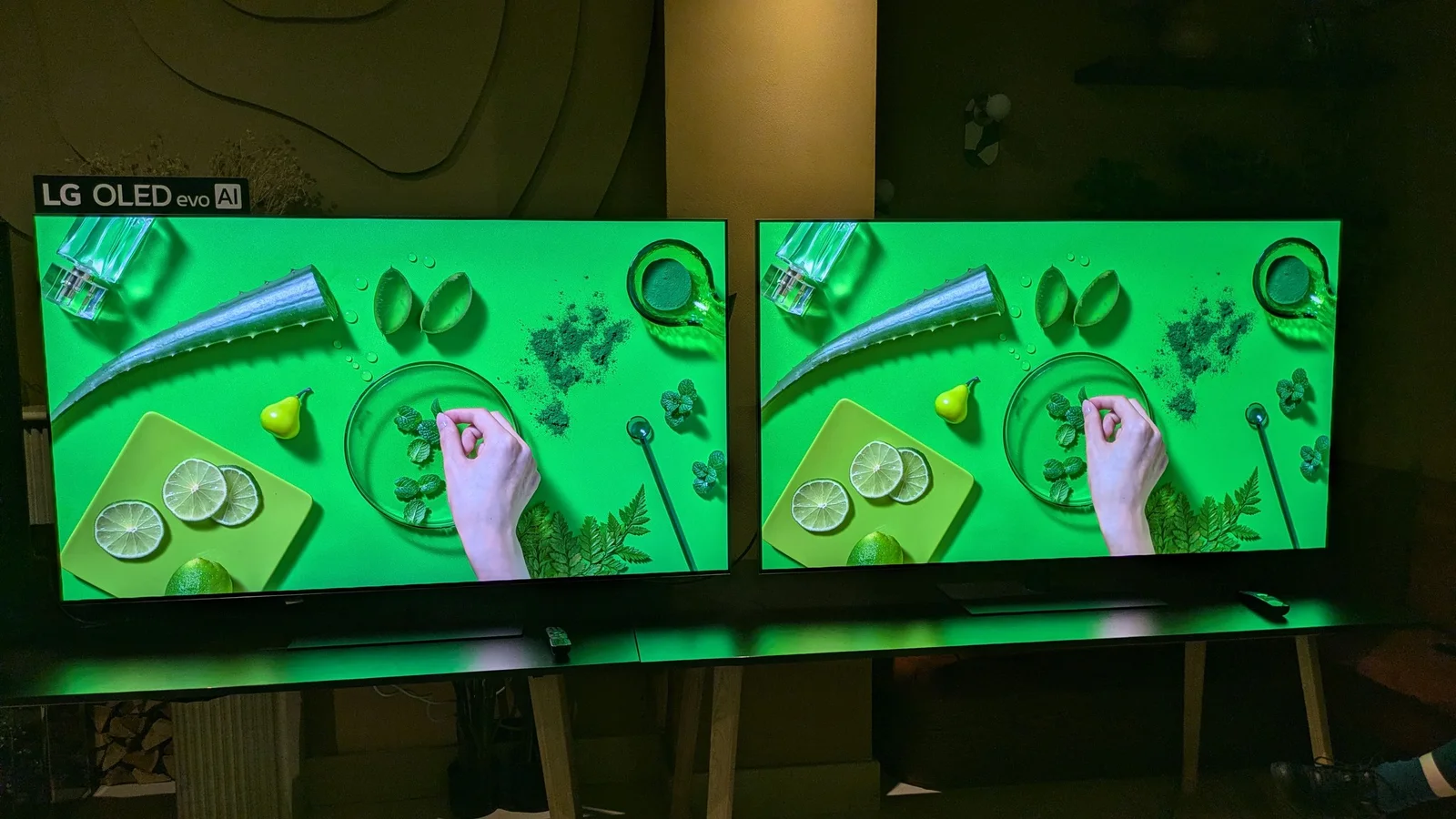
LG says the G6 OLED TV’s colors in Filmmaker Mode are deliberately toned down compared with the G5 to deliver more natural tones, following creators’ feedback that the G5’s palette was too vibrant. The G6 is touted as up to 20% brighter (around 400 nits fullscreen vs about 331 nits for the G5 in Filmmaker Mode) with processing improvements like Alpha 11 Gen 3, Hyper Radiant Color Technology and enhanced tone mapping, plus better handling of reflections. In demonstrations, the G5 appeared more punchy in color, though the G6 offered improved highlights and reduced glare; full lab measurements are pending to confirm overall differences.
Motion smoothing, also known as video interpolation or the soap opera effect, is a post-processing technique applied by televisions to artificially insert extra frames between existing ones, resulting in a higher frame rate. While it aims to reduce motion blur, it can negatively impact the intended appearance of films and TV shows. Many TV models now offer a feature called Filmmaker Mode, which disables motion smoothing and other post-processing effects. Each major TV brand has its own name for motion smoothing, but the article provides instructions on how to disable it for Amazon Fire TV, Hisense, LG, Roku, Samsung, Sony, and TCL TVs.