Microsoft has ported the Xbox app to Arm-based Windows 11 PCs, enabling purchases, downloads and game streaming, with more than 85% of the Game Pass catalog now compatible on Arm thanks to an updated Prism emulator that adds AVX/AVX2 support.
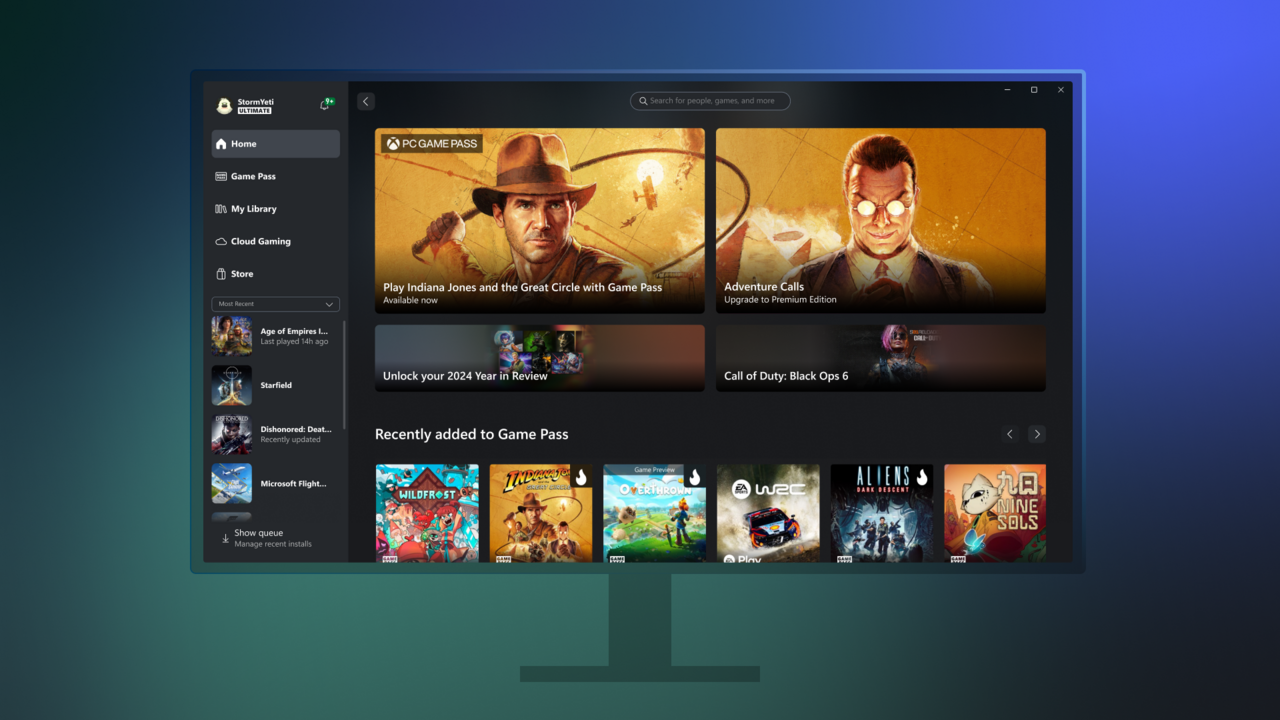
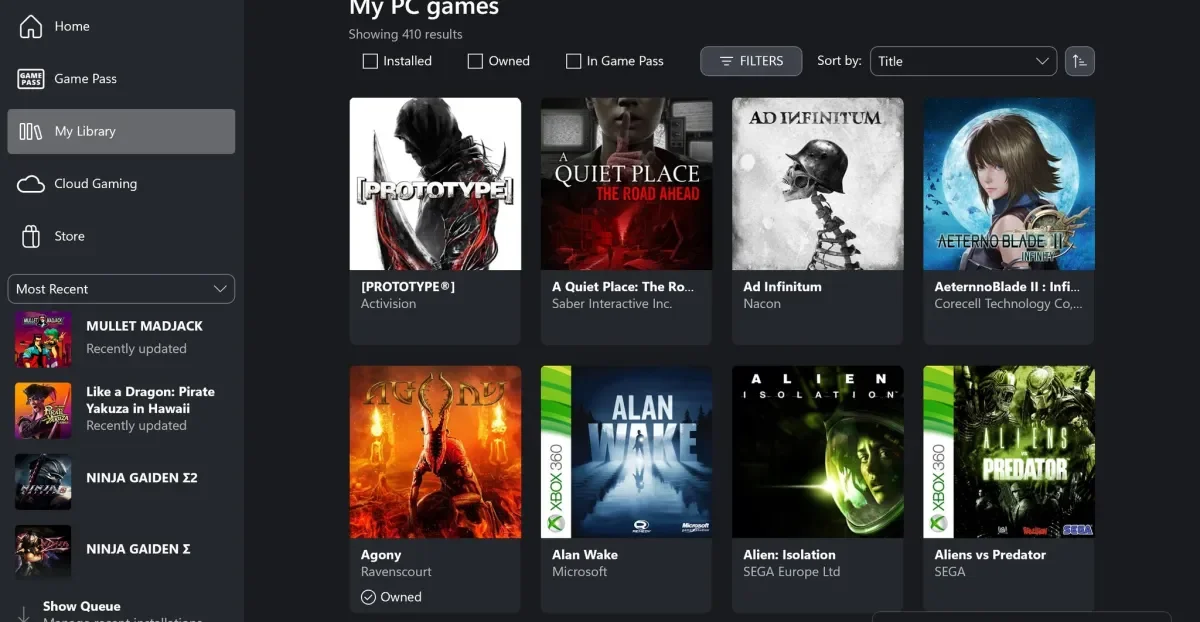
Microsoft has updated the Xbox app to allow users to launch and manage games from multiple storefronts like Steam, Epic Games Store, and Battle.net directly within the app, aiming to create a unified gaming experience across devices, with additional features like recent game tracking and controller support.
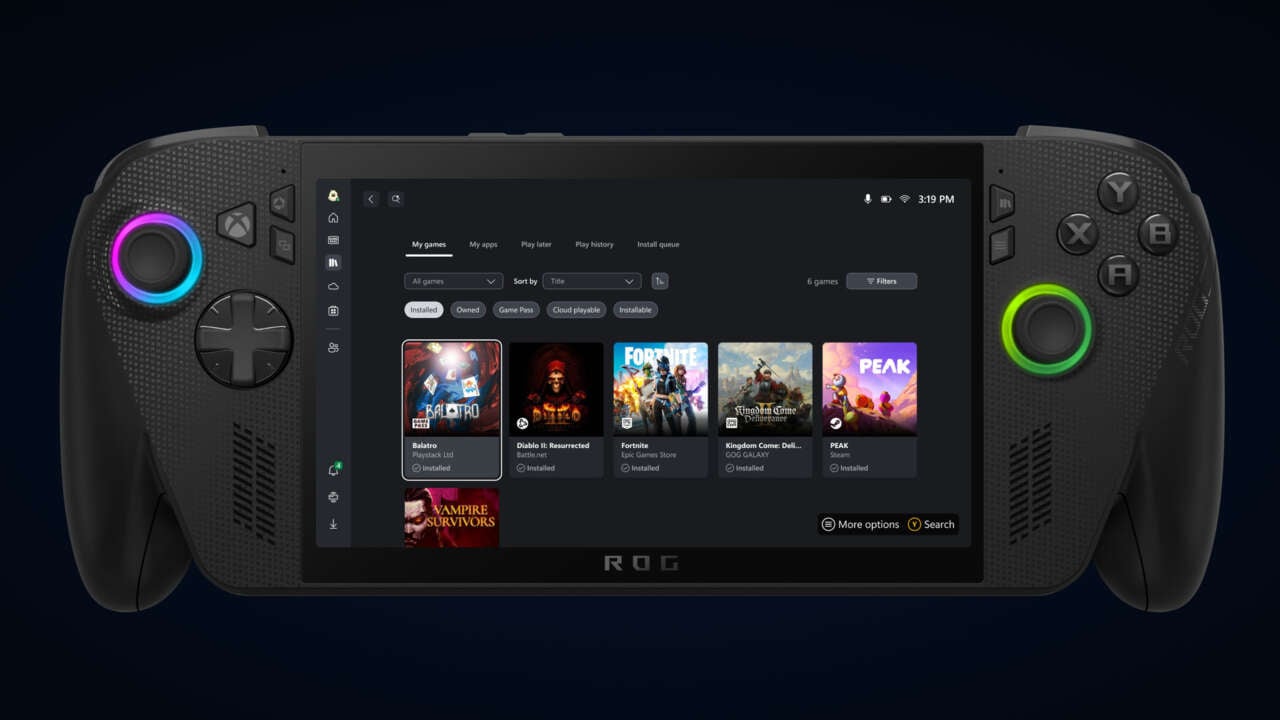
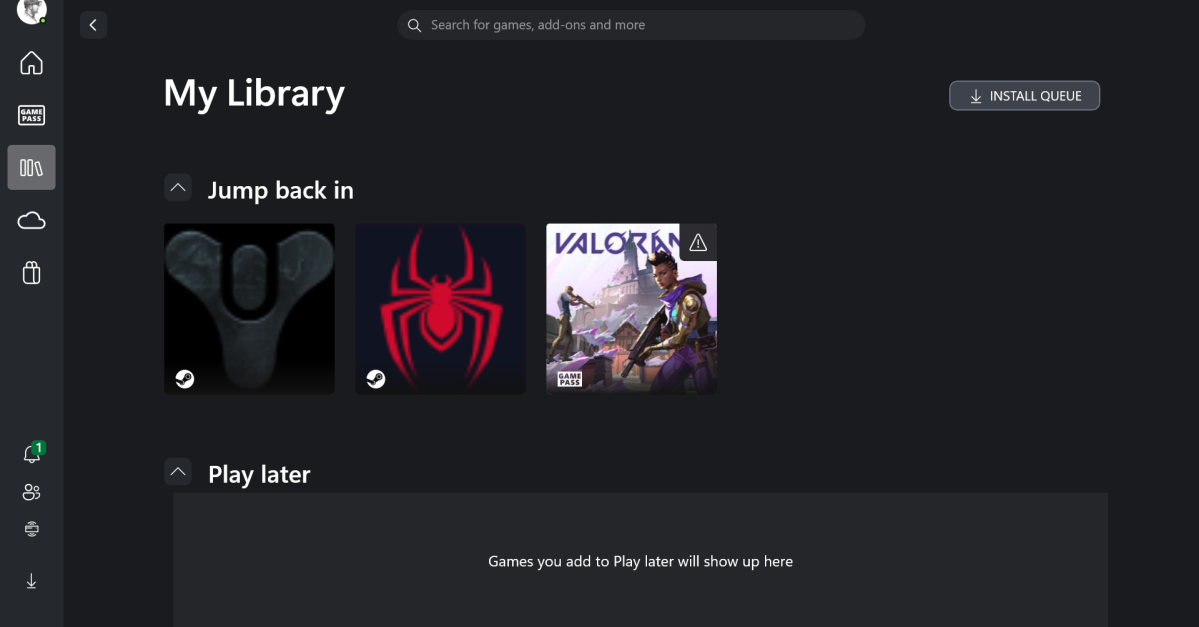
Microsoft has updated the Xbox app on Windows 11 to support showing and launching all installed games from various sources like Steam, GOG, and more, creating a unified gaming hub. The new features include an aggregated library, easier game launching, a 'My apps' tab for external storefronts, and upcoming cloud sync for cross-device gameplay, enhancing the gaming experience on Windows 11 devices.
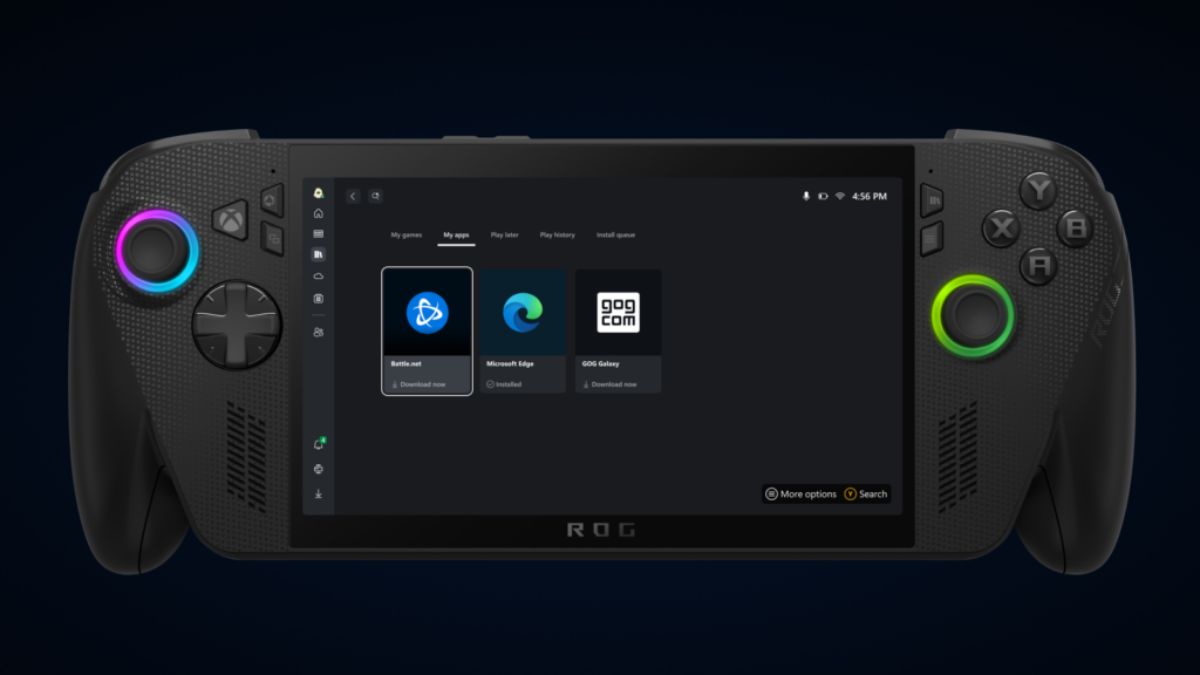
Microsoft is testing a new feature called 'My apps' in the Xbox app that consolidates various game launchers like Steam, Battle.net, and GOG into a single interface, making it easier for PC and handheld gamers to manage and launch their games from one central hub, with plans to expand support for more applications.
Microsoft is enhancing gaming on Arm-based Windows 11 PCs by enabling the Xbox app to download and run games locally, not just stream, and is working on further features to improve compatibility and performance, addressing previous issues with emulation and anti-cheat services, in anticipation of more powerful Arm-based gaming devices.
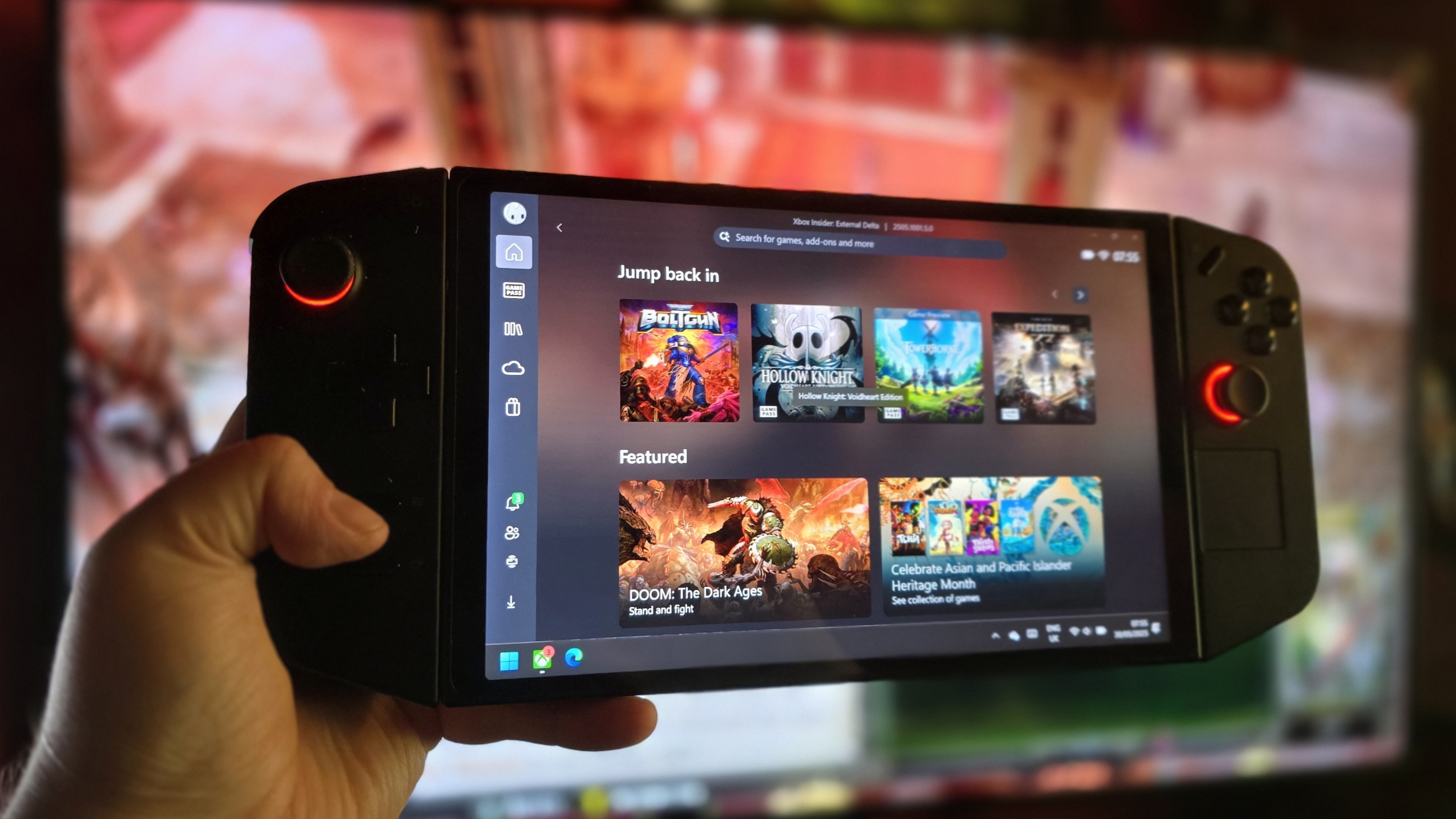
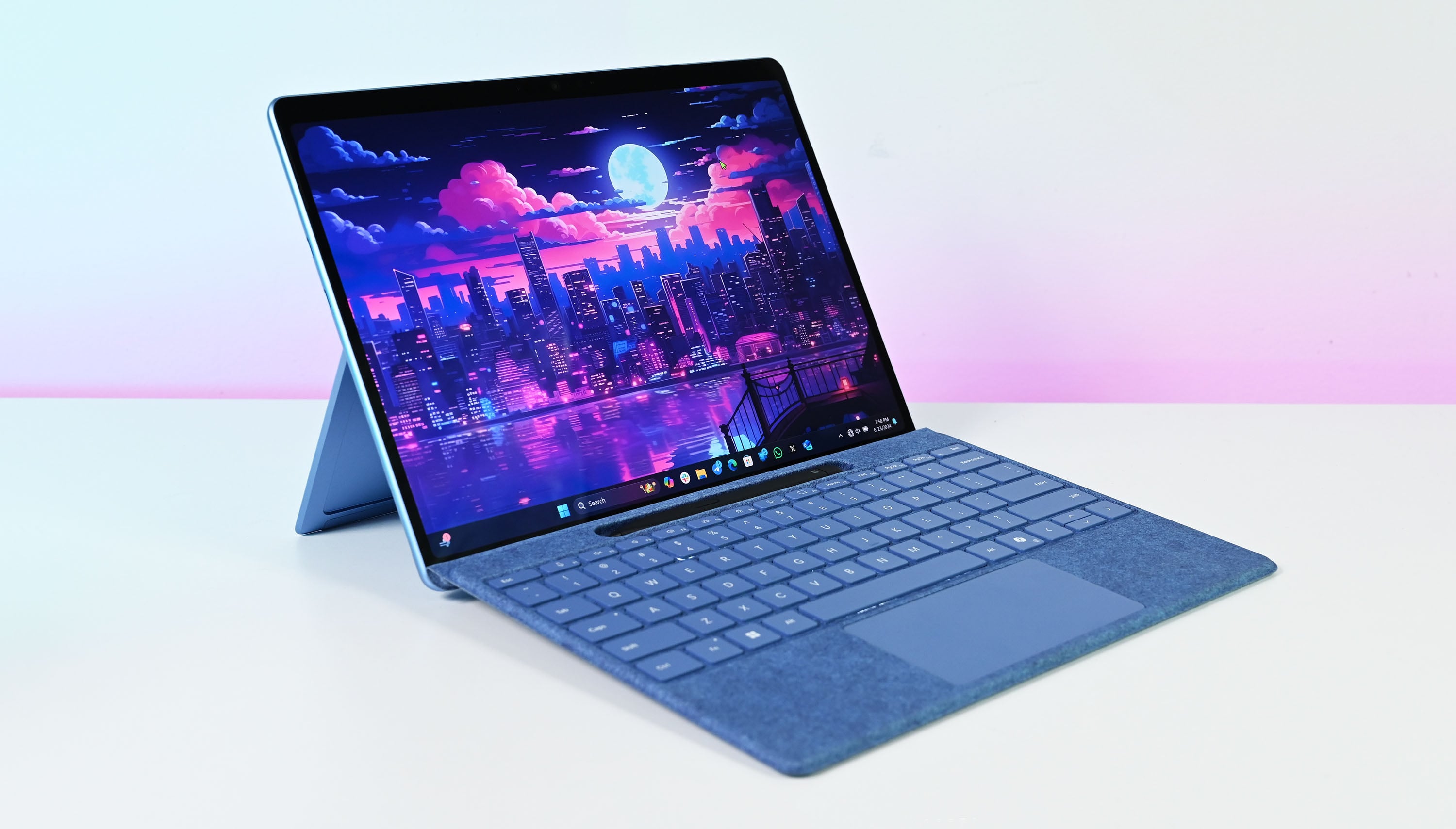
Microsoft is updating its Xbox app for Windows on Arm to allow users to download and play ARM64 compatible games locally on devices like the Surface Pro 12, moving beyond just cloud gaming, with more features and game compatibility expected in the coming months.
Microsoft has introduced a new feature for Xbox Insiders that allows cloud-playable games and play histories to be accessible across devices via the Xbox PC app, enabling seamless gameplay transitions between Xbox consoles, PCs, and Windows handhelds, with cloud saves and a unified library for easier access.
Microsoft is testing a new aggregated gaming library within the Xbox app for Windows that automatically detects and lists games from various launchers like Steam, Epic, and Ubisoft, providing a unified view of installed titles without additional Xbox features. This move aims to make the Xbox app the central hub for PC gaming, with ongoing testing and potential future enhancements for devices like the ROG Ally.
A range of Xbox games has appeared on the Xbox app for PC ahead of the Summer Game Fest 2025, possibly indicating Microsoft's efforts to unify its gaming ecosystem across platforms, though the games are not currently playable. This move may involve centralizing game libraries or preparing for streaming/emulation services, as part of Microsoft's broader strategy to enhance gaming on Windows and compete with platforms like SteamOS.
Microsoft's Xbox PC app is now displaying Xbox console games in its library, reflecting the company's broader efforts to unify Xbox and Windows stores and create a universal game library, potentially including Steam and Epic Games Store titles, with future plans possibly enabling console game play on PC via cloud or emulation.
Palworld's popularity on Xbox Game Pass has brought attention to ongoing deficiencies in the PC Game Pass and Xbox app on Windows 11, with issues including inconsistent game updates, missing features, and separated multiplayer pools. Users have reported problems with installations, pop-ups, and lack of configurability, highlighting the app's subpar user experience compared to Steam. Microsoft's acquisition of Activision-Blizzard and Battle.net has sparked discussions about potential improvements to the PC Game Pass operation, as the platform aims to compete with Steam and enhance its gaming offerings.
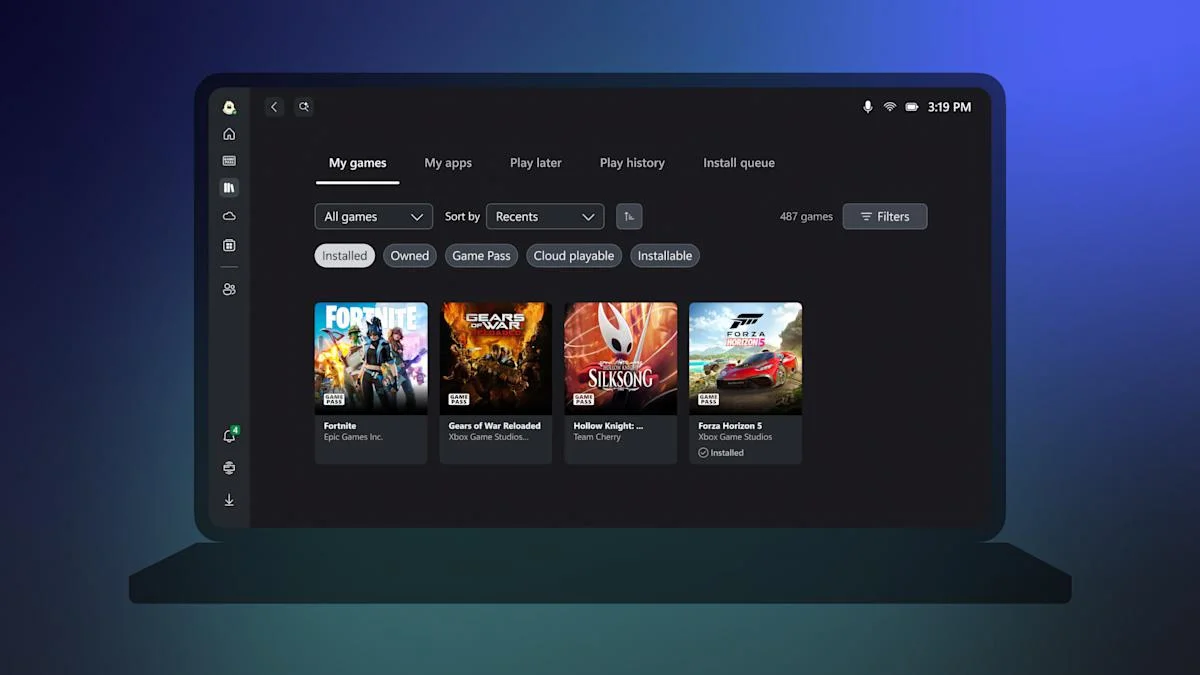
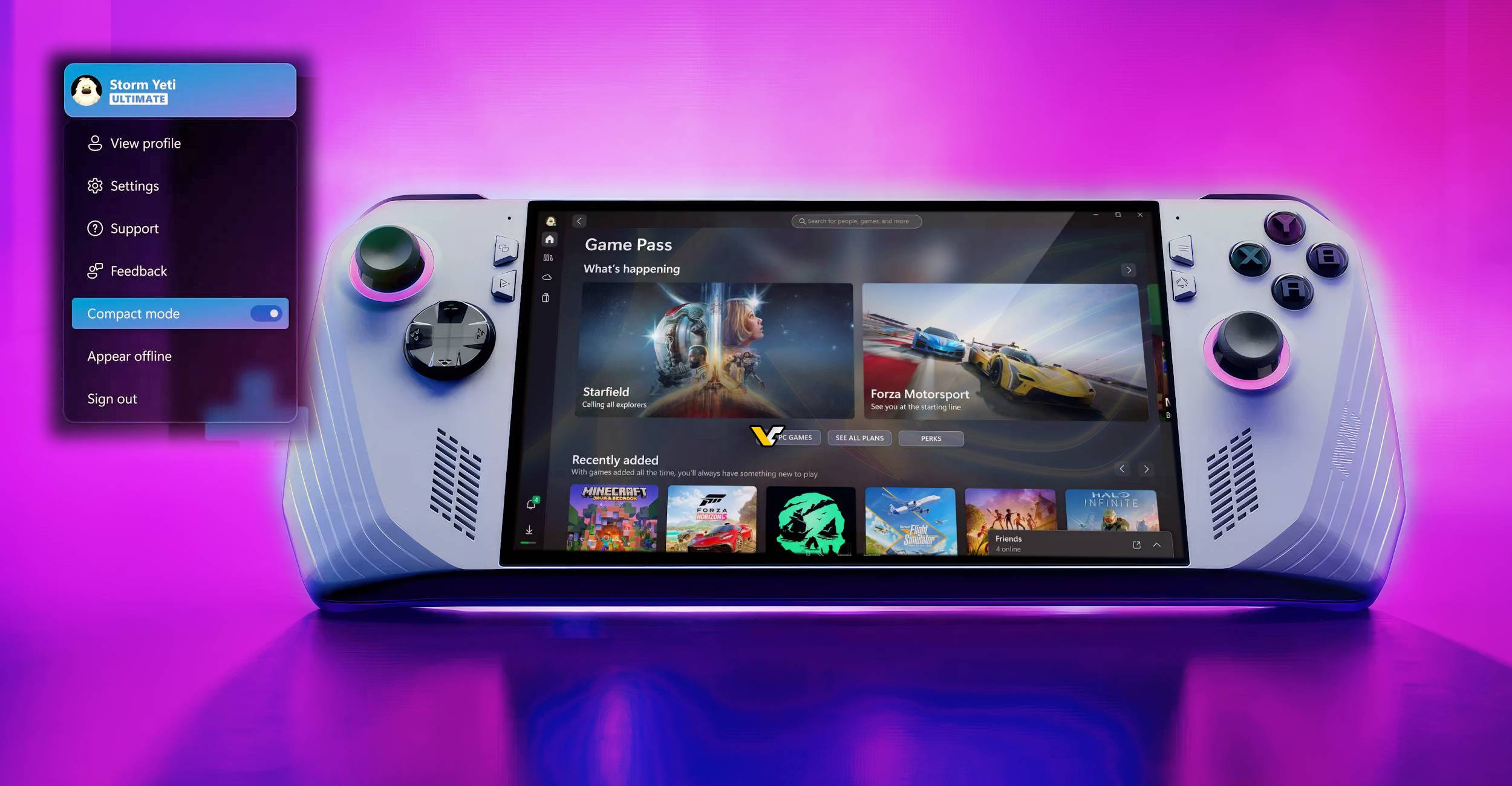
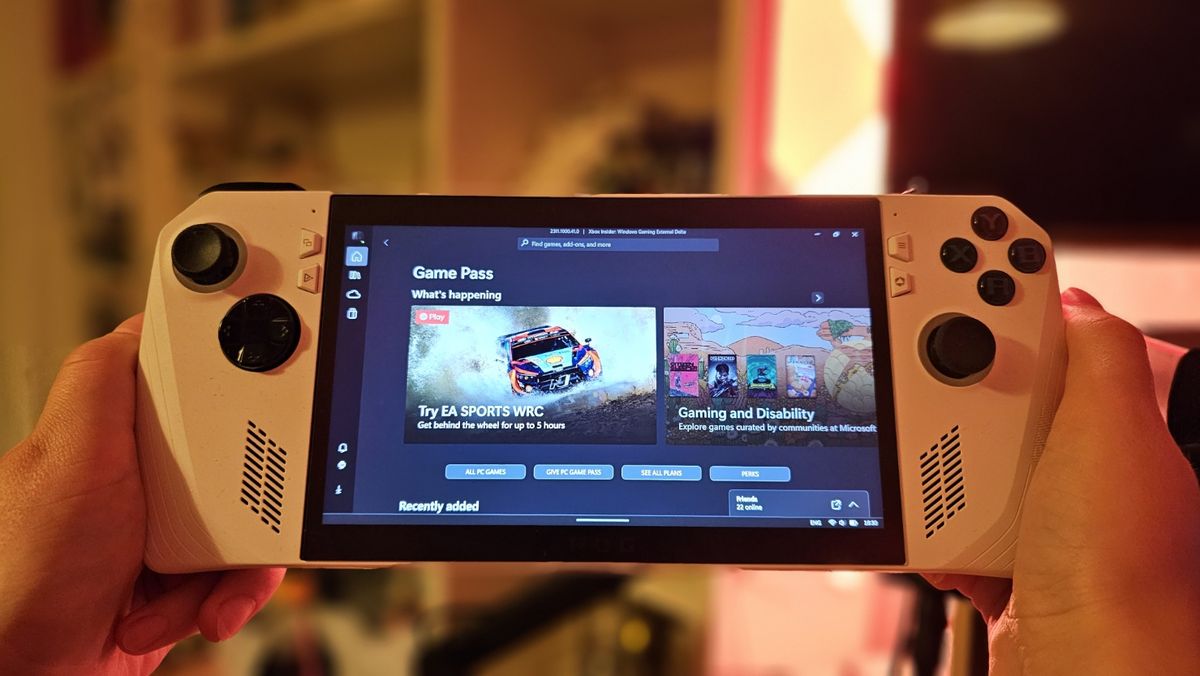
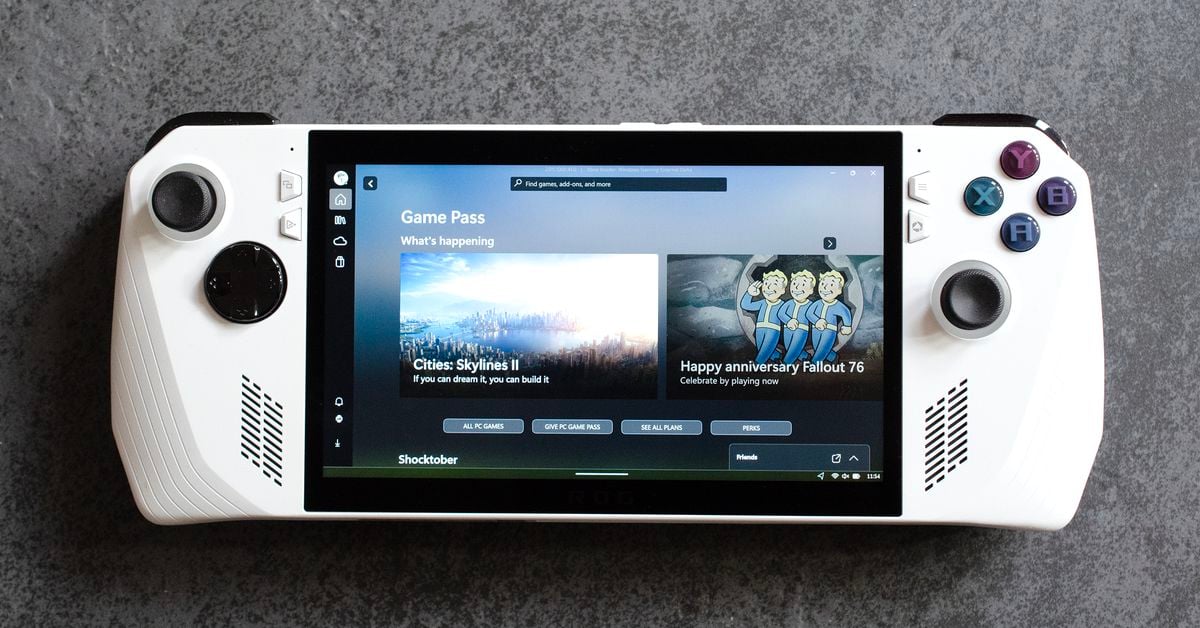
Microsoft is introducing a new "Compact Mode" for its Xbox app, specifically designed for smaller handheld systems. The feature aims to improve navigation and readability for touch-controlled devices by collapsing the sidebar into icons. Microsoft is also collaborating with companies like ASUS to enable this mode by default, while also introducing a Game Services Repair Tool to address common gaming-related issues. However, there is no information yet on potential updates for other devices or additional features such as data backup and movement.
The Xbox app for Windows 11 has introduced a new "compact mode" designed to improve the gaming experience on handheld PCs like the ASUS ROG Ally. This update is part of Microsoft's broader efforts to enhance handheld PC gaming. The compact mode addresses issues with Windows 11's compatibility and navigation on smaller screens, making it easier to use touch controls and improving the performance of PC Game Pass. While this is a small step, it signals Microsoft's recognition of the need to adapt Windows 11 for gaming handhelds, and further refinements are expected in the future.
Microsoft is testing updates to its Xbox app on Windows 11, specifically designed to enhance the gaming experience on handheld devices and smaller screens. The new compact mode reduces the sidebar, making it more suitable for devices like the ROG Ally with a 7-inch display. These improvements are seen as a positive step towards a potential handheld mode for Windows. Microsoft has previously explored concepts for a Windows handheld mode, including a floating taskbar and changes to the Xbox app. The company is also considering bringing features like Quick Resume to Windows gamers.