
From M1 to M5: a productivity reboot, not a flashy upgrade
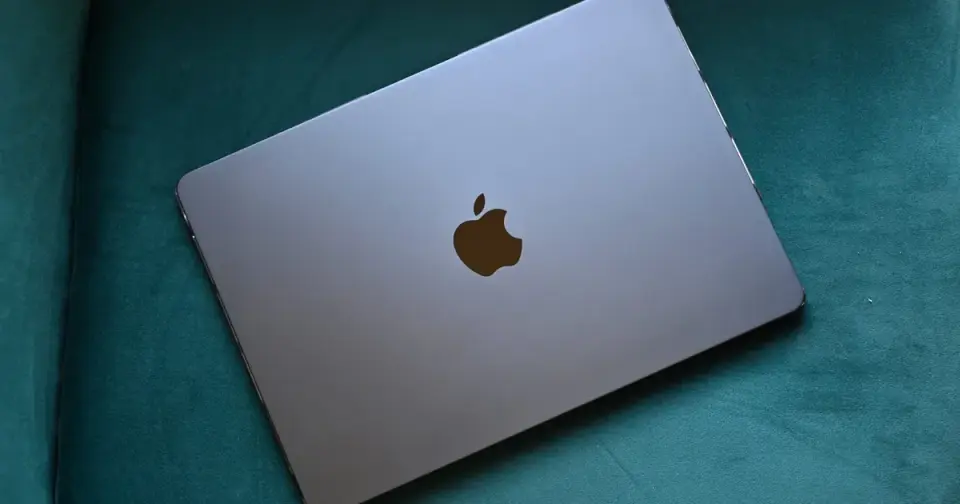
Shikhar Mehrotra describes upgrading from the M1 MacBook Air to the M5 as a productivity-driven leap rather than a pure spec bump: MagSafe and the switch to USB-C frees up ports, the M5 supports two external monitors, and Thunderbolt 4 doubles PCIe bandwidth, making heavy tab workloads (50–60 Chrome tabs) snappier with 16GB of unified memory. Battery life stretches to about 13–14 hours, enabling alternating-day charging, while the 13.6-inch display and notch aren’t welcome surprises and the speakers feel underwhelming compared with the M1. The $1,099 starting price rose to $1,299, but for M1/M2 users it remains a strong portable productivity machine; for older Macs, the value isn’t as compelling.
- I upgraded from the M1 MacBook Air to the M5, and here’s what changed for me Digital Trends
- The best MacBooks of 2026: We compare the Air, Neo, and Pro Mashable
- I Tested The Apple MacBook Air (M5) As A Windows Power User: My Verdict Forbes
- Four Ways the MacBook Air Beats the MacBook Ultra Medium
- MacBook Neo vs. MacBook Air (M5): Which Apple laptop is better for you? Mashable
Want the full story? Read the original reporting
Read on Digital Trends