
Sonos adds iPhone lockscreen playback controls with Live Activities
TL;DR
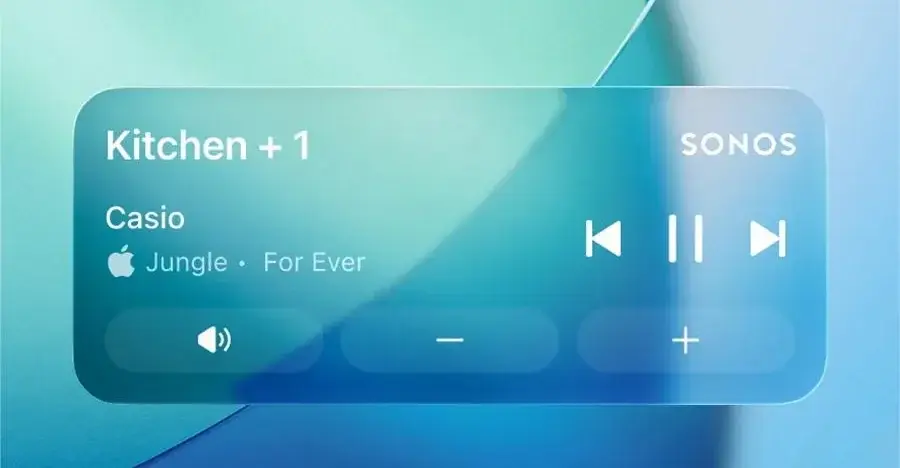
Sonos’ latest iOS app update adds support for Apple’s Live Activities, letting iPhone users view basic playback details and control music or podcasts from the lockscreen after starting playback. Album art isn’t shown yet, and the feature must be enabled in both the Sonos app and iOS settings; it will disappear from the lockscreen 15 minutes after playback ends. The update also includes watchOS and CarPlay support, though those platforms don’t yet offer lockscreen controls. Sonos says it’s continuing to refine the feature and lock-screen experience.
- Sonos finally added Live Activities controls for your iPhone lockscreen The Verge
- Sonos just launched Live Activities on iPhone 9to5Mac
- The Sonos app for iPhone is finally worth using again thanks to this long overdue update stuff.tv
- Sonos Finally Brings Live Activities To Its iPhone Application The Mac Observer
- Sonos has added playback controls to the iPhone lock screen UA.NEWS
Want the full story? Read the original reporting
Read on The Verge