
Hide Your Home From Google Maps Street View Forever
TL;DR
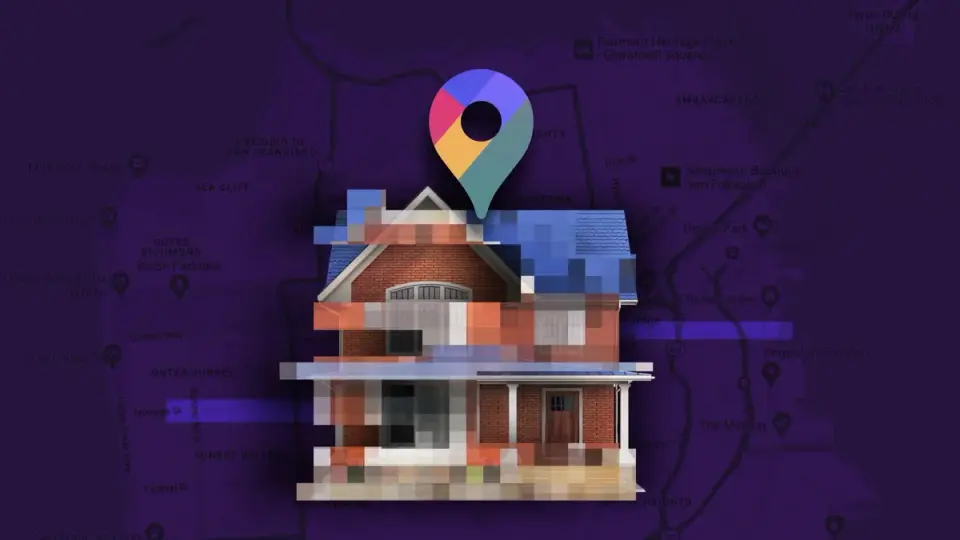
Google Maps Street View can permanently blur your home for free: on a desktop, search your address in maps.google.com, click the Street View photo, choose Report a Problem, outline the area to blur (select 'home'), provide details and your email, then submit for Google’s review; once approved, the blur is permanent, though the process is less convenient on mobile (best done from a web browser).
Topics:technologytechnology-and-privacy#blurring#google-maps#home#privacy#street-view#technology-and-privacy
Want the full story? Read the original reporting
Read on CNET