technology-and-privacy18 days ago
St. Lucie County Uncovers 11 Unclaimed Flock Cameras Amid Statewide Removal Order
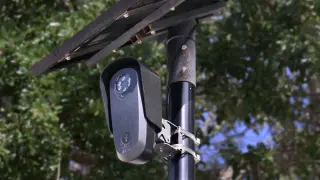
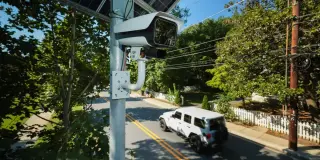
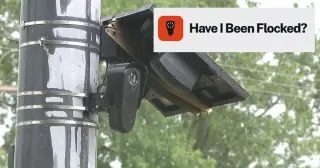
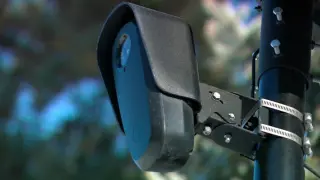
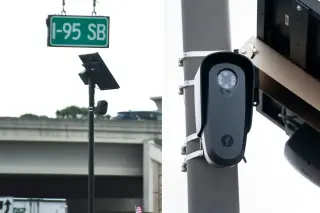
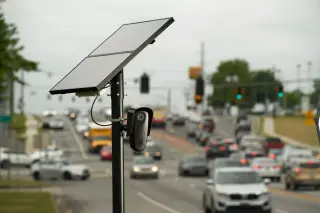
St. Lucie County, Florida, discovered 14 unpermitted Flock automated license plate reader (ALPR) cameras during a statewide removal effort. While the Sheriff's Office claimed three devices without explaining the lack of permits, 11 remain unclaimed. Officials have placed plastic covers on the cameras and issued a 30-day notice for removal, with deadlines expiring between October 16 and 20. The incident highlights ongoing concerns over unauthorized surveillance and data privacy in the US.