
"Turn Your Smartphone into a Webcam with These Easy Steps"
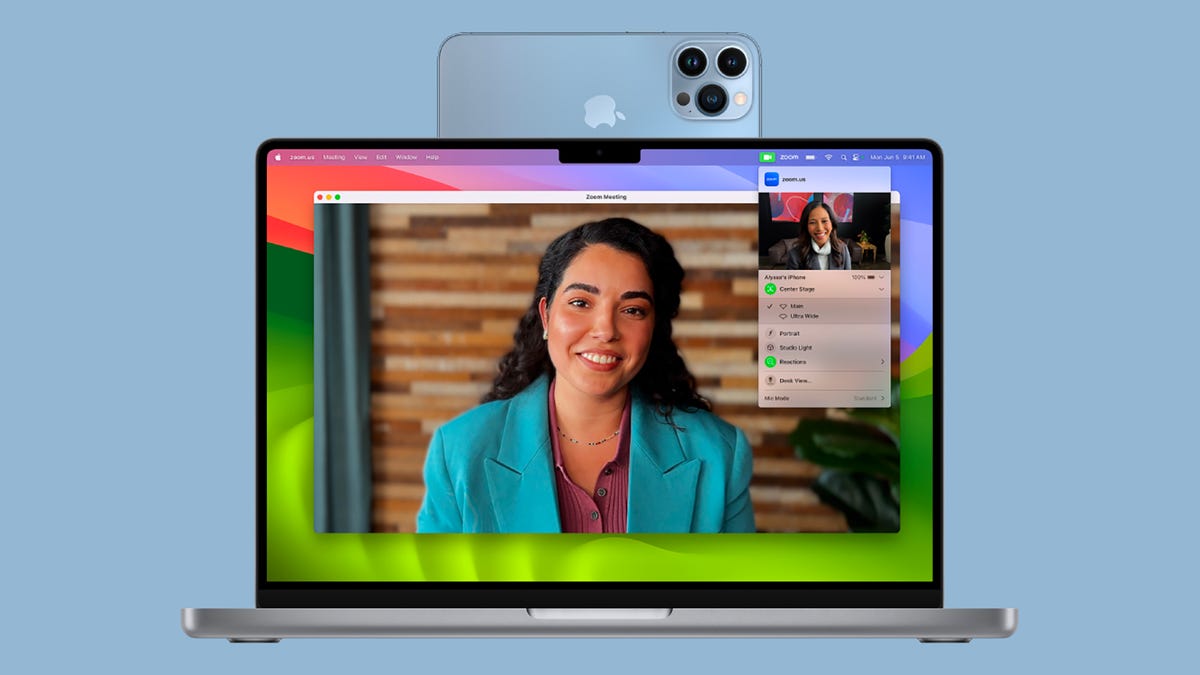
TL;DR Summary
Smartphones can now be used as webcams for computers, with built-in functionality for both Android 14 and iOS 16 or later. For Android, simply connect the phone to a computer via USB and select the webcam option in the notification panel. For iPhone, the Continuity Camera feature allows wireless use with macOS. Third-party apps like Camo and EpocCam offer additional features and compatibility with both Windows and macOS.
- How To Use Your Android Phone or iPhone as a Webcam Gizmodo
- How to use your phone as a webcam Popular Science
Reading Insights
Total Reads
0
Unique Readers
10
Time Saved
4 min
vs 5 min read
Condensed
93%
909 → 68 words
Want the full story? Read the original article
Read on Gizmodo