
Seven essential first steps to set up Google's Fitbit Air
TL;DR Summary
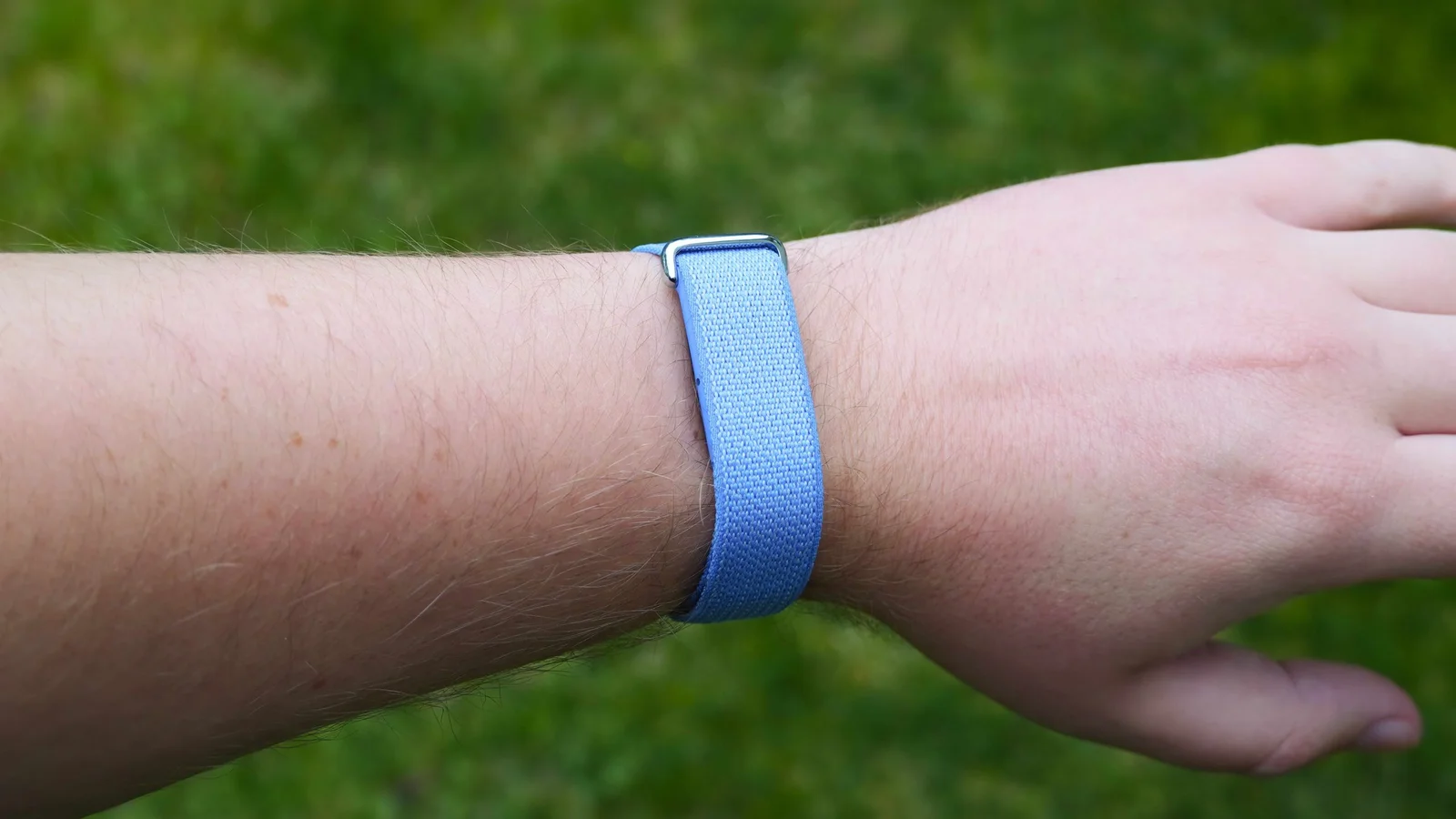
Google’s Fitbit Air is a $99, screenless fitness tracker that works with the Google Health app. This seven‑step setup guide walks you through enabling alarms, setting wrist preference to improve step accuracy, adjusting vibration, sharing heart‑rate data with apps/equipment, selecting a main fitness goal, configuring heart‑rate warnings, and turning on AFib irregular rhythm alerts—delivering a quick, subscription‑free path to start tracking sleep and workouts.
- 7 first things you should do with the Google Fitbit Air Android Central
- Google’s Fitbit Air Gives Whoop Some Serious Competition Bloomberg.com
- The Google Fitbit Air Is the Best New Fitness Tracker of 2026 Men's Health
- Is the Fitbit Air a Smartwatch Killer? I Tested It for 2 Weeks to Find Out CNET
- Fitbit Air Review: Health Tracking For The AI Generation Engadget
Reading Insights
Total Reads
0
Unique Readers
49
Time Saved
61 min
vs 62 min read
Condensed
99%
12,220 → 64 words
Want the full story? Read the original article
Read on Android Central