Tag

Davinci Resolve

All articles tagged with #davinci resolve

DaVinci Resolve 21 Emerges as a Viable Lightroom Alternative for Everyday Photographers
technology1 month ago

DaVinci Resolve 21 Emerges as a Viable Lightroom Alternative for Everyday Photographers

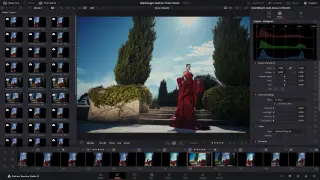
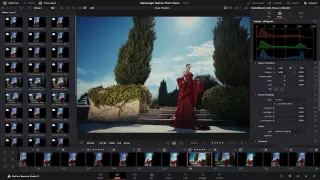
DaVinci Resolve 21 adds a Photo page with RAW import, album-style organization, and color-grade tools, plus AI and visual effects, making it a plausible Lightroom alternative for casual users and video editors alike—though it still lacks Lightroom’s strongest organizing/exporting features and Photoshop-like pixel editing.
Resolve 21 Brings Pro-Grade Photo Editing, But It Isn’t a Lightroom Replacement
technology1 month ago

Resolve 21 Brings Pro-Grade Photo Editing, But It Isn’t a Lightroom Replacement

DaVinci Resolve 21 adds a Photo page with native RAW editing and asset management, letting photographers work at source resolution up to 32K and access the full DaVinci color-grading toolset by switching to the Color page; it’s powerful and well-integrated with video workflows, but the workflow is complex and not yet a drop-in Lightroom replacement, with limited RAW support for some brands; the free version covers basics, while Resolve Studio adds AI masking and higher-end features.

DaVinci Resolve 21 Unifies Photo and Cinema Workflows, Pressuring Adobe
technology1 month ago

DaVinci Resolve 21 Unifies Photo and Cinema Workflows, Pressuring Adobe

DaVinci Resolve 21 adds a Photo page that ingests RAW stills, catalogs images, and applies node-based grading within the same project as video, unifying photography with cinema and reducing cross-app friction. The shift targets Adobe’s Lightroom/Photoshop model by delivering a single, end-to-end workflow inside Resolve, aided by AI tools and enhanced Fusion/Fairlight, with a cost advantage via a free version and a one-time Studio license.

DaVinci Resolve 21 Expands into Photo Editing with AI and New Tools
technology1 month ago

DaVinci Resolve 21 Expands into Photo Editing with AI and New Tools

Blackmagic Design’s DaVinci Resolve 21 adds a new Photo page that lets editors color-grade and refine stills at their source resolution, plus a LightBox album view and tethering for select cameras. The update centers on AI features like IntelliSearch for object/keyword/face search, CineFocus with post-record focal shifts and bokeh, and facial tools to age, reshape, or remove blemishes, along with UltraSharpen and Motion Deblur. Other improvements include four‑point Bezier easing for keyframes, multi-clip edits, Fusion tweaks from Cut/Edit pages, multi-language spell check, a font/emoji toolset, Picture-in-Picture, and native support for OGraf HTML graphics and Lottie animations. A public beta is available now from Blackmagic Design, with a general release date to be announced.

DaVinci Resolve 21 Unlocks Lightroom-Style Photo Editing With AI Features
technology1 month ago

DaVinci Resolve 21 Unlocks Lightroom-Style Photo Editing With AI Features

Blackmagic Design unveils DaVinci Resolve 21 with a new Photo page that lets users import and manage RAW photos directly in Resolve, apply node-based color grading, preview changes across albums in real time, and tether cameras; it also adds AI facial editing (age, reshaping, blemish removal) plus upscaling and motion deblurring, and integrates Fusion/VFX workflows, with most features in the free version and selective AI tools only in the Studio ($295); collaboration via Blackmagic Cloud requires a subscription.

DaVinci Resolve Edges Out Final Cut Pro in a Deep Editor Showdown
technology2 months ago

DaVinci Resolve Edges Out Final Cut Pro in a Deep Editor Showdown

DaVinci Resolve dominates in a side-by-side test with Final Cut Pro, offering a free version plus a feature-rich Studio edition, cross‑platform flexibility, advanced AI tools, deeper color grading via its node-based system, a full Fairlight audio suite, robust 360° VR support, strong collaboration, and expansive export options. Final Cut Pro remains easier to learn and tightly integrated on Apple hardware, with solid performance and ecosystem benefits, but Resolve edges ahead on AI capabilities, media management, audio, color work, and team workflow.

"Blackmagic Design Unveils DaVinci Resolve Micro Color Panel for iPad Editing"
technology2 years ago

"Blackmagic Design Unveils DaVinci Resolve Micro Color Panel for iPad Editing"

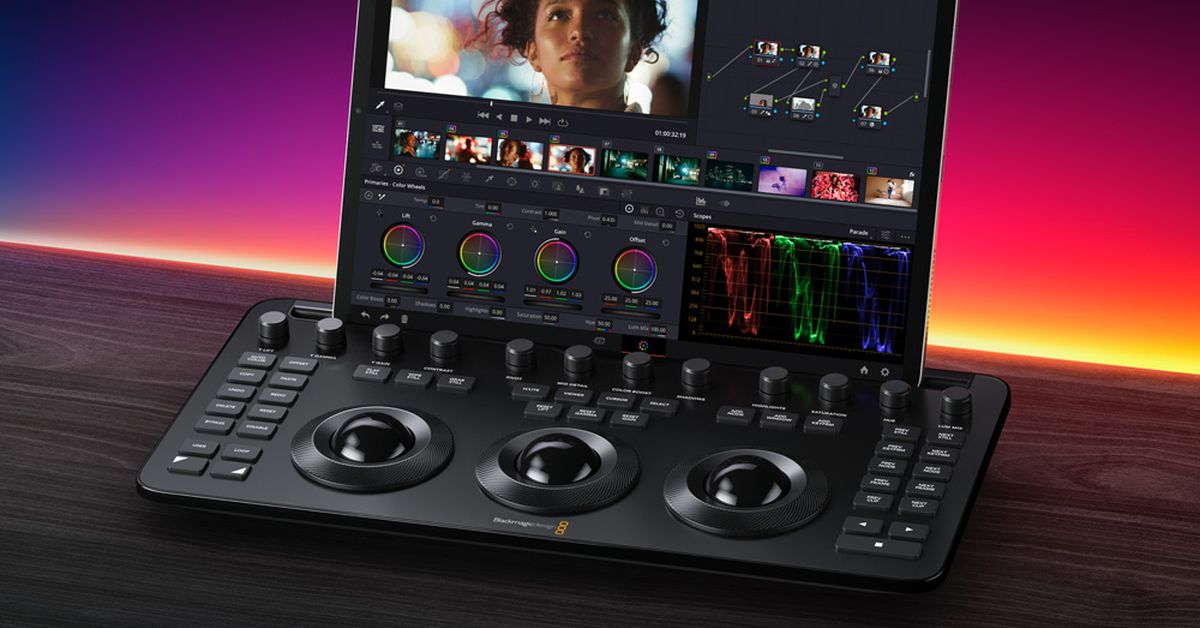
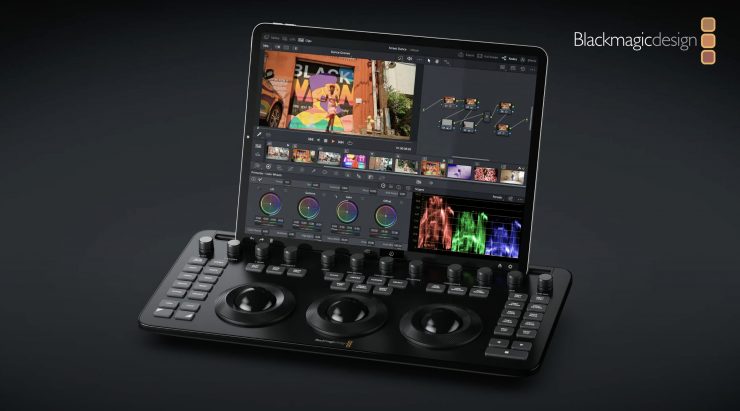
Blackmagic Design has announced the release of the DaVinci Resolve Micro Color Panel, specifically designed for the iPad, at a price of $495, set to be available worldwide in May. The panel, about the size of a computer keyboard, features three weighted trackballs and 12 control knobs for adjusting various settings. It connects to the iPad via Bluetooth or USB-C and includes controls typically found on larger panels, maintaining familiarity for editors. The company plans to offer localized versions in multiple languages and will demonstrate the panel at NAB 2024.

"Enhance Your Editing Workflow with Blackmagic Design's Resolve Micro Color Panel"
technology2 years ago

"Enhance Your Editing Workflow with Blackmagic Design's Resolve Micro Color Panel"

Blackmagic Design has announced the DaVinci Resolve Micro Color Panel, a more affordable color panel for DaVinci Resolve, available in May for $495 USD. It features high-quality trackballs, precision machined control knobs, navigation and transport keys, and connects via Bluetooth or USB-C. The portable model includes a mounting slot for an iPad Pro, an internal battery, and allows fluid, hands-on control over multiple parameters simultaneously, enabling faster and more creative color grading.

Troubleshooting Camera Issues: Fixing Rolling Shutter and Android Camera Problems
technology2 years ago

Troubleshooting Camera Issues: Fixing Rolling Shutter and Android Camera Problems

The Blackmagic Pocket Cinema Cameras have been known for their affordability and image quality, but some creators have struggled with the rolling shutter effect produced by the CMOS sensor. However, a recent video by Diode Films demonstrates a DaVinci Resolve workflow that utilizes the camera's gyro data to significantly reduce rolling shutter. By using the stabilize tool and adjusting the settings in DaVinci Resolve, creators can minimize the rolling shutter effect, resulting in more stable footage. While this technique adds extra steps to the workflow, it is a valuable tool for improving the overall quality of footage captured with the Blackmagic Pocket Cinema Cameras.

Blackmagic Revolutionizes Filmmaking with New iOS Camera App and Full-Frame Cinema Camera
technology2 years ago

Blackmagic Revolutionizes Filmmaking with New iOS Camera App and Full-Frame Cinema Camera

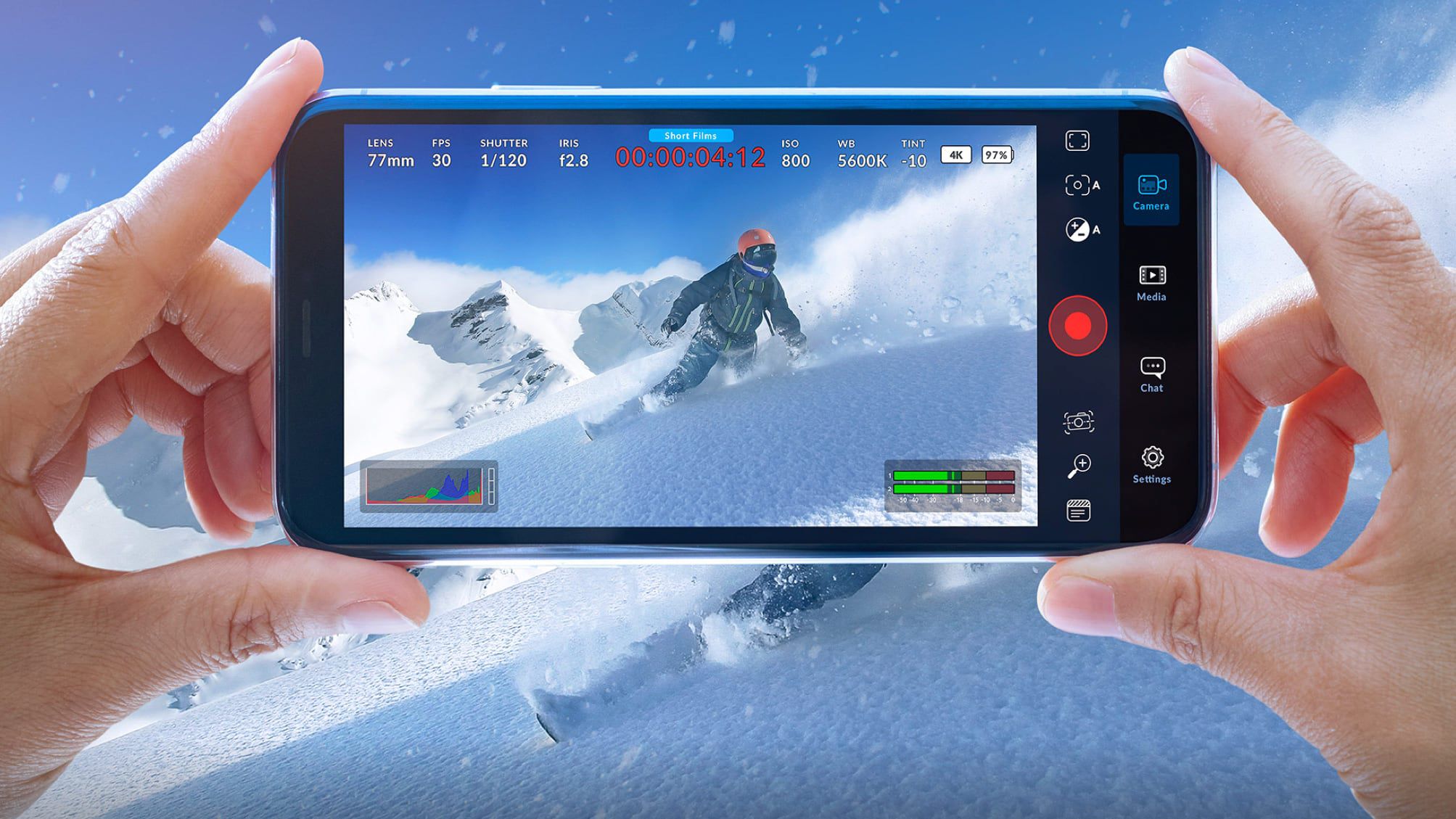
Blackmagic Design has released a new iOS camera app called Blackmagic Camera, which integrates with Blackmagic Cloud and allows users to upload content directly to the DaVinci Resolve video editing app. The app offers digital film camera controls and image processing functions, enabling users to create cinematic content for platforms like YouTube, TikTok, and Instagram. It supports adjustable settings such as frame rate, shutter angle, audio levels, and more, and allows for recording in 4K ProRes video. The footage can be synced to DaVinci Resolve via Blackmagic Cloud or exported to external drives. The app is free to use and available for download from the App Store.

"Maximizing Creativity with AI Tools for Video and Graphic Design"
technology2 years ago

"Maximizing Creativity with AI Tools for Video and Graphic Design"

Artificial intelligence (AI) has transformed video editing, providing advanced tools and capabilities that enhance the editing process and open up new creative possibilities. Adobe Premiere Pro, Final Cut Pro X, DaVinci Resolve, HitFilm Express, and iMovie are five remarkable AI tools for video editing that can transform your editing workflow and elevate your final product. These tools offer a range of features, from non-linear editing and color correction to sophisticated video and audio effects, making video editing accessible to both novice and seasoned users.

Blackmagic's DaVinci Resolve 18.5 update introduces AI tools and text-based editing.
video-editing-software3 years ago

Blackmagic's DaVinci Resolve 18.5 update introduces AI tools and text-based editing.

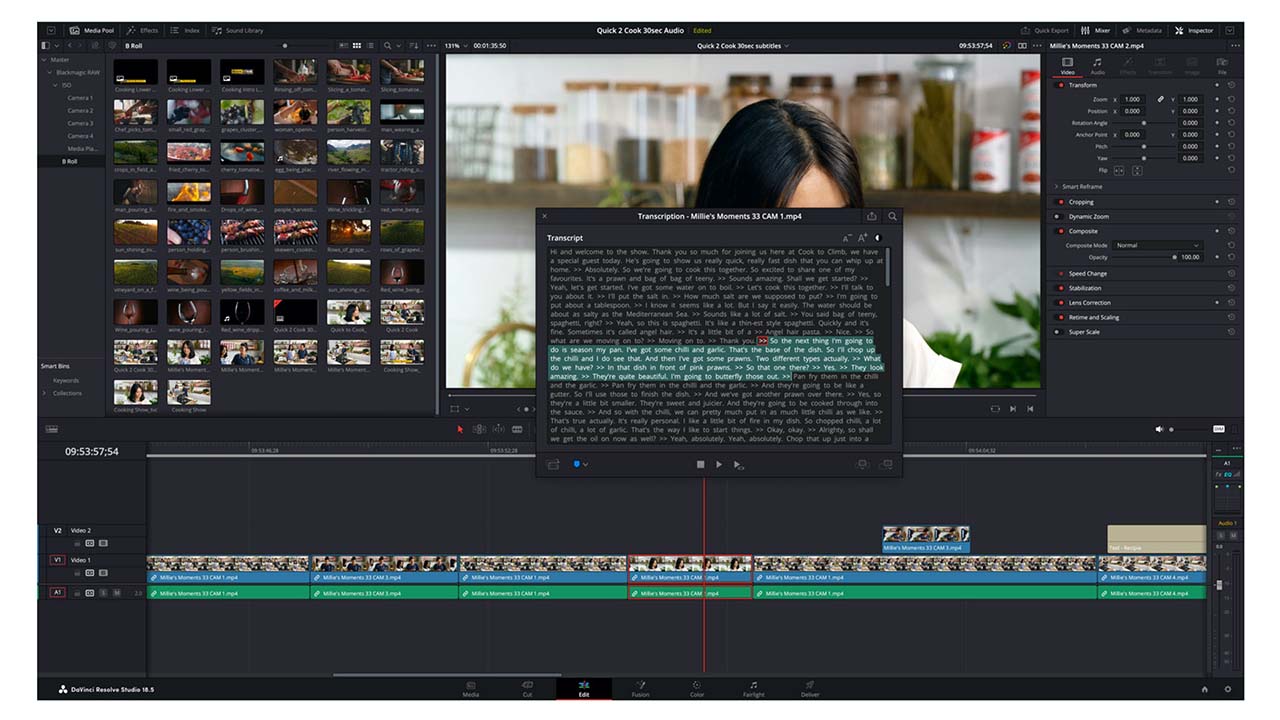
Blackmagic Design has released a significant update to DaVinci Resolve, version 18.5, which includes built-in automatic transcription and subtitles, as well as major additions to the Cut and Colour pages. The new auto-transcription feature is flexible and allows users to transcribe finished timelines or individual clips, create subclips, and export the transcription as a text file. The Cut page has undergone a major overhaul, adding new features that make it a place where most editing can be performed. The Colour page has a new Relight function that can re-light a scene with virtual light sources.