
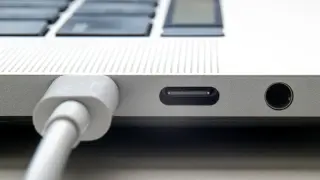
macOS Permission Prompts and Power Issues Commonly Cause USB Device Failures on Macs
Engadget reports that macOS often fails to detect USB devices due to strict privacy permissions, power deficits, or physical cable damage. Users can resolve these issues by adjusting accessory settings in System Settings, verifying device visibility via System Information, or replacing faulty cables. While most problems are software-related, persistent power warnings may indicate hardware faults requiring Apple support.