
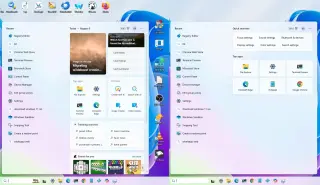
How to Quiet Windows 11: Disabling Widgets and Notifications for Focus
Windows 11’s default settings prioritize engagement over focus, often overwhelming users with widgets, recommendations, and notifications. To create a calmer desktop, users should disable lock screen widgets, switch from Windows Spotlight to static images, and turn off system recommendations. These adjustments reduce visual clutter and background noise, allowing the operating system to remain in the background until critical alerts require attention.