
Five Windows 11 Update Rules You Should Know
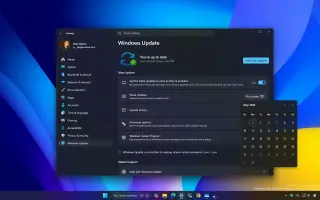
Microsoft is rolling out five Windows 11 update changes aimed at reducing disruption and giving users more control: you can pause updates indefinitely with a re-schedulable calendar; the Power menu now separates update actions from regular reboot/shutdown; updates gain clearer visibility with detailed driver labels and a monthly single-restart cycle; there’s automatic background recovery to fix failed installations; and you can skip updates during the out-of-box experience, though drivers and patches may wait for manual or automatic resumption. Overall, the changes are incremental and reduce friction, but don’t fully hand back complete control over updates.