Tag

Visual Look Up

All articles tagged with #visual look up

"Life-changing iPhone feature simplifies household chores and laundry disasters"
technology2 years ago

"Life-changing iPhone feature simplifies household chores and laundry disasters"

The iOS 17 update introduced a new feature called Visual Look Up, which allows iPhone users to scan and translate various symbols, including laundry labels, by simply swiping up on a photo. This feature can also be used to identify car dashboard lights, specific breeds of animals, landmarks, paintings, and even suggest recipes based on food photos. The technology has been praised for its usefulness and accuracy in providing information and assistance in various situations.


"Mastering Visual Look Up: 7 Epic iPhone Hacks You Need to Know"
technology2 years ago

"Mastering Visual Look Up: 7 Epic iPhone Hacks You Need to Know"

Apple's Visual Look Up feature, similar to Google Lens, is a powerful tool built into iPhones that can intelligently scan photos and videos to detect subjects and provide online information. With iOS 16 and iOS 17, new functionalities have been added, including identifying plants, pets, laundry instructions, motor issues, food, and lifting subjects out of photos and videos. The feature is easy to use and offers a range of practical applications for users.

"iOS 17: Visual Lookup for Car Troubleshooting and Beyond"
technology2 years ago

"iOS 17: Visual Lookup for Car Troubleshooting and Beyond"

iOS 17 introduces an expansion to Visual Look Up, allowing users to identify and learn more about car symbols on their dashboard. The feature can recognize a wide array of symbols, providing quick links to learn more about each symbol in Safari. Users can access Visual Look Up through the Photos app on their iPhone, making it a useful addition for iOS 17 users, particularly for those who drive a BMW.

"Exploring the Enhanced Camera and Photos Apps in iOS 17"
technology3 years ago

"Exploring the Enhanced Camera and Photos Apps in iOS 17"

The iOS 17 update brings several new features to the Photos and Camera apps. The Photos app now has improved pet recognition, allowing for automatic sorting of pets into their own album. The Visual Look Up feature has been expanded to recognize a wider range of symbols, including food, street signs, and laundry instructions. The Camera app now includes a leveling feature for capturing level landscape shots, and the QR code interface has been improved. Other additions include a Cinematic API for third-party apps, the ability to turn Live Photos into animated stickers, and an option to save full-page screenshots as images.

"Unleash Your Inner Photographer with iPhone's Secret Photoshop-Like Tool"
technology3 years ago

"Unleash Your Inner Photographer with iPhone's Secret Photoshop-Like Tool"

iPhone users running iOS 16 now have access to a hidden photo tool that allows them to remove people, pets, or other items from their photos. By simply tapping and holding on a photo, users can separate the subject from the background and even lift the cutout to be used in other apps or shared. This feature, part of Visual Look Up, utilizes advanced machine learning and Apple's neural engine to perform 40 billion operations per second, providing a quick and reliable photo editing experience.

Apple's Latest Innovations: From Recipe Suggestions to Digital Diaries and Health Insights.
technology3 years ago

Apple's Latest Innovations: From Recipe Suggestions to Digital Diaries and Health Insights.

Apple's latest iPhone software, iOS 17, includes a new feature called Visual Look Up that allows users to search for recipes directly from a photo. The feature identifies photos of food and suggests similar dishes, providing a handy way to get inspiration about what to cook. The addition is another example of how Apple is subtly redirecting users away from Google Search by having them start their queries directly on the iPhone. The update also includes the ability to turn cutouts from photos and paused videos into stickers with effects that can be accessed across iOS 17, including in third-party apps.

"Identify plants with ease using your iPhone and PlantNet app"
technology3 years ago

"Identify plants with ease using your iPhone and PlantNet app"

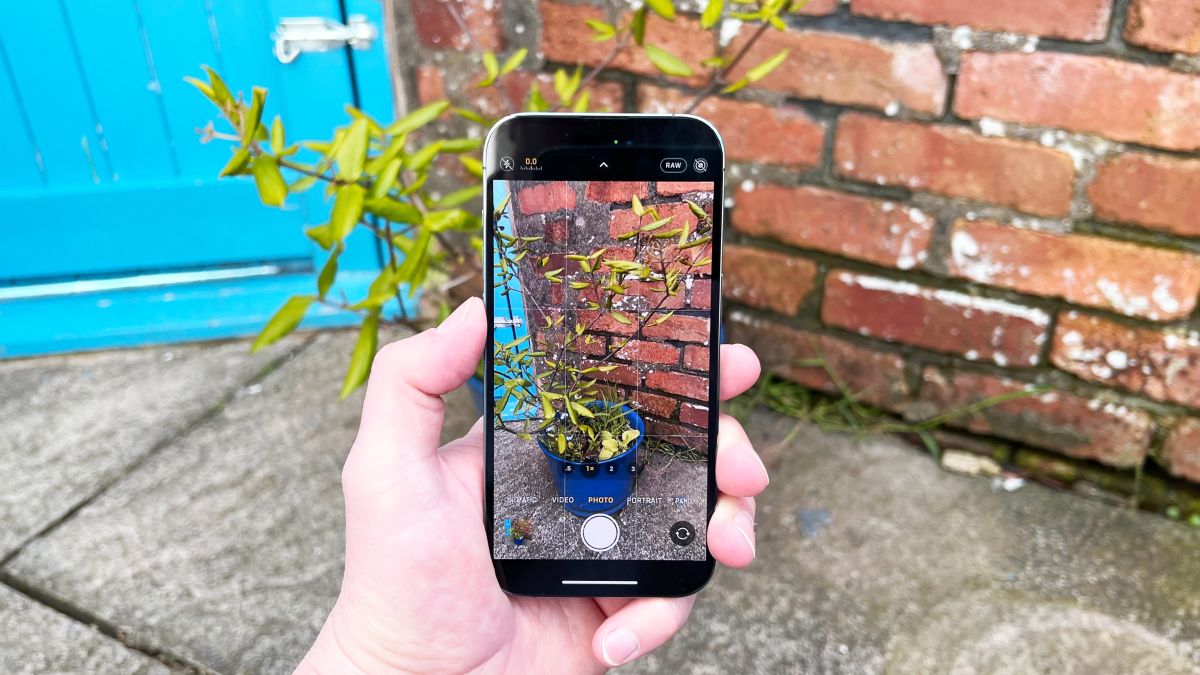
With the introduction of iOS 15, iPhone users can now use Visual Look Up to identify plants from a photo. This feature is useful for gardeners, travelers, and pet owners who want to quickly identify a plant. To use this feature, take a photo of the plant, open the image in Photos, swipe up, and tap the Look Up banner. The results will show at the bottom of the screen, and users can tap on Siri Knowledge entries to learn more or Similar Web Images to view more images.