
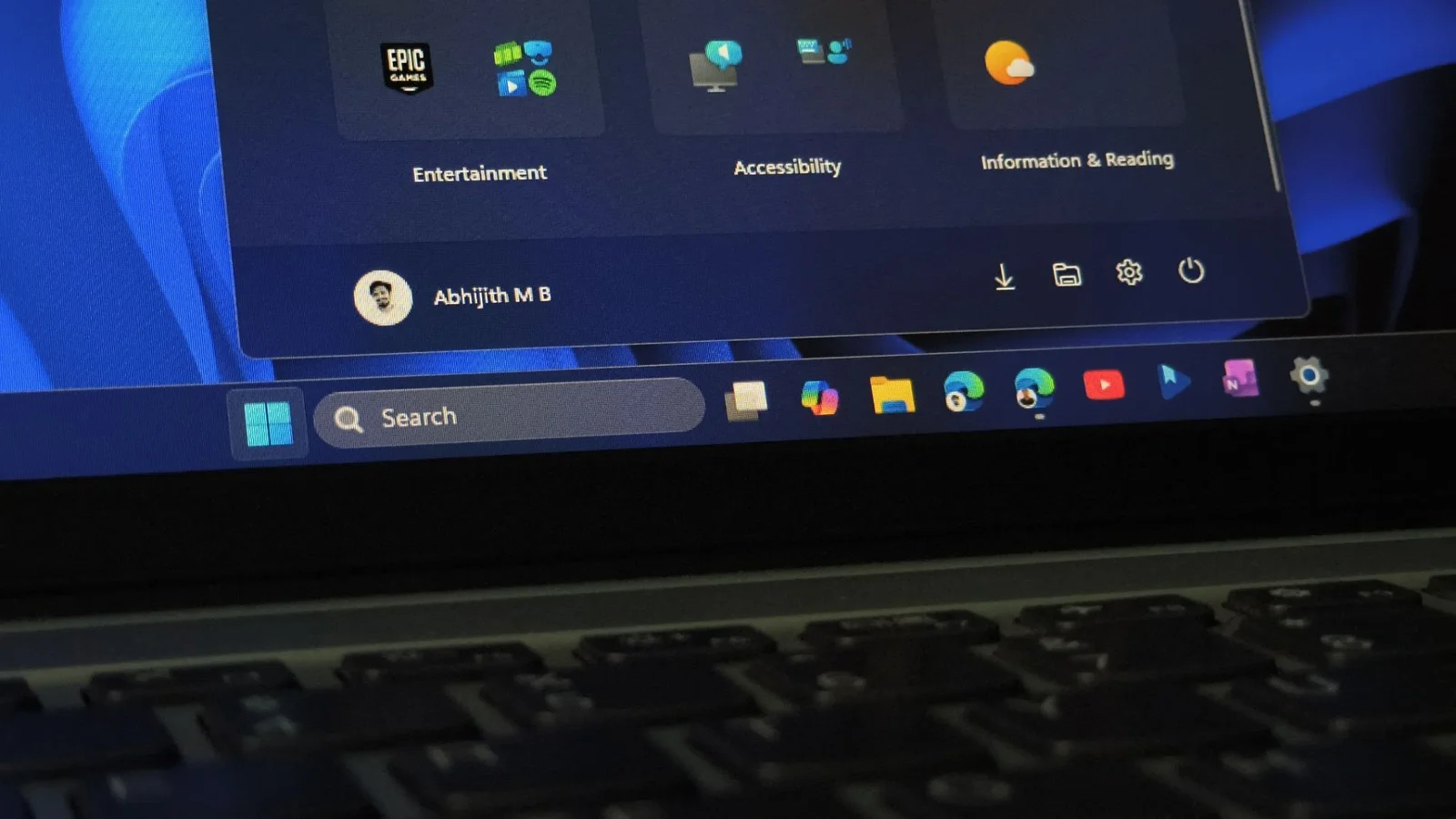
Windows 11 Start Menu gets a shrink option after August 2026 update
Windows 11’s Start menu had grown to occupy most of the screen on many PCs. The August 2026 optional update (KB5120998) introduces a built-in Start size option (Small, Automatic, Large) and section toggles, but rollout is staged, so many users won’t see it yet. A workaround using ViVeTool can force-enable the smaller Start menu by enabling feature IDs 61161244 and 61754985 (with optional 62353331 and 62762248) and rebooting. After that, Settings > Personalization > Start offers the new size options and per-section controls, plus a hide-name/profile-picture toggle. You can still’t freely resize by dragging the Start edge, and there’s a known cursor/wallpaper bug in the update; the feature will also reach others via the September Patch Tuesday update. The article notes the Start menu remains built on older UI elements in parts, with improvements expected as Microsoft completes its native WinUI rebuild.”,