Tag

Kb5120998

All articles tagged with #kb5120998

Windows 11 KB5120998 update resets desktop settings, wallpaper turns black
technology10 days ago

Windows 11 KB5120998 update resets desktop settings, wallpaper turns black

Microsoft says the August 27, 2026 Windows 11 preview update KB5120998 can cause desktop settings to fail to load, making wallpapers display as solid black and potentially resetting themes, slideshow, and other display preferences on devices running 24H2 and 25H2. Affected users may be unable to restore their custom settings, and the issue affects the optional, non-security update; if the “Get the latest updates as soon as they’re available” option is enabled, it can install automatically.
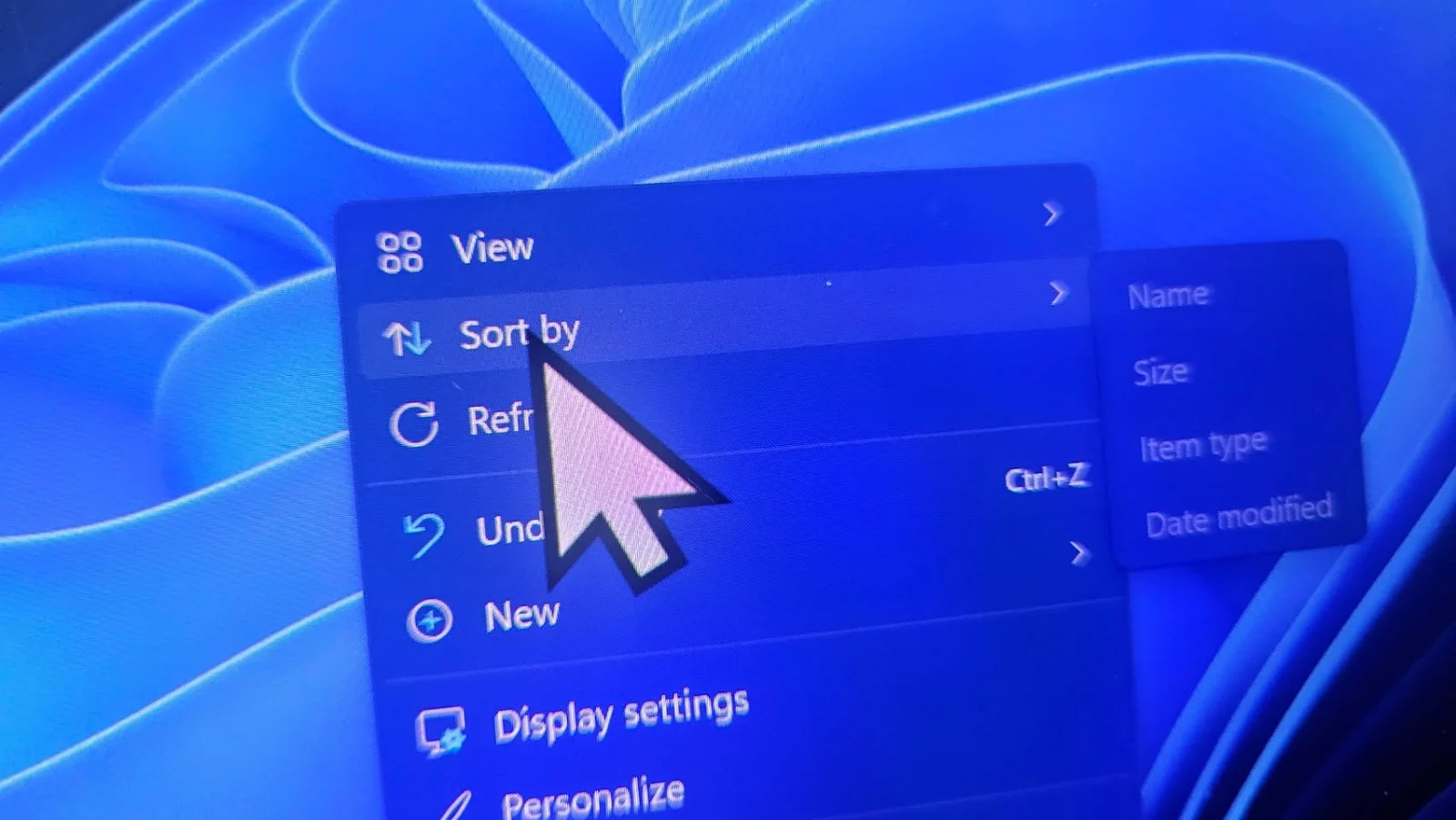
Windows 11 Start Menu gets a shrink option after August 2026 update
technology10 days ago

Windows 11 Start Menu gets a shrink option after August 2026 update

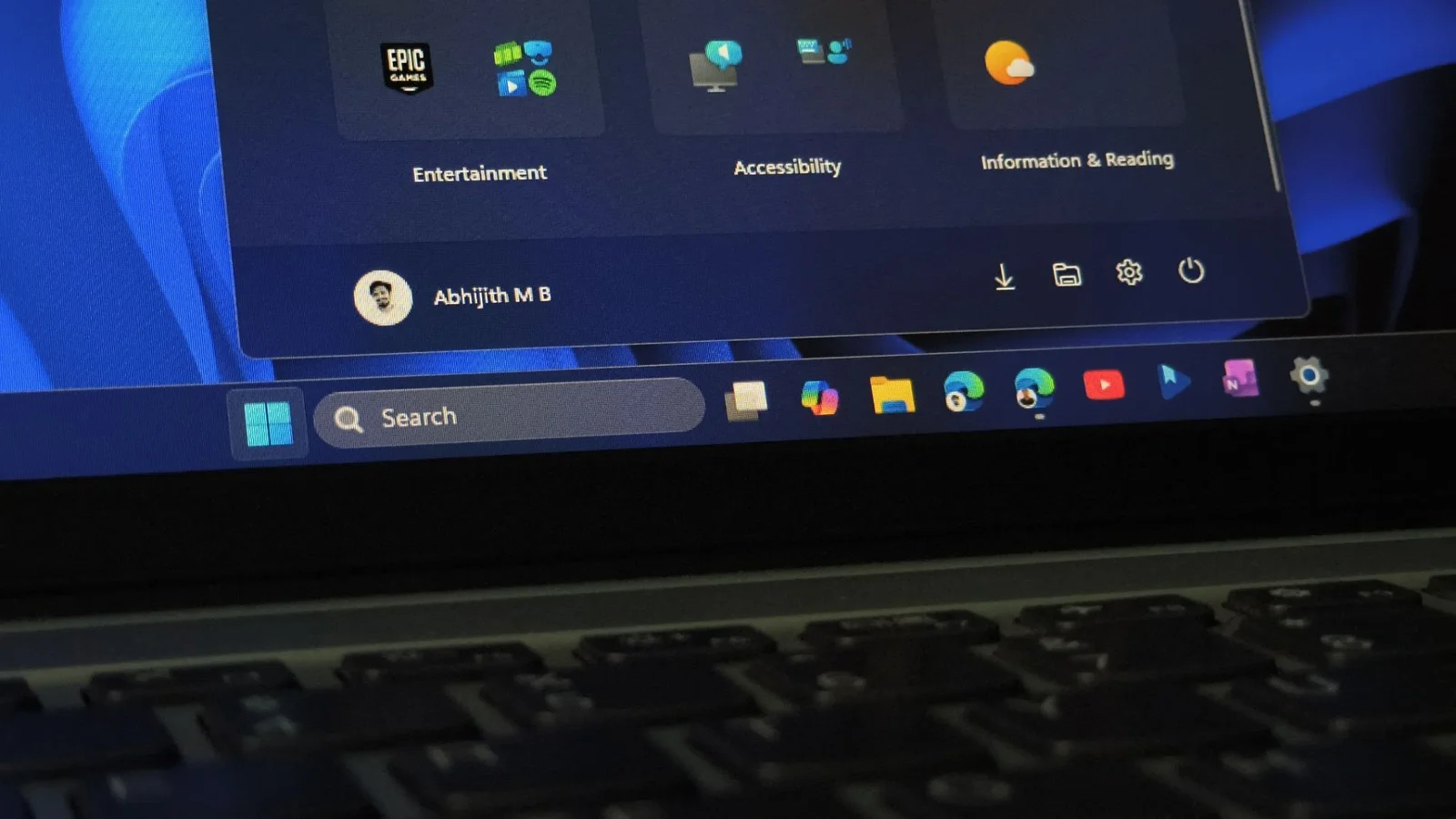
Windows 11’s Start menu had grown to occupy most of the screen on many PCs. The August 2026 optional update (KB5120998) introduces a built-in Start size option (Small, Automatic, Large) and section toggles, but rollout is staged, so many users won’t see it yet. A workaround using ViVeTool can force-enable the smaller Start menu by enabling feature IDs 61161244 and 61754985 (with optional 62353331 and 62762248) and rebooting. After that, Settings > Personalization > Start offers the new size options and per-section controls, plus a hide-name/profile-picture toggle. You can still’t freely resize by dragging the Start edge, and there’s a known cursor/wallpaper bug in the update; the feature will also reach others via the September Patch Tuesday update. The article notes the Start menu remains built on older UI elements in parts, with improvements expected as Microsoft completes its native WinUI rebuild.”,

Windows 11 Cursor Bug in KB5120998 Triggers Uninstall Workaround
technology10 days ago

Windows 11 Cursor Bug in KB5120998 Triggers Uninstall Workaround

Microsoft has confirmed that the Windows 11 optional update KB5120998 can alter or revert mouse cursor personalization to a standard oversized default, with reports of color and size not sticking and some wallpaper issues. The problem appears to affect certain hardware/display setups. Microsoft is investigating, and the recommended workaround is to uninstall the update via Settings > Windows Update > Update History; since it’s optional, removing it won’t affect security patches.

Windows 11 Preview Update Scrambles Cursors and Wallpaper; Uninstall to Fix
technology10 days ago

Windows 11 Preview Update Scrambles Cursors and Wallpaper; Uninstall to Fix

A September preview update for Windows 11 (KB5120998), released Aug 27, introduces a mouse cursor glitch where custom cursor settings are reset, and some users report wallpaper resetting to black and blurry fonts. The update is optional, and the current workaround is to uninstall the update via Settings > Windows Update > Update history > Uninstall updates. Microsoft is investigating the cursor issue and has until Sept 8 to address glitches.

Windows 11 update reverts user mouse cursor customizations
technology13 days ago

Windows 11 update reverts user mouse cursor customizations

Microsoft says the August 2026 Windows 11 preview update KB5120998 can revert or alter mouse cursor customization, sometimes replacing high-DPI cursors with larger white ones, and users can’t reliably restore prior settings. The company is investigating and asks affected users to file Feedback Hub reports. The optional update also includes Start menu, taskbar, and Windows search improvements for 25H2/24H2.