Tag

Clipboard History

All articles tagged with #clipboard history

Reddit's ten Windows 11 features that actually boost everyday productivity
technology1 month ago

Reddit's ten Windows 11 features that actually boost everyday productivity

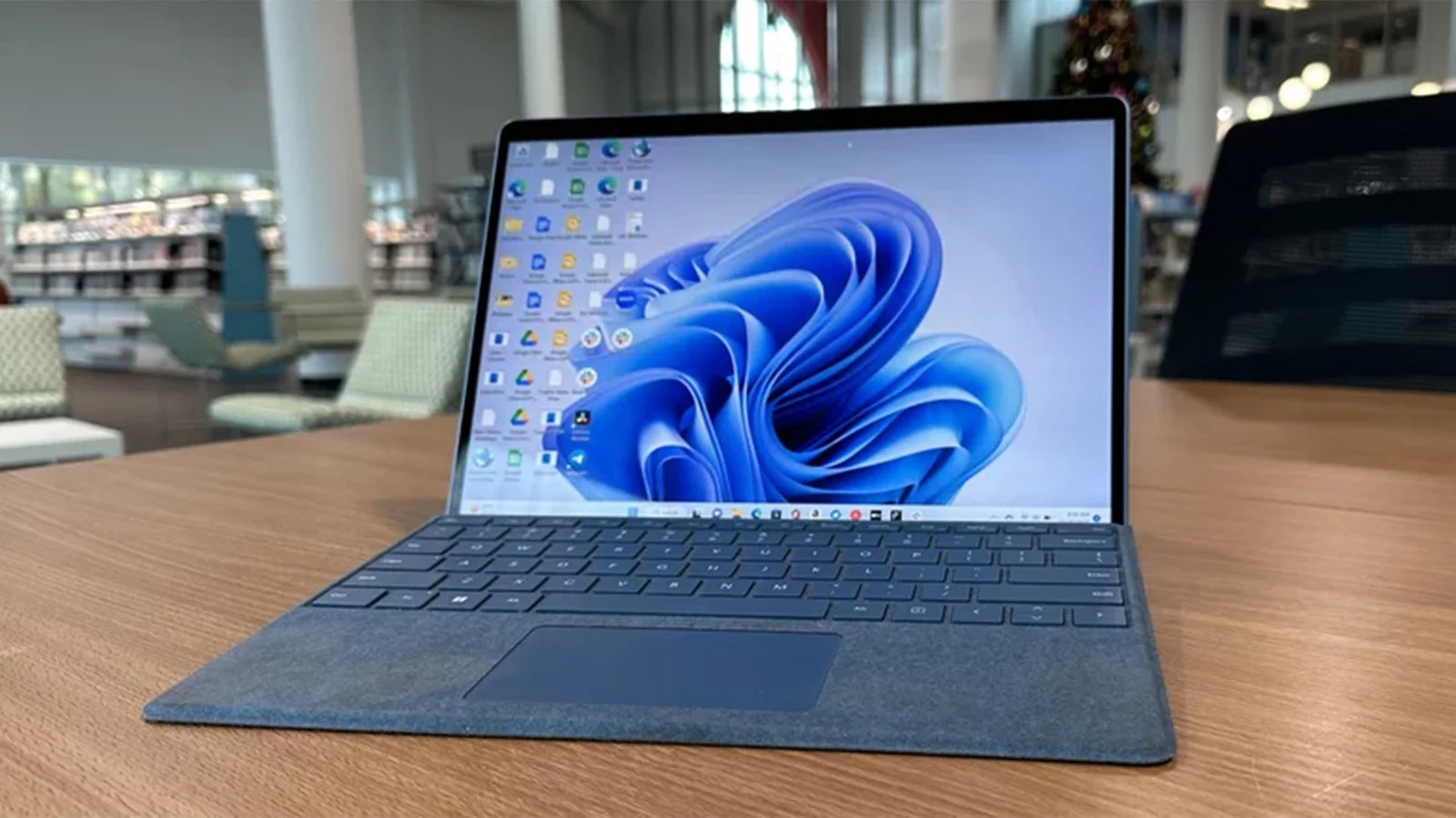
A Reddit thread highlights ten Windows 11 features that users say are life-changing, focusing on small, daily workflow wins rather than flashy upgrades: clipboard history (Win+V) for retrieving multiple copied items, the Snipping Tool’s enhanced capabilities (screen recording, OCR, and basic editing), an End Task option on the taskbar for unresponsive apps, Windows Sandbox for testing programs safely, Windows Package Manager (winget) for quick installs, Snap Layouts for efficient window arrangement, the Win+Shift+Arrow shortcuts to move windows between monitors, Voice Typing (Win+H) usable in most text fields, Reliability Monitor for easier troubleshooting, and enabling higher display refresh rates under Advanced Display settings. These practical tools collectively reduce friction and improve daily productivity more than headline features.


Microsoft eyes deeper smartphone integration in Windows 11 with major UX upgrades
technology1 month ago

Microsoft eyes deeper smartphone integration in Windows 11 with major UX upgrades

Microsoft is exploring substantial Windows 11 UX upgrades to make your phone feel like a native extension of your PC, including upgrades to Phone Link and a new system-tray smartphone flyout with quick controls, the ability to drag files to your phone, clipboard history syncing across devices, and a standalone Messages app that will sync SMS conversations—though features are still prototyped and subject to insider feedback before any release.

Windows 11 set for May 2026 reliability push focused on faster clipboard and stable core apps
technology4 months ago

Windows 11 set for May 2026 reliability push focused on faster clipboard and stable core apps

Microsoft is delivering a May 2026 reliability update for Windows 11 across Insider channels, aimed at boosting performance and stability. The release includes fixes to core components such as File Explorer and explorer.exe, the taskbar, Settings, and clipboard history; improvements to Windows Hello, storage performance, startup app memory, audio/display rendering, and security controls for drivers and batch scripts. If the preview timeline holds, these reliability tweaks should reach general users via the April optional update and the May Patch Tuesday security update.

Hidden Windows Apps You Should Know About
technology10 months ago

Hidden Windows Apps You Should Know About

The article highlights five built-in Windows apps—Windows Sandbox, Clipboard History, Microsoft Print to PDF, CharMap, and Phone Link—that many users may not know about but can significantly enhance their productivity and security. These tools are easy to access and use, offering functionalities like safe browsing, clipboard management, PDF creation, character insertion, and phone integration.

How macOS Tahoe Boosts Your Productivity
technology1 year ago

How macOS Tahoe Boosts Your Productivity

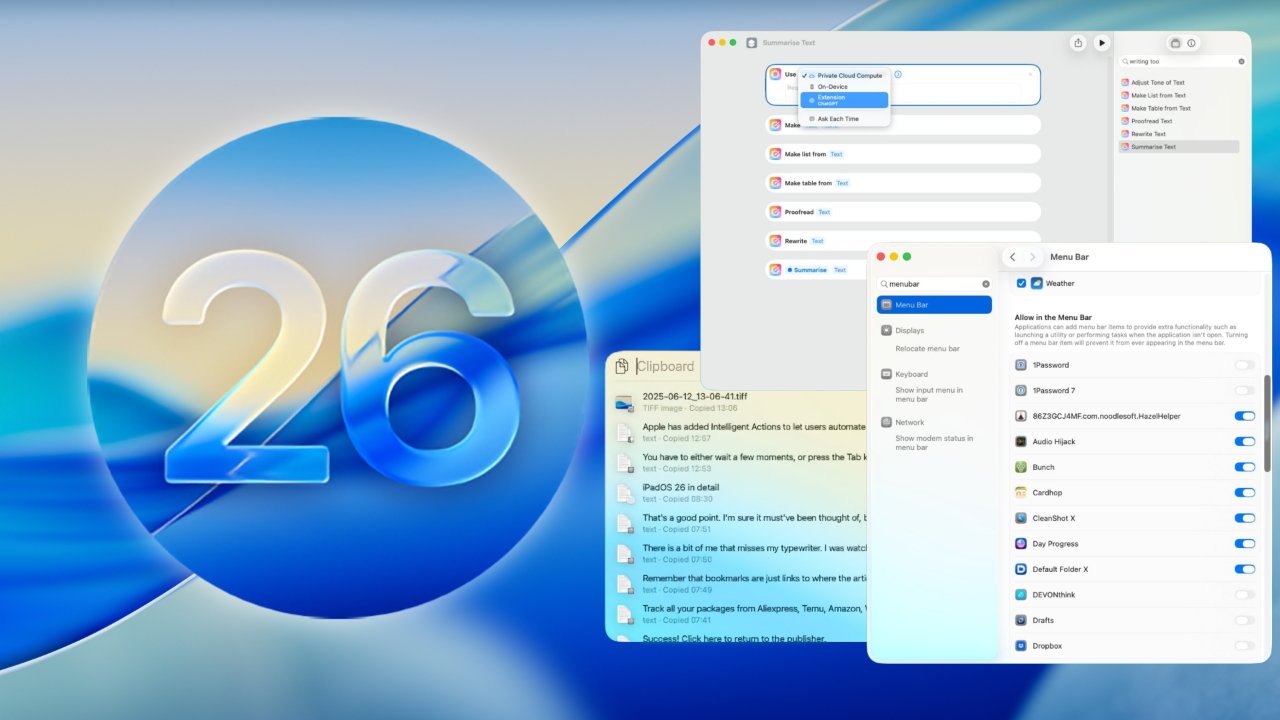
macOS Tahoe introduces five key features that significantly boost productivity: an improved Clipboard History accessible via Spotlight, Spotlight direct actions for faster task execution, integration of Apple Intelligence into Shortcuts for smarter automation, Live Activities displayed in the menu bar for real-time updates, and the ability to answer and place phone calls directly from the Mac, streamlining workflows and reducing distractions.