Tag

Hidden Features

All articles tagged with #hidden features

Unlocking YouTube Music: Five Hidden Tricks to Level Up Your Listening
technology8 days ago

Unlocking YouTube Music: Five Hidden Tricks to Level Up Your Listening

The article reveals five lesser-known YouTube Music features to enhance use: sharing songs with exact timestamps, sharing lyric snippets (note: lyrics view is paywalled for free accounts), using Sound Search to hum or sing a tune to identify songs, transferring Spotify playlists to YouTube Music via TuneMyMusic (Premium users) and other services, and searching with emojis to find songs.


Six Samsung Galaxy Dial Codes That Unlock Hidden Phone Tools
technology1 month ago

Six Samsung Galaxy Dial Codes That Unlock Hidden Phone Tools

The Android Authority piece highlights six Samsung Galaxy MMI dial codes that reveal hidden phone tools: *#06# for IMEI (two IMEIs on dual‑SIM), *67 or *31# to hide caller ID, *#0808# to view and set USB connection modes, *#2663# to access a touchscreen firmware and Wi‑Fi refresh menu, *#9900# to delete old system logs, and *#0*# to run a hardware diagnostics suite for speakers, touch, sensors, and more. It also notes you must disable One UI Auto Blocker for many codes to work (it re-enables after 30 minutes on newer versions) and that carrier-locked devices may see “connection problem” errors due to carrier restrictions.

Mind-Blowing iPhone Tricks You Probably Didn’t Know
technology3 months ago

Mind-Blowing iPhone Tricks You Probably Didn’t Know

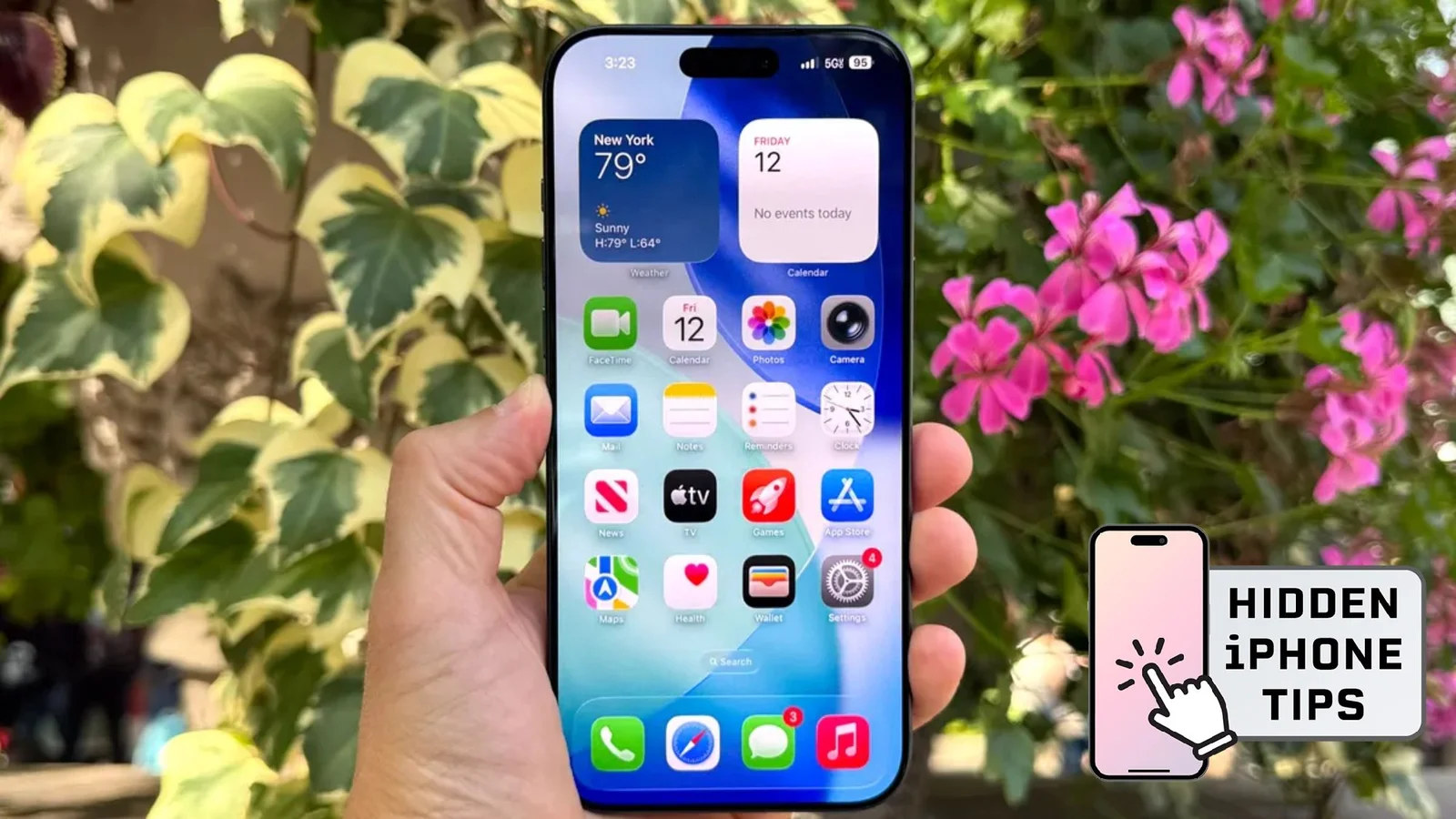
BuzzFeed’s roundup of 22 hidden iPhone tricks covers a wide range of practical hacks—from enabling Ultra Dark Mode via Accessibility Shortcuts (Reduce White Point) and using Calculator’s conversion tool, to autofill by scanning text with the camera, metal-detect via the magnetometer, AirPods Live Listen, Guided Access to lock apps, and more. Other tips include using Back Tap for quick actions, Translate with the camera for real-time text translation, turning your phone into a hotspot, Motion Cues to ease motion sickness, batch-editing photos by applying edits across multiple shots, searching photos by phrases, remote control capabilities for TVs, and printing to PDF or saving recipes as PDFs. The list showcases how everyday functions can become noticeably more convenient or even “magical” with a few tucked-away settings.

iOS 26 Unleashes 19 Hidden Tweaks to Supercharge Your iPhone
technology4 months ago

iOS 26 Unleashes 19 Hidden Tweaks to Supercharge Your iPhone

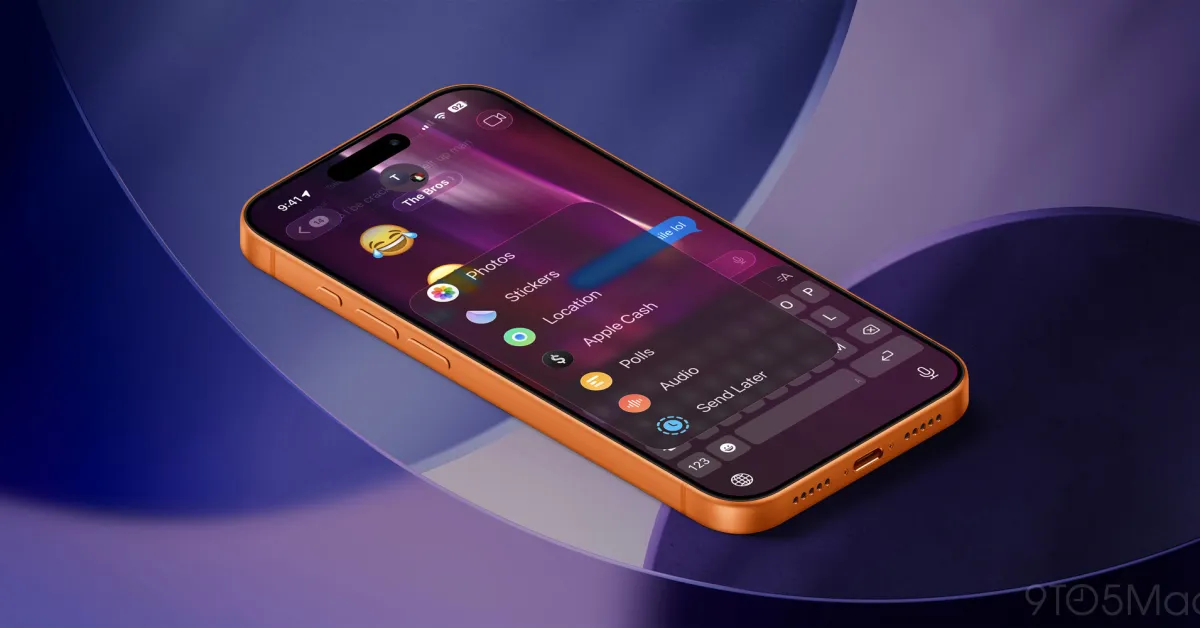
iOS 26 delivers headline features plus 19 practical tweaks that boost daily use: adaptive power management, customizable alarm snooze, new ringtones, partial text copying, Maps’ visited places, battery time estimates, Spatial Photos, on-device screenshot contextual actions, lyric translations, screen-call, AirPods as a remote shutter, chat backgrounds in Messages, Preview for PDFs, a new middle-screen back-swipe gesture, satellite weather, camera-lens alerts, HDR screenshots, digital passports in Wallet, and in-Message polls—designed to streamline daily use and personalization.

iPhone iMessage Handwritten Messages: Real-Time Drawings You Can Send
technology6 months ago

iPhone iMessage Handwritten Messages: Real-Time Drawings You Can Send

Tech writer Kaycee Hill reveals two iPhone Messages tricks: handwritten messages and animated Digital Touch sketches. In Messages, rotate your iPhone to landscape to reveal a handwriting canvas you can draw on with your finger; once you tap Done, your handwriting appears in real time in the chat, and saved phrases can be reused. For animated sketches, open the plus icon in Messages, choose Digital Touch, and send bursts, hearts, or sketches that animate as you draw. Note these features work only with iMessage (iPhone-to-iPhone), and by default handwritten and Digital Touch messages expire after two minutes unless you set Expire to Never in Settings. Android users won’t see the same effects.

5 Surprising Features of Your Amazon Fire TV Stick
technology8 months ago

5 Surprising Features of Your Amazon Fire TV Stick

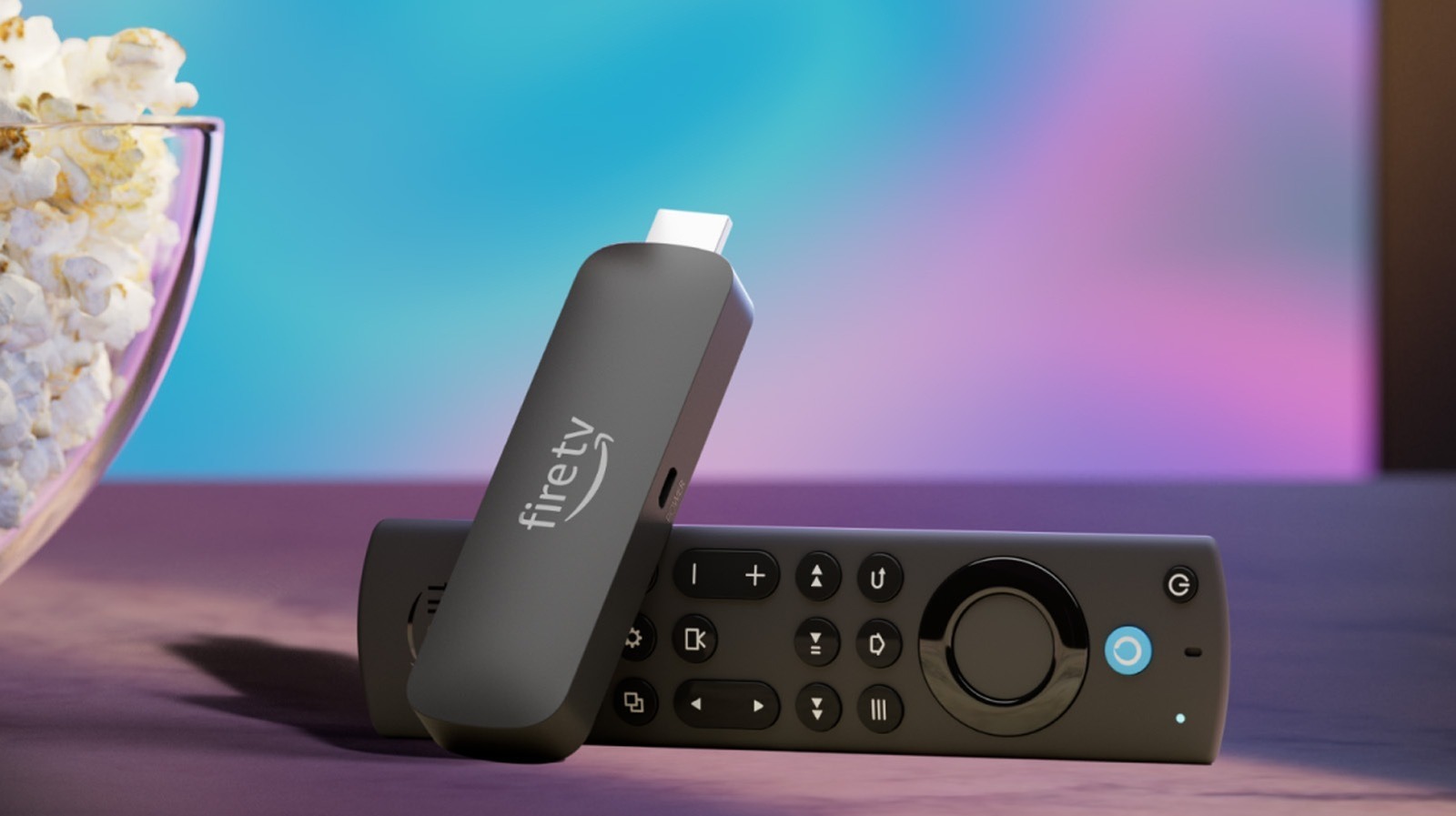
The article reveals five lesser-known features of the Amazon Fire TV Stick, including linking it with Ring doorbells for live feeds, using remote shortcuts for quick actions, turning the screen saver into a smart display with widgets, pairing Bluetooth headphones for private listening, and connecting external input devices like keyboards and mice for easier navigation and typing.

technology9 months ago

Windows 11's New Start Menu and Features Unveiled

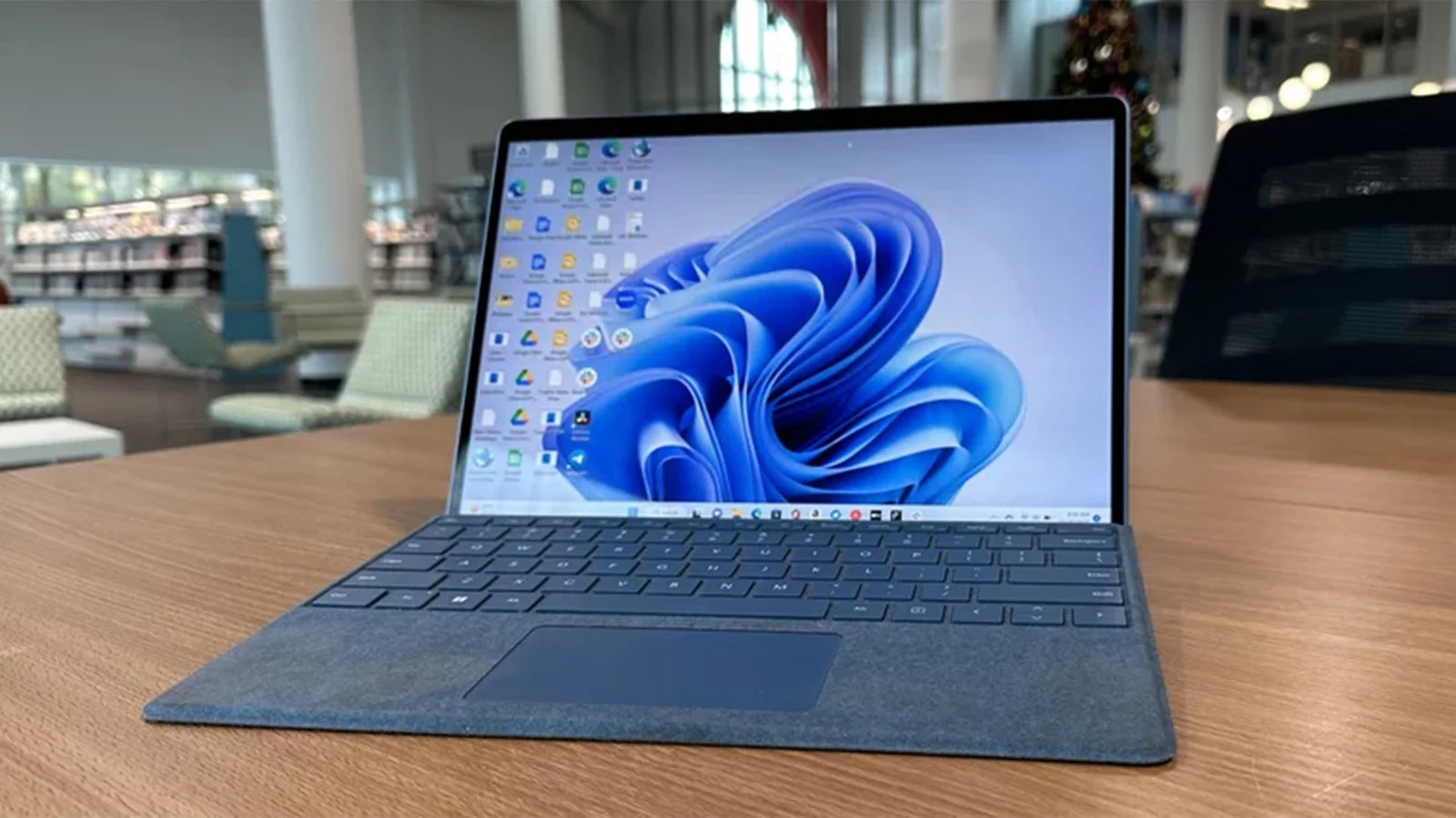
ViveTool is a command-line utility that allows users to activate and test hidden or upcoming Windows 11 features before their official release, providing greater customization and early access for enthusiasts, developers, and IT professionals. It works by toggling feature flags within the system, offering a safe and reversible way to explore new functionalities like a redesigned File Explorer, animated backgrounds, and improved search, while emphasizing caution and the importance of creating restore points before use.

Hidden Windows Apps You Should Know About
technology9 months ago

Hidden Windows Apps You Should Know About

The article highlights five built-in Windows apps—Windows Sandbox, Clipboard History, Microsoft Print to PDF, CharMap, and Phone Link—that many users may not know about but can significantly enhance their productivity and security. These tools are easy to access and use, offering functionalities like safe browsing, clipboard management, PDF creation, character insertion, and phone integration.

Discover the Latest iOS 26 Features and Tips for Your iPhone
technology11 months ago

Discover the Latest iOS 26 Features and Tips for Your iPhone

iOS 26 introduces major design and intelligence upgrades, but also includes 18 subtle features like customizable snooze durations, creating custom ringtones, improved text copying, visited places in Maps, battery time estimates, adaptive power mode, 3D photos, screenshot search, lyric translations, live call screening, AirPods camera control, message backgrounds, PDF editing, new gestures, satellite weather, camera lens alerts, HDR screenshots, and digital passports, all enhancing daily iPhone use.

Discover the Top Hidden and Customization Features in iOS 26
technology11 months ago

Discover the Top Hidden and Customization Features in iOS 26

iOS 26 introduces several major features like Liquid Glass design and Apple Intelligence, but also includes 18 subtle enhancements such as customizable snooze durations, creating custom ringtones, improved text copying, visited places in Maps, battery time estimates, adaptive power mode, 3D Spatial Scenes, screenshot search, real-time lyric translations, live call screening, AirPods camera control, message backgrounds, PDF editing, new navigation gestures, satellite-based weather, camera lens alerts, HDR screenshots, and digital passports, all aimed at improving daily iPhone use.

Exploring the Latest iOS 26 Updates and Hidden Features
technology11 months ago

Exploring the Latest iOS 26 Updates and Hidden Features

iOS 26 introduces over 200 new features, including the ability to copy parts of messages, save recipes to reminders, set default apps for files, create custom ringtones from MP3 files, view unsent messages, improve panorama photos, find specific videos with thumbnails, get camera cleanliness alerts, match home screen icons to cases, see event details in photos, set callback reminders, keep audio in headphones, and enhance swipe gestures.