
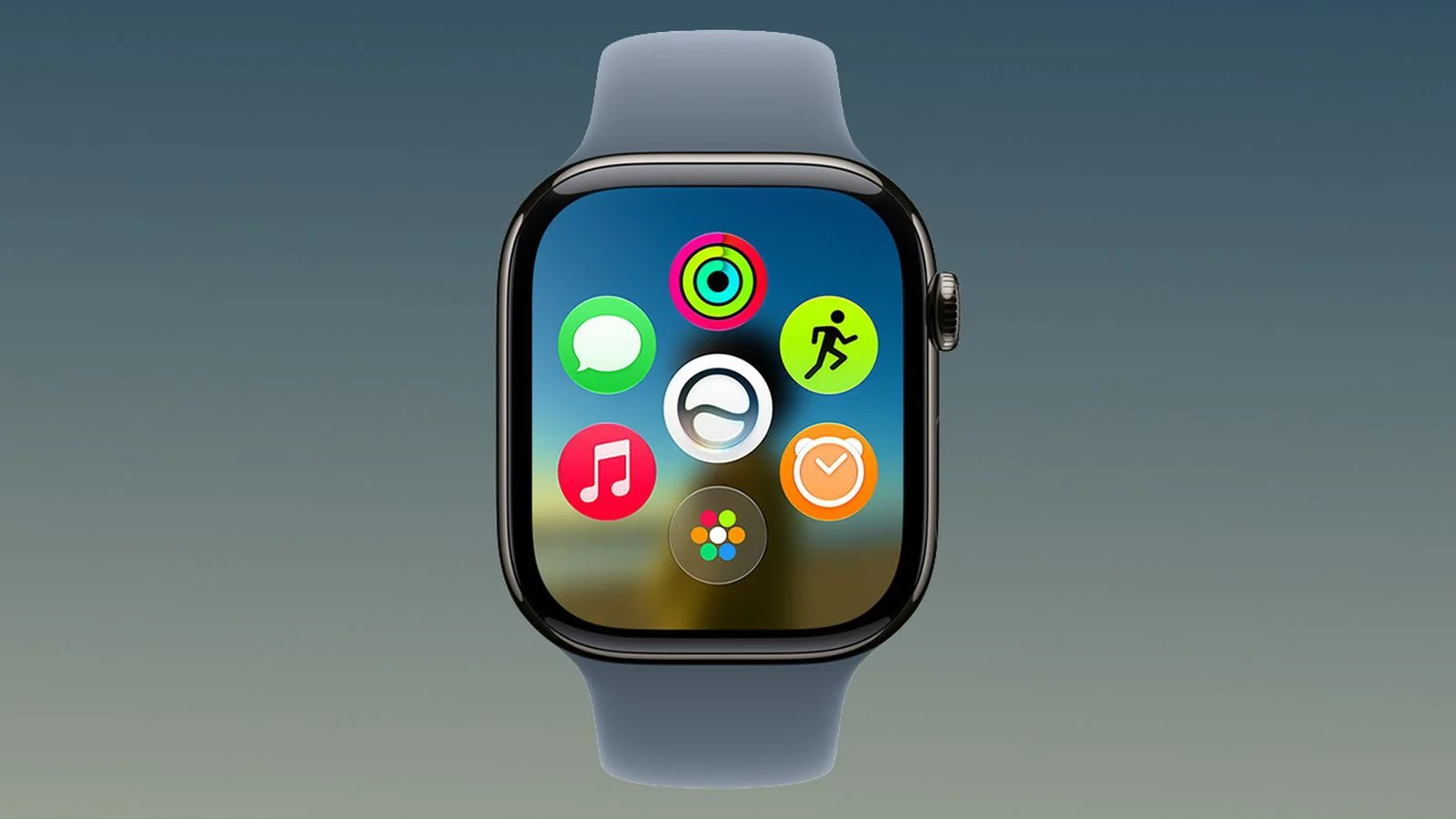
watchOS 27: Quick Way to Force Quit Apple Watch Apps
In watchOS 27, you quit Apple Watch apps by pressing and holding the Side button to reveal the power sliders, then pressing and holding the Digital Crown to return to the watch face—since the old App Switcher method (Crown double-click) is now reserved for Live Rewind. Quitting an app doesn't save battery power, but it can fix misbehaving apps.