
watchOS 27: Quick Way to Force Quit Apple Watch Apps
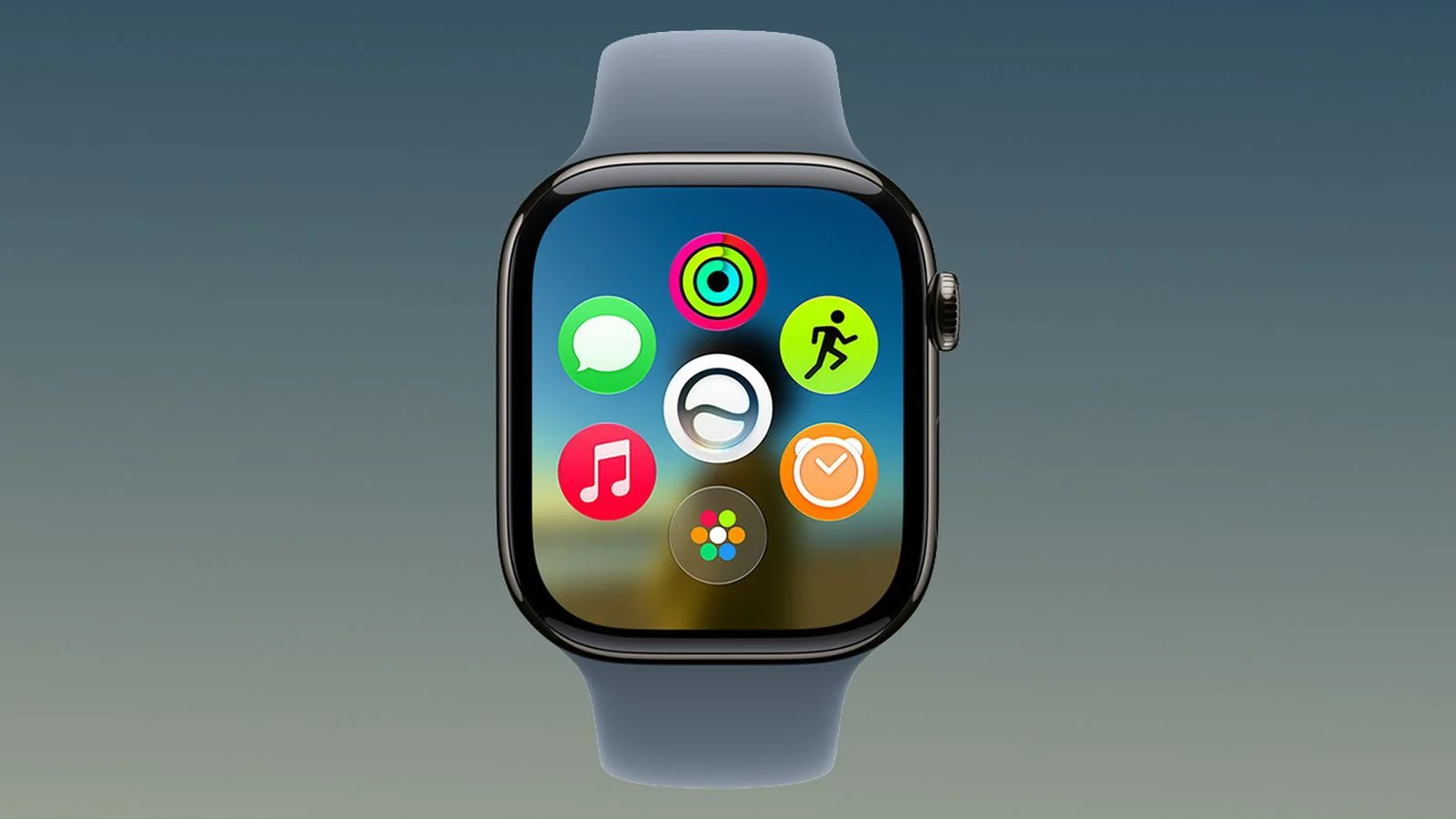
TL;DR Summary
In watchOS 27, you quit Apple Watch apps by pressing and holding the Side button to reveal the power sliders, then pressing and holding the Digital Crown to return to the watch face—since the old App Switcher method (Crown double-click) is now reserved for Live Rewind. Quitting an app doesn't save battery power, but it can fix misbehaving apps.
- How to Force Quit Apple Watch Apps in watchOS 27 MacRumors
- WatchOS 27 removes a feature from your Apple Watch Mashable
- If you multitask on your Apple Watch, don’t upgrade to watchOS 27 Macworld
- watchOS 27.2 beta 2 brings the App Switcher back with a new gesture 9to5Mac
- watchOS 27 Watch Faces: Siri Modular Guide (2026) the5krunner
Reading Insights
Total Reads
0
Unique Readers
8
Time Saved
10 min
vs 11 min read
Condensed
97%
2,149 → 59 words
Want the full story? Read the original article
Read on MacRumors