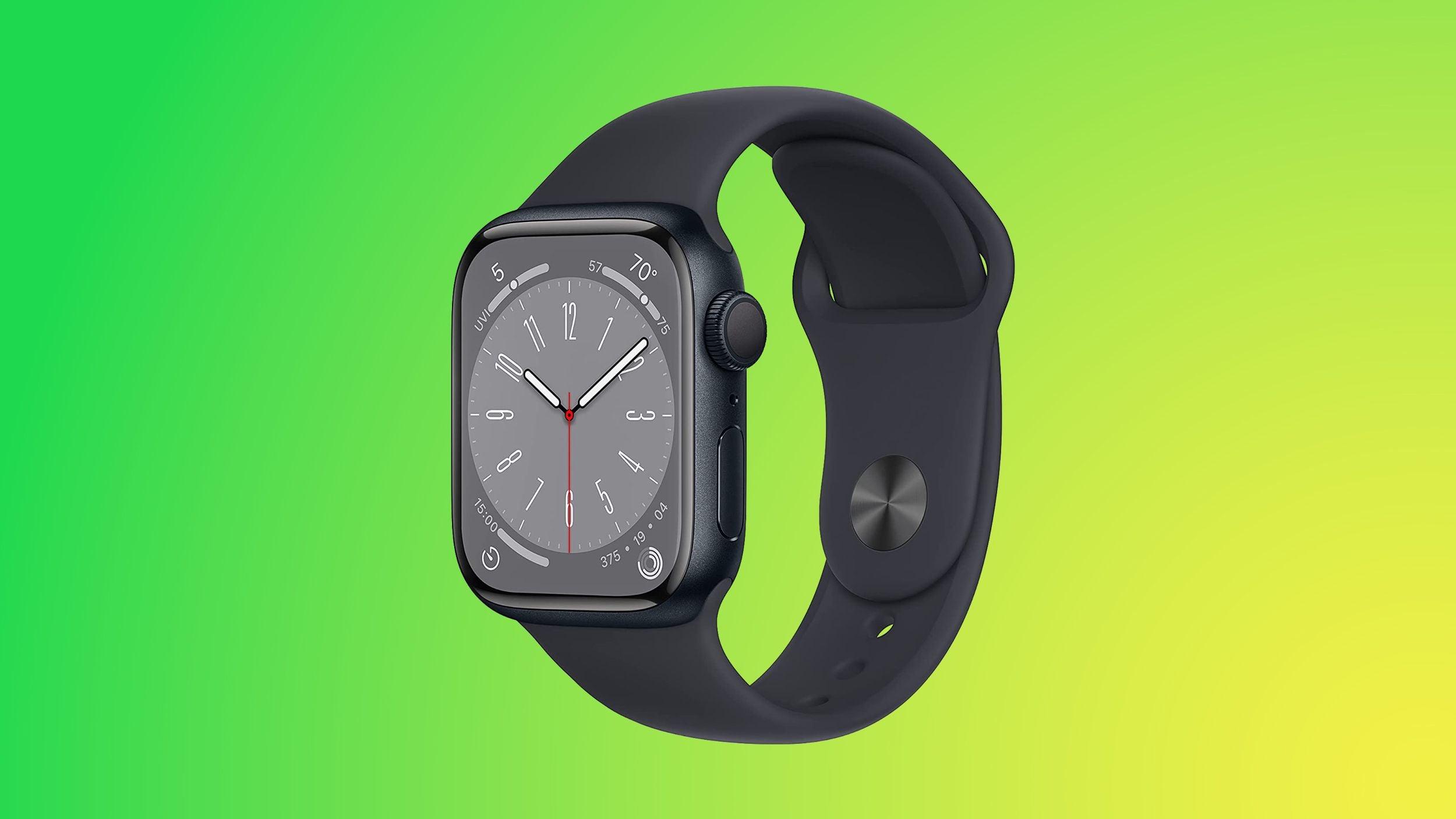
Unfreeze Your Apple Watch: Quick Restart and Troubleshooting Tips
If your Apple Watch freezes, start with a normal restart: press and hold the side button, tap the Power Off icon, and turn it back on after a few seconds. If the screen is unresponsive, perform a force restart by holding both the Digital Crown and the side button until the Apple logo appears (about 10 seconds). If issues persist, check for a watchOS software update in the Watch app on your iPhone (My Watch → General → Software Update) or unpair and re-pair the watch, choosing Restore from Backup to recover data. If problems continue, consider service.