
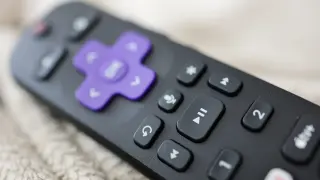
Make Your Non-Roku TV Voice-Controllable with a Roku Remote
You can use a Roku remote to control a non‑Roku TV via HDMI-CEC. In Settings > Remotes & devices > Remotes, choose the Roku remote and select Set up remote for TV control. The setup will identify your TV and prompt basic controls like volume; you may need to point the remote at the TV. If you have a Roku Voice Remote Pro and it won’t control the TV, ensure HDMI-CEC is enabled on the TV and retrain, and if connected to a receiver, connect the remote directly to the TV for easier identification. Once set up, you can say “Hey Roku” to power the TV on/off and adjust volume, while the Roku interface itself offers voice navigation for apps and content.