Tag

Sysmon

All articles tagged with #sysmon

Windows 11 March 2026 Patch Adds Emoji 16, Sysmon, and More Features
technology1 month ago

Windows 11 March 2026 Patch Adds Emoji 16, Sysmon, and More Features

Microsoft released Windows 11 KB5079473 as part of the March 2026 Patch Tuesday, introducing up to nine new features (including Emoji 16, built-in network speed test, WebP wallpaper support, expanded Windows Backup restore for organizations, and automatic Quick Machine Recovery for many non-domain Pro PCs) along with 58 security fixes (six actively exploited zero-days). Direct offline installers (.msu) are available via the Microsoft Update Catalog for builds 26200.8037 (25H2) and 26100.8037 (24H2). The update can be installed through Windows Update, WSUS, or deployment tools; Sysmon is now built into Windows and must be enabled manually. If install issues arise, a fresh install via Media Creation Tool is recommended.
Windows 11 February preview adds Sysmon, network speed test, and BitLocker improvements
technology1 month ago

Windows 11 February preview adds Sysmon, network speed test, and BitLocker improvements

Microsoft released the Windows 11 KB5077241 optional preview with 29 changes: improved BitLocker reliability; built-in network speed test for Ethernet, Wi‑Fi, and cellular; native Sysmon support (off by default) and auto Quick Machine Recovery on eligible Pro devices; plus UI and reliability tweaks (faster wake from sleep, smarter taskbar overflow, WebP desktop backgrounds, and RSAT on Arm64). It’s a non-security preview that can be installed via Settings > Windows Update or the Microsoft Update Catalog.

Windows 11’s next feature drop adds Emoji 16.0, Taskbar tweaks, and broader Settings upgrades
technology1 month ago

Windows 11’s next feature drop adds Emoji 16.0, Taskbar tweaks, and broader Settings upgrades

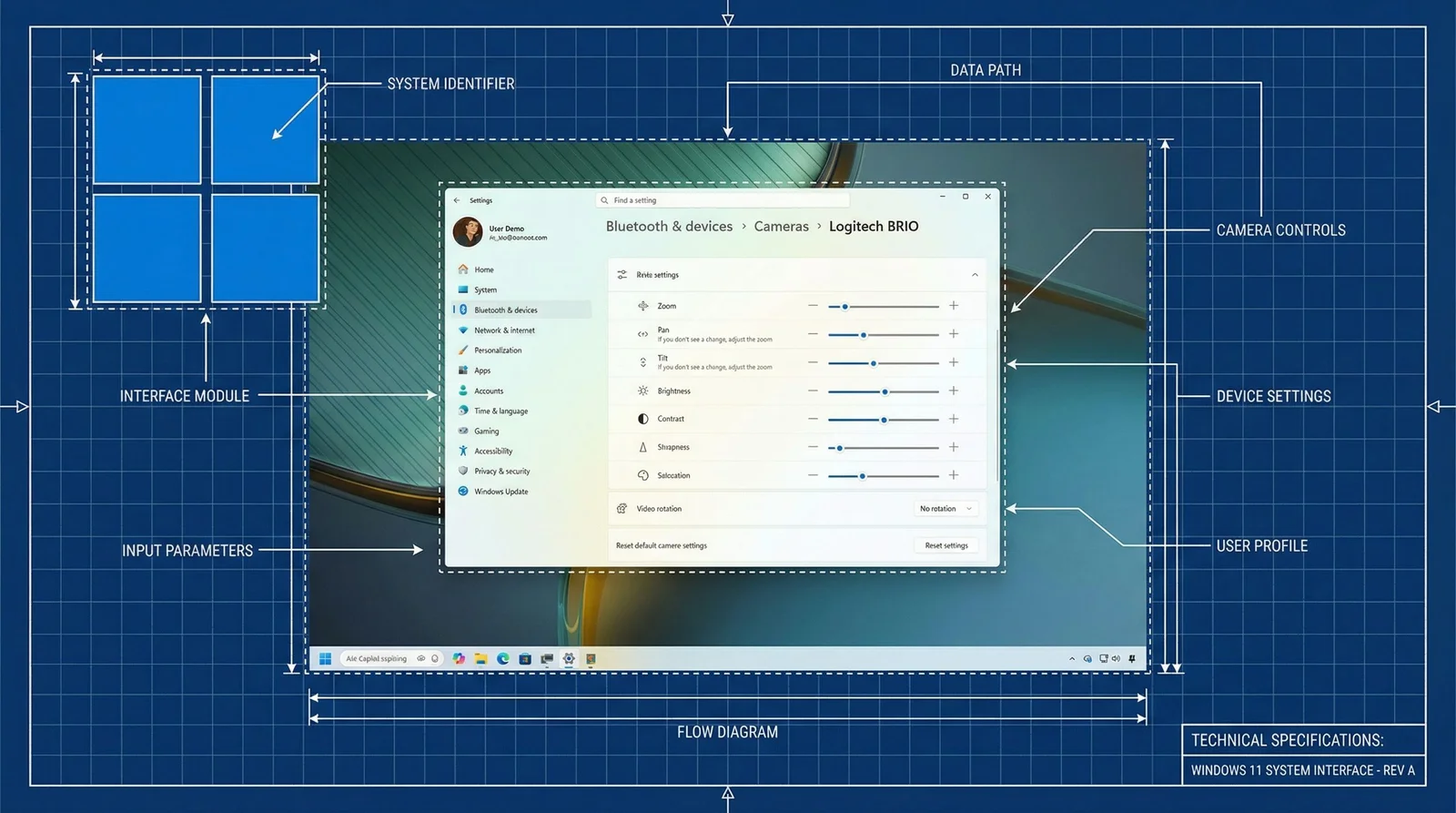
Microsoft’s Release Preview shows the next Windows 11 feature drop arriving in the coming weeks, led by Emoji 16.0 and Taskbar updates, plus a built‑in network speed test and a suite of Settings enhancements (Camera controls, built‑in Sysmon, account/Entra tweaks, and other UI improvements). The features are rolling out to Windows Insiders in Release Preview and are expected to reach all Windows 11 devices with the February security update in the coming weeks.

Windows 11 2026 Update Brings Sysmon In-House, WebP Backgrounds, and AI Narrator
technology1 month ago

Windows 11 2026 Update Brings Sysmon In-House, WebP Backgrounds, and AI Narrator

Windows 11’s 2026 Insider update wave adds Sysmon as a built-in feature (enabled via Settings > System > Optional features), refreshes the Settings UI to match Windows 11’s design, enables WebP desktop backgrounds, expands Narrator’s AI image description to devices without on-device AI (using Copilot cloud processing for those PCs), and updates the OneDrive sharing UI to show available apps for sharing links, signaling a broader feature rollout ahead of the 2026 cycle.

Windows 11 Embraces Native Sysmon for Built-In Security Telemetry
technology2 months ago

Windows 11 Embraces Native Sysmon for Built-In Security Telemetry

Microsoft is integrating Sysmon directly into Windows 11 in preview builds for Windows Insider Beta/Dev channels, enabling built-in, configurable security telemetry that previously required a separate Sysinternals installer. The feature is opt-in and disabled by default; admins must remove any existing Sysmon installation, enable it via settings or DISM/PowerShell, and apply a Sysmon configuration file. While it promises easier deployment and centralized monitoring, Microsoft has not announced a production release date.

Windows 11 adds built‑in Sysmon for native threat monitoring in Insider builds
technology2 months ago

Windows 11 adds built‑in Sysmon for native threat monitoring in Insider builds

Microsoft is rolling native Sysmon monitoring into Windows 11 for devices in the Windows Insider program, enabling Windows Event Log-based threat detection with Sysmon’s event logging. The feature is disabled by default and must be explicitly turned on (after removing any manually installed Sysmon). Activation can be done via Settings > System > Optional features > More Windows features > Sysmon or via PowerShell/DISM, and it is rolling out to Beta/Dev Preview builds 26220.7752 and 26300.7733.