Silence the Windows 11 clutter: seven tweaks for a calmer desktop
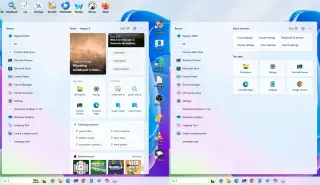
Windows Central’s guide walks through seven practical tweaks to cut visual clutter and interruptions in Windows 11: disable lock‑screen widgets, hide the Widgets icon from the taskbar, enable Do Not Disturb, remove Start menu content recommendations, turn off web highlights in Windows Search, disable taskbar badges, and hide desktop icons. These changes let the OS run in the background, letting you focus on work and only be alerted when something truly matters.