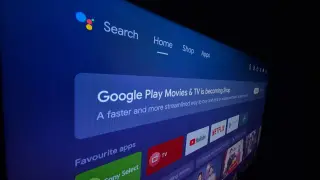
A developer successfully used Anthropic's Claude to remove bloatware from an Android TV, but experts warn that granting AI agents full debugging access risks system instability and security vulnerabilities.
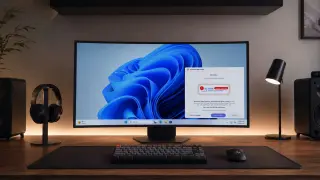
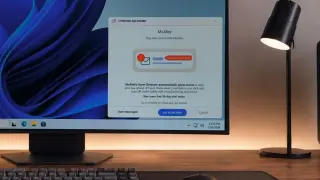
Microsoft intervened to stop Windows 11 users with LG monitors from being bombarded with McAfee trial pop-ups; LG has agreed to disable the McAfee pop-up in the LG Monitor App Installer, and Microsoft says it will keep working with ecosystem partners to curb auto-installs and improve user consent. The move follows backlash over auto-installations tied to LG monitor software during connections, a practice dating back to 2024, with LG insisting McAfee isn’t installed automatically and that other brands, like Dell, have similar auto-install features.
Microsoft intervened after backlash over LG's Monitor App Installer pushing a McAfee trial popup on Windows 11; LG says consent is required and blames the distribution process, while Microsoft confirms LG will disable the popup as part of a broader effort to curb bloatware with ecosystem partners.
LG’s monitor app updater uses Windows’ device metadata to silently install software via Windows Update, with LG’s changelog mentioning McAfee as an added app and a 30‑day trial, effectively serving adware without user consent. Microsoft’s Store policy notes the automatic app installation is by design. Users can block it via Group Policy or uninstall the app, but the incident highlights a broader OEM practice of bundling software through the update pipeline on Windows. There are no public statements from Microsoft or LG at the time of writing.
Notebookcheck reports privacy concerns around LG devices: LG TVs’ Terms of Service allow recording and analyzing conversations for AI improvement, and require users to inform guests that they’re being recorded; if anyone objects, voice features must be disabled. It also notes LG monitors connected to Windows automatically install LG Monitor App Installer and McAfee, with the apps having broad access to system data (location, hardware, online activity, logins, contacts). Gamers Nexus tests suggest this affects newer models and some older ones after firmware updates.
Motorola devices with the preinstalled Smart Feed bloatware are reported to hijack shopping app links (e.g., Amazon), inserting affiliate codes and routing purchases through unknown parties. The behavior was confirmed via user logs and network traffic, with destinations like devicenative.com and kira-abboud.com linking to affiliate schemes. Motorola users can disable Smart Feed via Settings > Apps > Smart Feed > Disable. The root cause appears to be the Smart Feed software itself, not necessarily Motorola-wide intent, and a formal response from Motorola is anticipated.
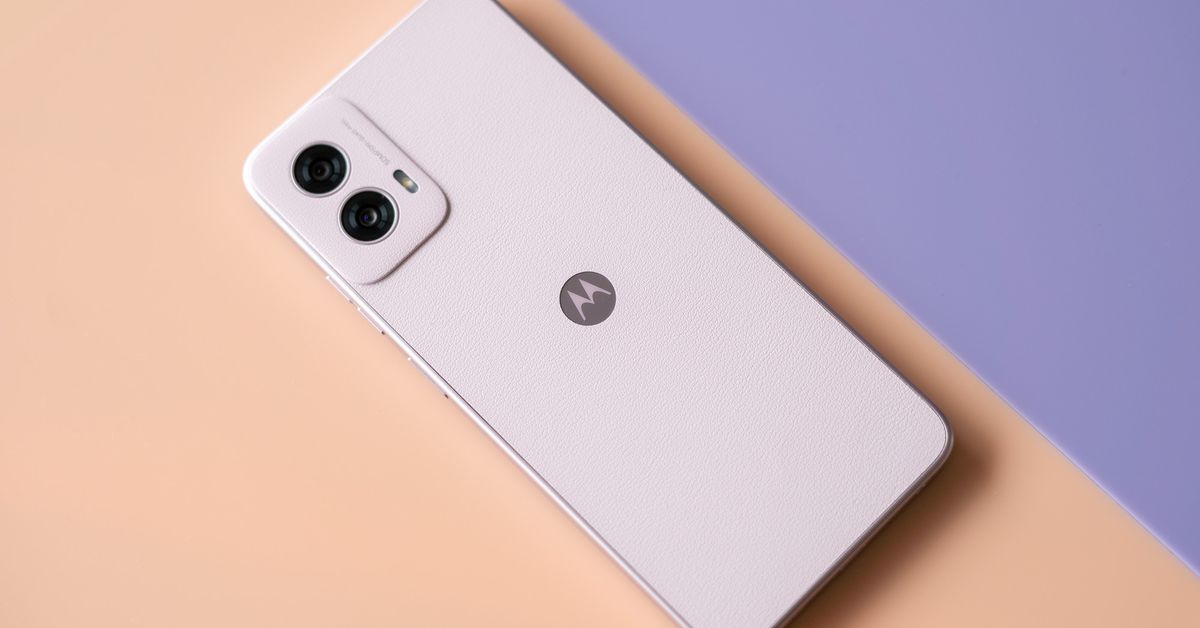
The 2026 Moto G Stylus trims preinstalled apps to a manageable level and adds a highly usable active stylus with pressure sensing, plus a headphone jack, microSD slot, and strong IP ratings. At $499 it’s pricier than before, and while the camera is adequate and the device handles tasks smoothly most of the time, it shows color punch and processing quirks, and Motorola’s software updates are limited to two OS upgrades and three years of security patches, leaving it behind rivals like the Pixel 10A in update cadence.
PCWorld highlights Winhance, a free open-source tool that centralizes Windows 11 debloating, privacy tweaks, update control, and customization into a single interface, making it easy to uninstall preinstalled apps and tune system settings—though turning off updates is optional and not generally advised.
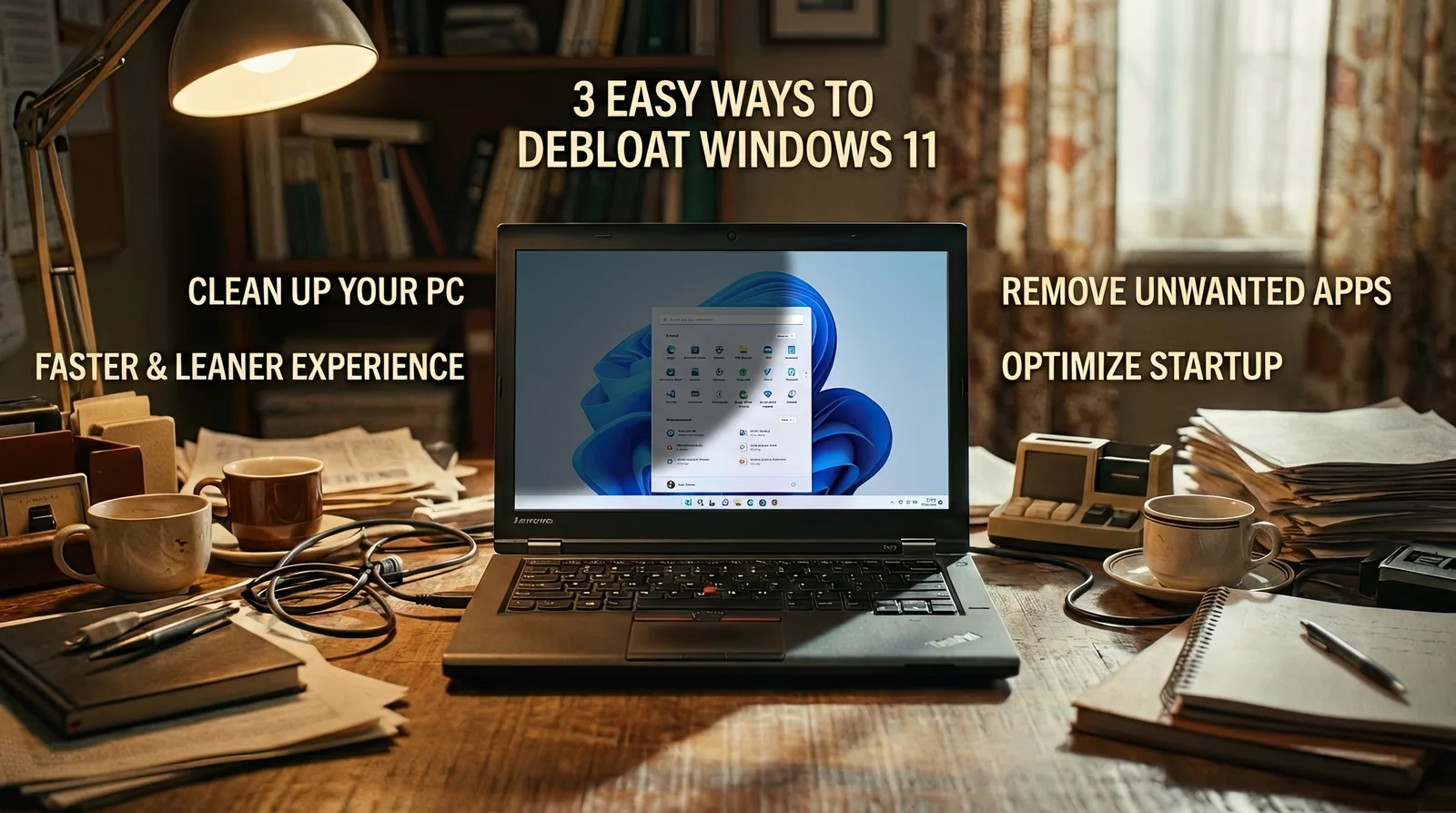
The article lays out three easy ways to debloat Windows 11 for a faster PC: use Windows Setup and Group Policy to remove default apps for new accounts; run FlyOOBE (a GitHub debloating tool) and select a profile (Balanced, Full Microsoft Experience, Minimal Windows, or Community) to uninstall chosen apps; and read FAQs noting that core apps aren’t removed, FlyOOBE can affect updates, and changes can often be undone by reinstalling removed apps, with a backup recommended before proceeding.
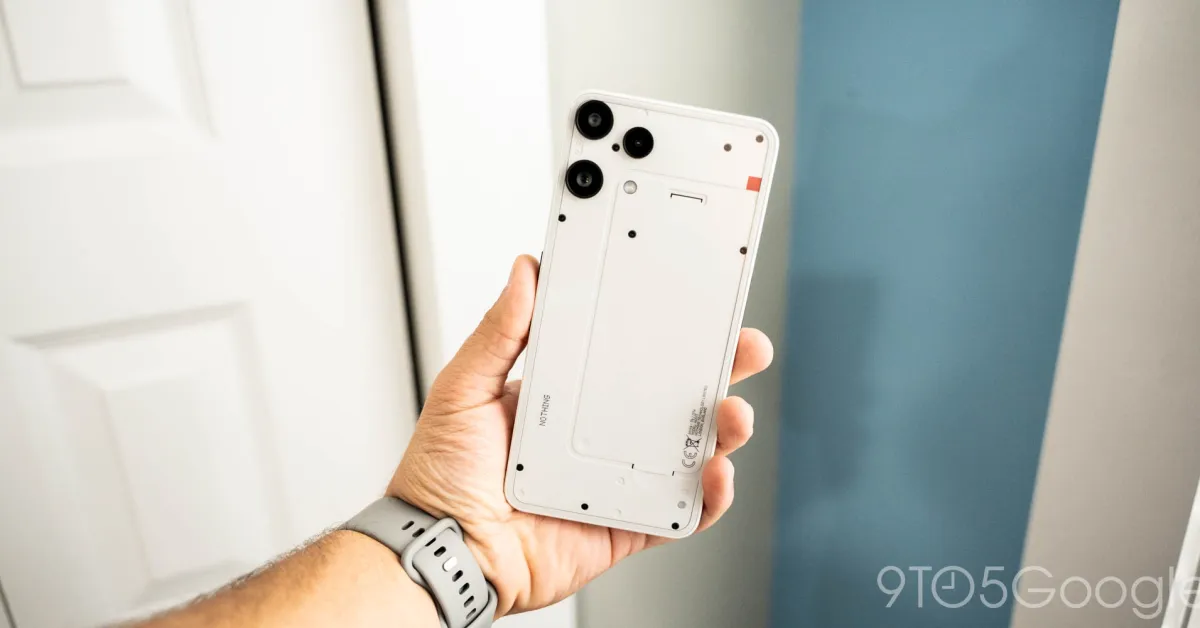
The Nothing Phone (3a) Lite is the company's first device with pre-installed third-party apps like Facebook, Instagram, and TikTok, which cannot all be uninstalled, highlighting a shift from its traditionally clean Android experience. The pre-installed apps are partly a revenue strategy to offset hardware costs, and the device also features a default 'Lock Glimpse' wallpaper feature that can be disabled.
The article highlights five preinstalled Samsung apps—Global Goals, Samsung Free, Samsung TV Plus, Samsung Shop, and Samsung Kids—that are often unnecessary for many users. It recommends uninstalling or disabling these apps to save memory and battery life, especially if they don't align with the user's needs, while noting that some apps may be useful for specific users like parents or entertainment enthusiasts.
The 2024 Moto G Power impresses with its design and affordability, but is marred by bloatware, including pre-installed apps and ads that compromise user privacy. The phone's camera and display also fall short of expectations, but its $300 price point still offers value compared to higher-end flagships. The bloatware, which includes apps from a company called Swish and a weather app with ads and suggested apps, raises concerns about data privacy and user experience, overshadowing the phone's potential.
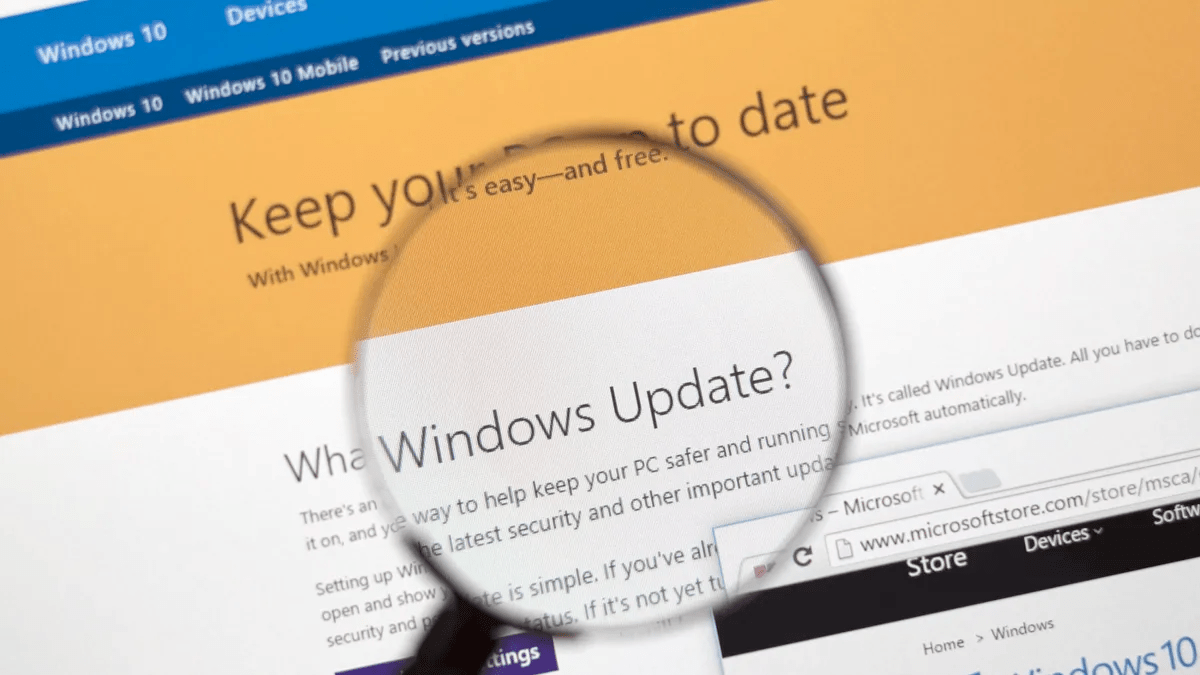
Windows 11 often comes with bloatware and unnecessary pre-installed applications, which can slow down the system and pose security risks. Users can manually remove these programs through the Settings app or use specialized tools like Windows 11 debloater, CCleaner, IObit Uninstaller, and O&O Appbuster. Removing bloatware can improve system performance and free up storage space. Additionally, an unofficial minimal edition of Windows 11 called Tiny 11 has been developed to reduce system requirements and eliminate unnecessary components.
Windows users are reporting that HP printer bloatware is automatically installing itself on their computers, even if they don't have any HP gear. This bloatware, which is the entry point to a subscription service for ink, has caused HP to acquire a reputation for bad behavior. Microsoft has confirmed that the issue is related to the Microsoft Store but has not provided any workarounds or temporary fixes. Users are advised to uninstall the HP Smart App if they do not use HP printers.
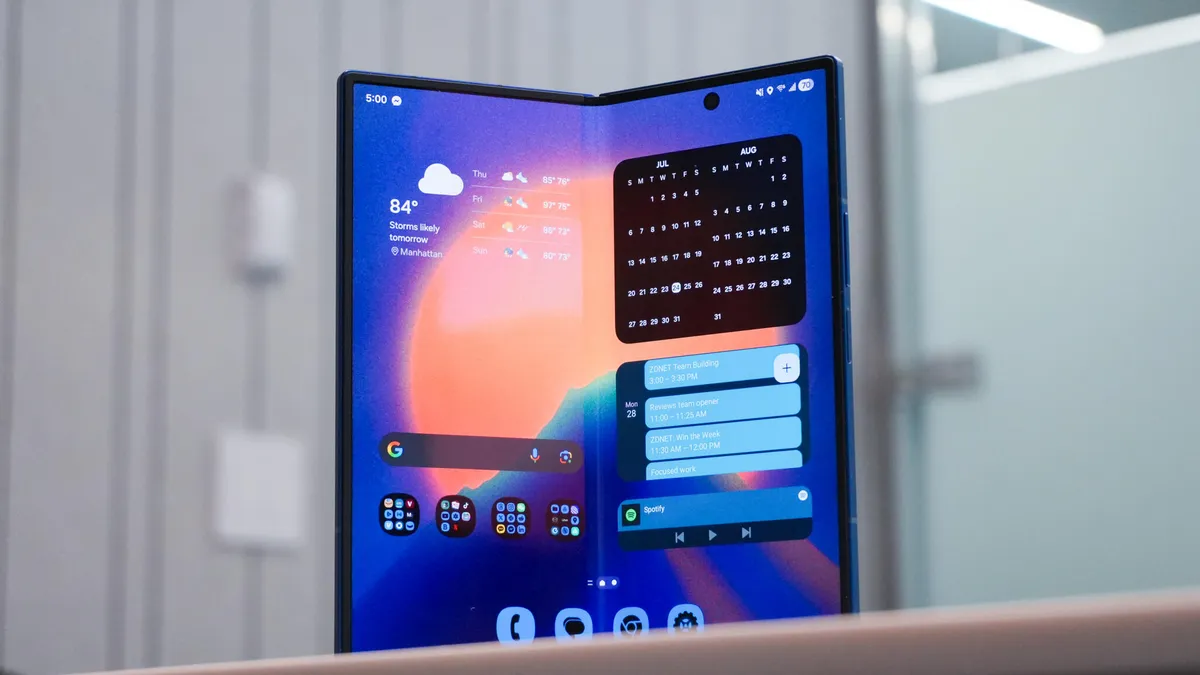
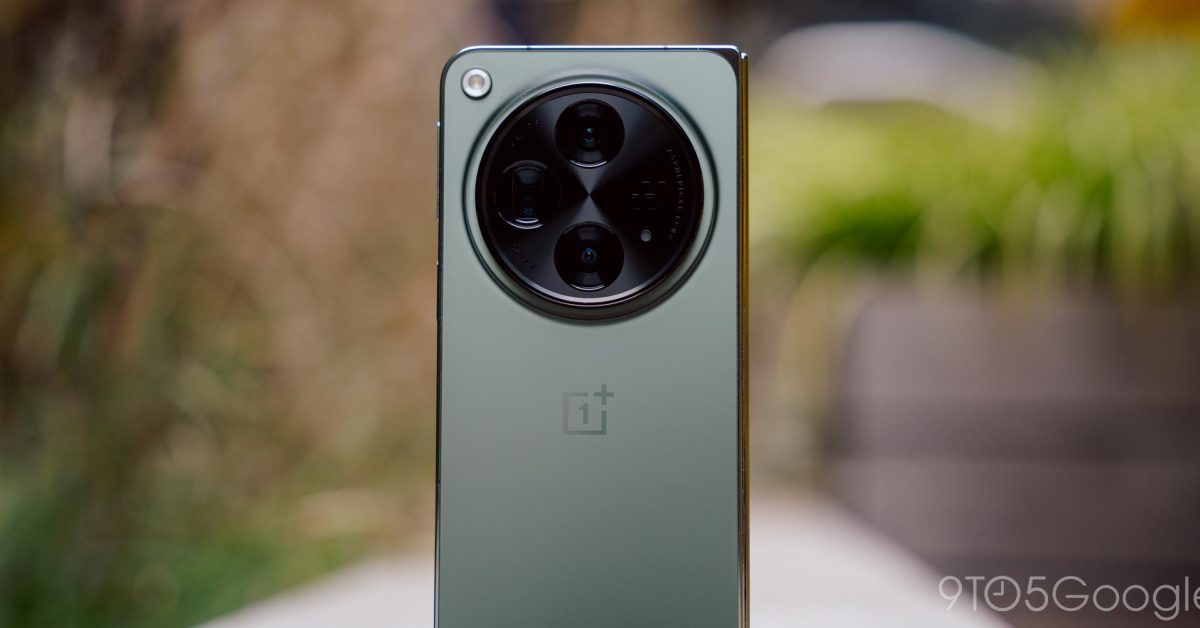
The OnePlus Open, the brand's first foldable phone, comes pre-installed with Facebook/Meta bloatware that cannot be removed. The phone includes three system apps, branded as "Meta" apps, which allow Facebook/Meta to bypass the Play Store for specific tasks and force updates on their apps. These apps have system privileges and can install apps and updates without notification. OnePlus had previously promised not to include these apps on future devices but has backtracked on that commitment. The inclusion of these apps is positioned as optimization for the foldable design, but OnePlus has not provided further explanation.