Samsung’s One UI 8.5 update expands the Camera Assistant feature to around 20 devices, including Galaxy A34/A35/A36/A37 and M34/M35/M36 phones as well as multiple Galaxy Tab models, giving users more advanced camera controls like extra lens/zoom options and autofocus tweaks. Some features may be limited by hardware on older devices. The rollout began in Korea on May 6, 2026, with broader availability starting May 11.
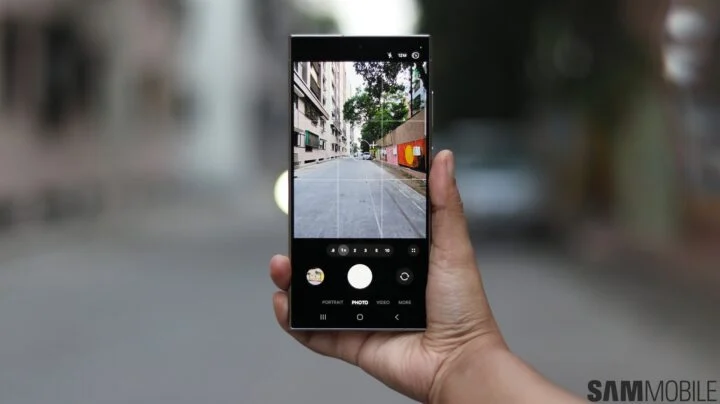
Samsung says its Camera Assistant app will now support 19 additional Galaxy devices as One UI 8.5 rolls out, spanning mid-range A and M series phones and multiple Galaxy Tab S tablets, enabling deeper customization of the stock camera with options like auto lens switching, autofocus tweaks, timer-shot adjustments, Auto HDR, and HDR10+ video recording.
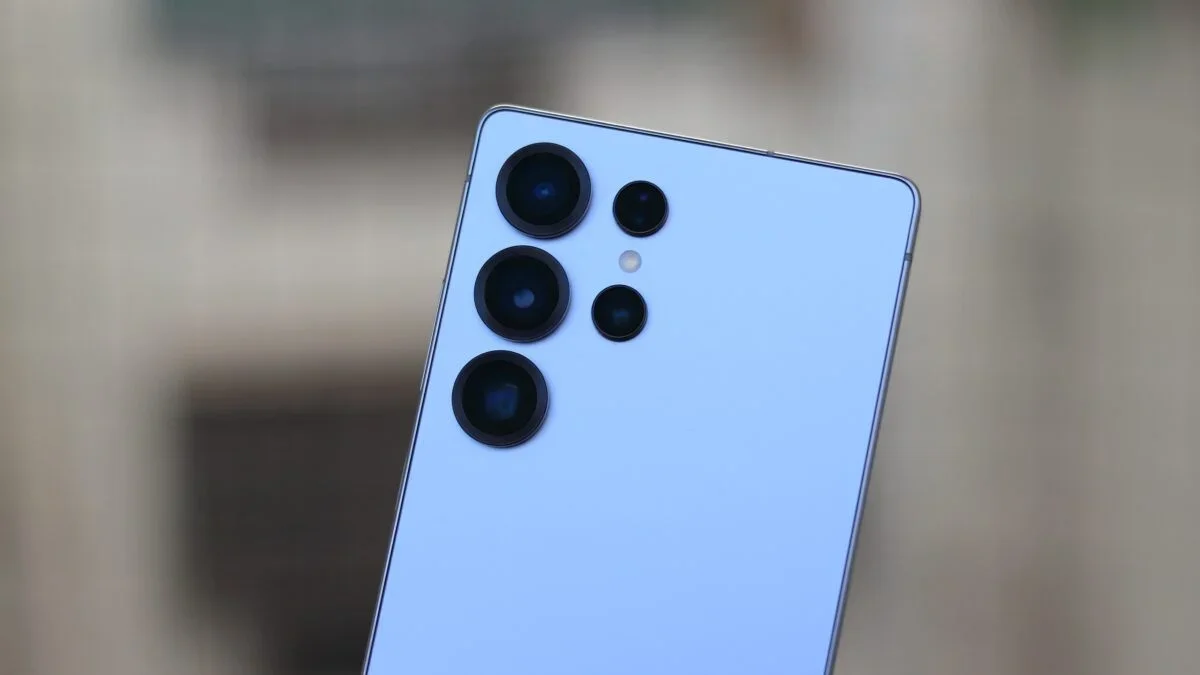
Samsung's Galaxy S26 Ultra packs a powerful but intricate camera system; this guide shows how to optimize Auto mode by using Camera Assistant and a precise default setup: enable the 24MP lossless pipeline, disable Auto Flash, set Photo Enhancer to Quality, turn on Scene Detection, use 10-bit HEIF, keep Tracking AF on, leave Focus Enhancer off except for macro, enable grid, and bind volume keys to zoom. In Camera Assistant, set 24MP as default, set Photo Softening to Medium-High, add 2x and 10x shortcuts, disable Auto Lens Switching, prioritize focus over speed, disable Quick Tap Shutter, keep Distortion Correction and Auto HDR on, and turn off Adaptive Pixel and upscale zoom; cap ISO at 400 for 12MP mode and use WB/exposure controls as needed. The guide also explains the 24MP lossless zones across lenses (ultra-wide up to ~0.9x, main to ~1.9x, 5x tele to ~9.9x), when to use 24MP vs 12MP, and how Night mode can influence output, all aimed at extracting the phone’s best detail and color.
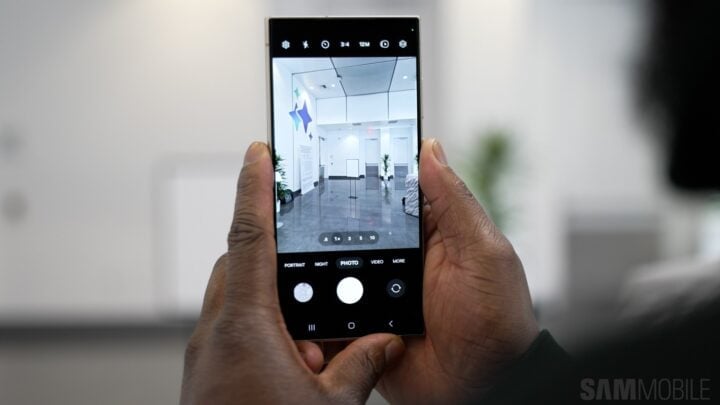
Samsung's Galaxy S26 series no longer includes a dedicated Night mode; Night is now a toggle in Photo mode that activates automatically in low-light scenes and offers Off, Auto, and Max. If you want the traditional dedicated Night mode, install the Camera Assistant app from Galaxy Store, enable Night mode under Additional modes, and access it from the Modes tab (the on-screen Night toggle in Photo mode may still appear when conditions warrant).
Samsung's Camera Assistant app update for Galaxy devices with One UI 8.5 introduces new Pro mode features such as customizable presets, focus peaking options, and added controls to standard photo mode, along with support for wireless lens controllers and options to disable image stabilization, enhancing manual control and user customization.
Samsung's One UI 7 update for Galaxy smartphones, running on Android 15, introduces improved zoom controls in the camera app, making the Camera Assistant app's zoom feature redundant. The update includes default zoom levels and enhanced UI for easier access, along with smoother zoom transitions in Pro video mode. These changes aim to enhance user experience by simplifying camera operations and improving one-handed usability.
Samsung's Galaxy S24 series comes with new camera features and improvements, some of which are supported by the updated Camera Assistant app. The update includes support for advanced camera features, such as shortcuts for 10x and 100x zoom levels, DOF Adapter Correction, Anamorphic Lens Correction, and Audio Monitoring. These features are limited to the Galaxy S24, S24+, and S24 Ultra, and the Expert RAW app on the S24 Ultra allows for capturing 24MP photos.
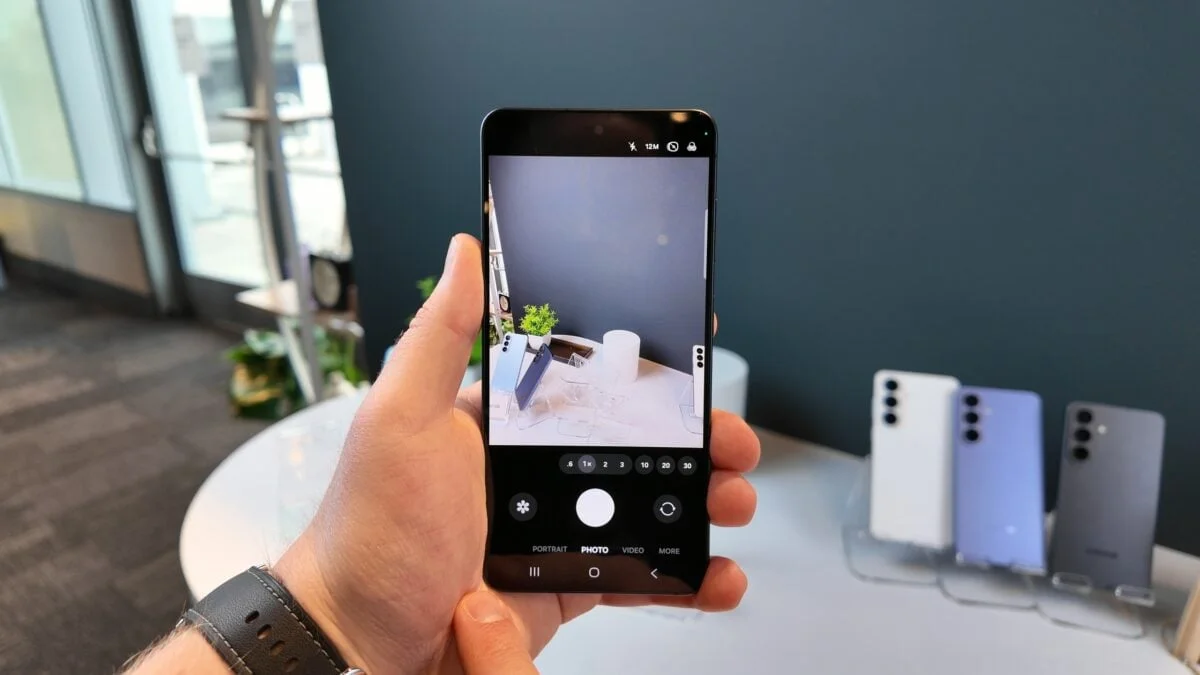
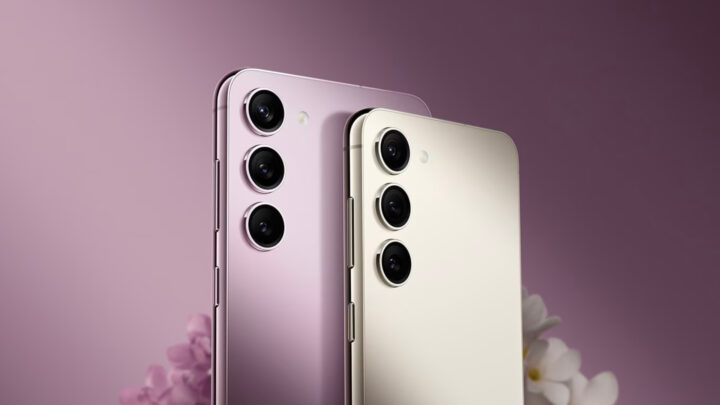
Samsung has released a new update to the Camera Assistant app for the Galaxy S23 series, bringing an optimized 2x zoom option to the stock camera app. The update requires the August 2023 security patch and enables users to activate the Optical Quality Crop Zoom feature in the Camera Assistant app. This new zoom option provides similar quality to a native optical zoom lens and gives users more flexibility in capturing photos. The Galaxy S23 series has already received the One UI 6.0 beta update and is expected to run the stable version by early Q4 2023.