Google's Ask Gemini in Drive now supports Gmail as a data source, allowing eligible Google Workspace, AI Pro, and Ultra subscribers to ask multi-turn AI questions across emails, files, and folders for more accurate results; the feature is generally available (out of beta) to these Enterprise plans.
Google is rolling out Gemini-powered AI tools across Docs, Sheets, Slides, and Drive, enabling AI-generated drafts from context in Drive/Gmail/Chat, spreadsheet creation from natural-language prompts, slide design from prompts, and AI Overviews plus an Ask Gemini feature in Drive search. The updates began on March 10 in beta for Google AI Ultra/Pro subscribers and Gemini Alpha business customers, in English, with Drive features initially limited to US users.
Google is experiencing a service outage affecting Google Workspace apps like Docs, Drive, Sheets, and Slides, with users reporting connection errors and thousands of reports on Downdetector; Google is investigating the issue.
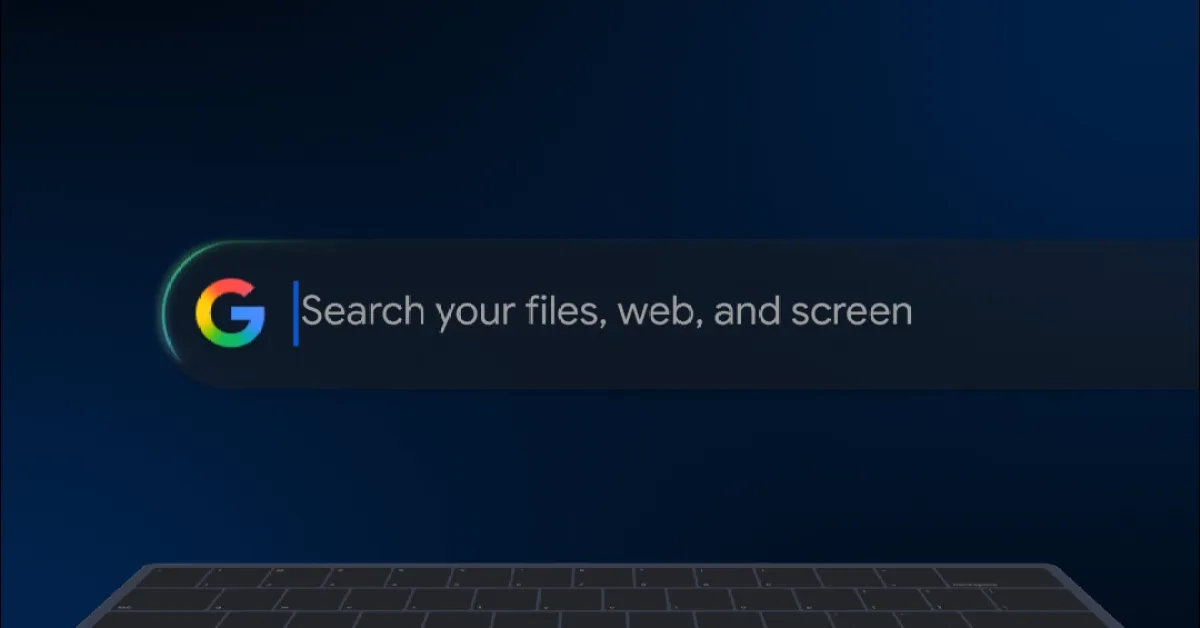
Google has launched an experimental 'Google app for Windows' that offers Spotlight-like search capabilities for local files, Drive, web, and apps, accessible via Alt + Space, with features like AI Overviews and Google Lens integration, currently limited to English-speaking users in the US and available through Google Labs.
Google has enhanced the document scanning feature in its Drive app and made it available for iPhone users in the US. The update includes a title suggestion feature that automatically generates document titles based on recognized text. Similar improvements have also been made to the Android version of Drive, such as the option to automatically capture documents when they are in frame. This update brings Google's scanning capabilities in line with other major cloud storage providers like Microsoft and Apple. The new features are already available on Android and are rolling out now for iOS users.
Google's Bard AI chatbot can now scan Gmail, Docs, and Drive to help users find information, eliminating the need to sift through emails and documents. The new integration allows Bard to summarize emails and highlight important points in documents. While privacy concerns may arise, Google assures that the information will not be used to train Bard's public model or seen by human reviewers. Bard's extensions also include connections with Maps, YouTube, and Google Flights, enabling users to access real-time flight information, find attractions, and surface YouTube videos. Google plans to expand Bard's integrations to more products and partners in the future. Additionally, Google has introduced improvements such as a "Google It" button to verify Bard's answers and the ability to continue conversations based on shared links.