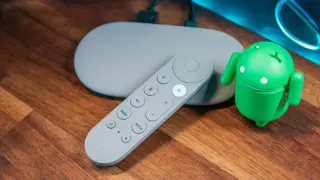
Upgrade TV Audio in Minutes With Google's Latest Home Speaker
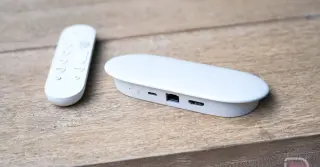
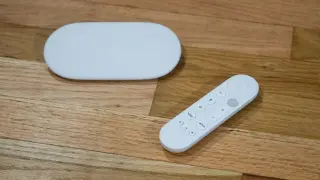
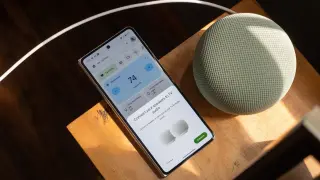
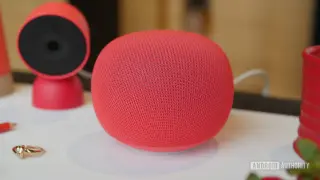
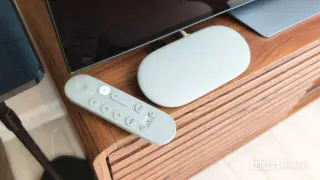
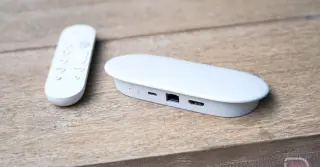
Google now lets you pair two Google Home Speakers with a Google TV Streamer to add surround-sound-like audio to your TV with minimal setup. The guide walks you through connecting via Quick Settings (Home > Quick Settings > Audio output > Connect another device; select Google speakers; Next) so both speakers appear in Remotes & Accessories and are used automatically when the TV is on. While this provides stereo and virtual surround, it's not true multi-channel surround since there’s no dedicated subwoofer. It's a space-saving, wires-free option and also covers using a single speaker under the TV, pairing older Nest/Home devices via Bluetooth, and a latency fix in Settings > Remotes & Accessories > Google speakers > Audio video sync. Overall, it's a simple upgrade for better TV audio with caveats on bass and latency.