Tag

Group Policy

All articles tagged with #group policy

Silencing Copilot in Windows 11: Quick steps to unpin, uninstall, and restrict it
technology1 month ago

Silencing Copilot in Windows 11: Quick steps to unpin, uninstall, and restrict it

Windows 11 users can reduce Copilot’s presence by unpinning it from the taskbar and uninstalling the Copilot app (though some components may persist and updates could re-enable it). For keyboard shortcuts, PowerToys lets you remap the Copilot key, and administrators can disable Copilot across devices via Group Policy and block reinstallation in future updates. Expect Copilot to reappear after major Windows updates, so periodic checks are advised.

Microsoft adds uninstall option for Copilot on enterprise Windows devices
technology2 months ago

Microsoft adds uninstall option for Copilot on enterprise Windows devices

Microsoft has introduced a RemoveMicrosoftCopilotApp policy that lets IT admins uninstall the Copilot AI assistant from Windows 11 25H2 enterprise devices via Group Policy or Policy CSP, applicable when Copilot is installed and not recently used; users can reinstall if they choose, with management through Intune or SCCM after the April 2026 Patch Tuesday.

Trim Windows 11: three quick steps to shed bloatware
technology5 months ago

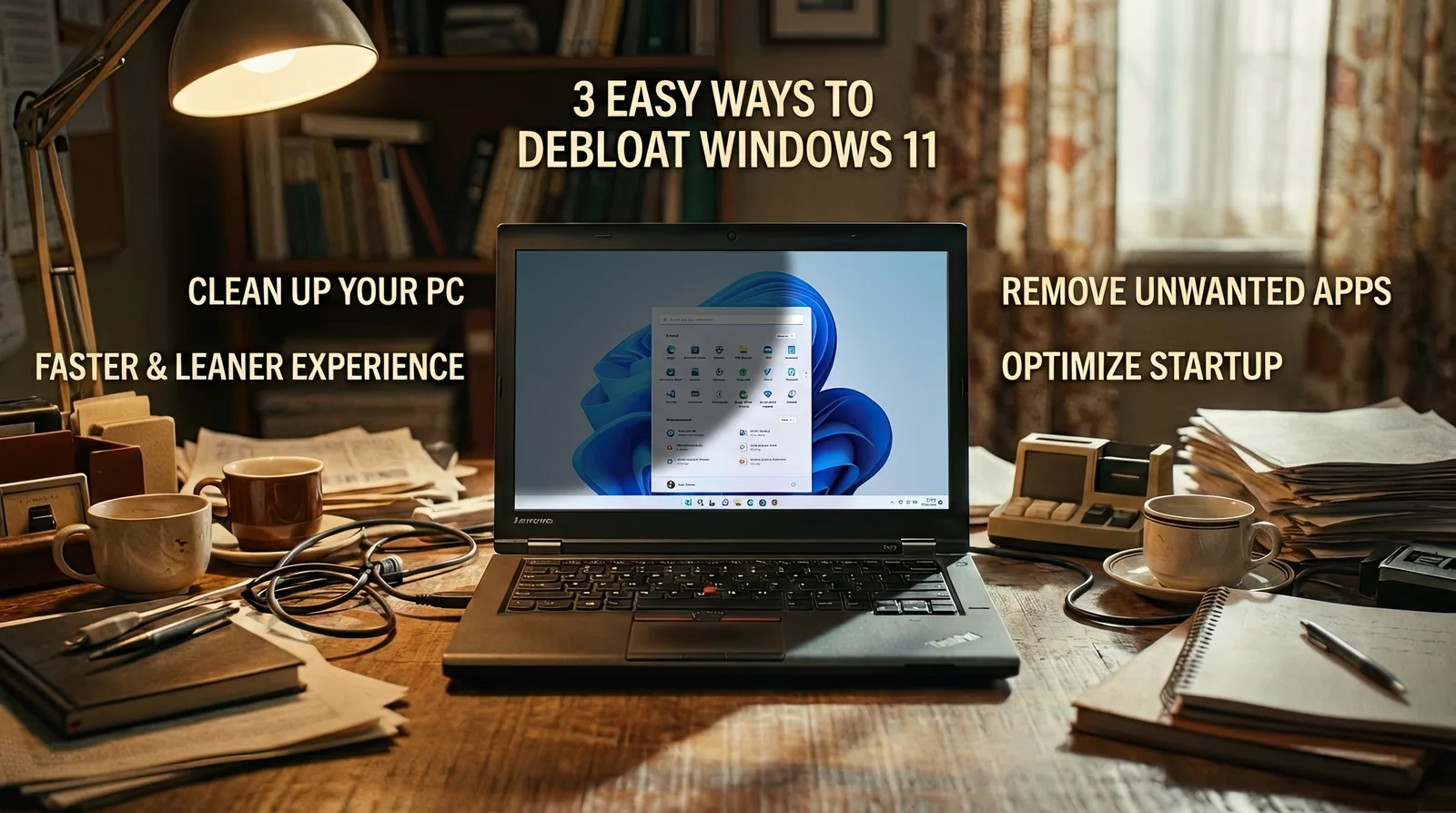
Trim Windows 11: three quick steps to shed bloatware

The article lays out three easy ways to debloat Windows 11 for a faster PC: use Windows Setup and Group Policy to remove default apps for new accounts; run FlyOOBE (a GitHub debloating tool) and select a profile (Balanced, Full Microsoft Experience, Minimal Windows, or Community) to uninstall chosen apps; and read FAQs noting that core apps aren’t removed, FlyOOBE can affect updates, and changes can often be undone by reinstalling removed apps, with a backup recommended before proceeding.

Microsoft shames unsupported Windows 11 PCs and latest update causes SSD performance issues.
computing3 years ago

Microsoft shames unsupported Windows 11 PCs and latest update causes SSD performance issues.

Microsoft is using a watermark on desktops that says "System requirements not met" to encourage users to upgrade their hardware to support Windows 11. However, the constant reminder can be annoying and insulting. Microsoft has released an official way to remove the watermark by modifying Group Policies. This move is odd and passive-aggressive, as Microsoft doesn't have plans to block Windows 11 updates on unsupported devices.