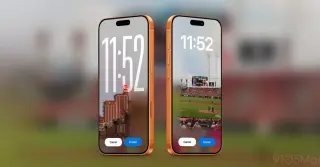
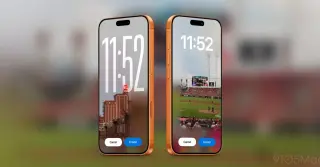
iOS 27 introduces four major Lock Screen customization features: AI-powered 'Extend' for wallpapers, direct Image Playground generation, a movable clock, and the ability to swipe away the Now Playing widget. These updates enhance visual flexibility and user control over the home interface.
Apple released version 1.12.0 of the Apple Invites app on September 30, 2026, introducing full-resolution photo sharing, photorealistic background generation via Image Playground, and simplified email verification for guests.
Apple’s iOS 27 update significantly enhances the Notes app with new organizational tools and AI capabilities. Key additions include divider lines for visual separation, section links that allow users to create internal tables of contents, and automatic conversion of pasted Markdown text into rich formatting. The update also deepens integration with the new Siri AI, enabling users to reformat and add content to notes via voice commands. Additionally, Notes benefits from upgraded Image Playground models that support photorealistic generation with SynthID watermarks, alongside minor UI refinements like a refreshed icon and Liquid Glass design elements.
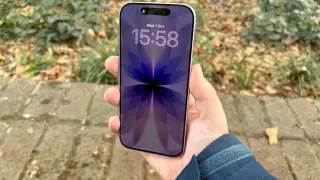
iOS 27 lets you design your iPhone lock screen with new customization options: generate wallpapers via Image Playground from Settings, expand photos to fit using Extend, remove the Now Playing widget for a cleaner look, and relocate or resize the clock to put your wallpaper front and center.
iOS 27 introduces four new Lock Screen customization options: Extend uses AI to add content around image edges so wallpapers fit better; Image Playground lets you generate wallpapers from photos or natural language prompts; you can move the clock to the top area to reveal more of your wallpaper; and you can swipe away the Now Playing widget while music continues playing. These features are initially available to developers and public beta testers, with a full public release planned later this year.
iPadOS 27 brings Siri AI and Apple Intelligence to iPad with note indexing for handwritten and typed text, a new Write with Siri workflow, and an Image Playground with Image Wand in Notes for photorealistic visuals. Visual Intelligence expands to iPad for things like nutritional info and plant/animal identification, Shortcuts can auto-generate AI-powered automations, and Safari gains AI-assisted extensions and tab grouping. The update also emphasizes performance—faster browsing, AirDrop, app launches, and multitasking—with a Liquid Glass opacity control and the ability to resize iPhone apps on iPad. Availability is limited to iPads with an M-series chip or the A17 Pro iPad mini; EU users won’t get Siri AI on iPad at launch and it won’t be available in China. Older iPads will get performance improvements but not Siri AI or Apple Intelligence.
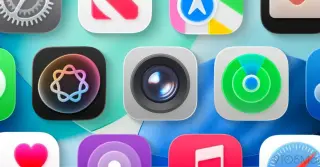
Rumors suggest iOS 27 will bring major UI updates across iPhone apps, with the Camera app becoming fully customizable and gaining a new Siri visual intelligence mode, Image Playground redesigned across iOS 27, iPadOS 27 and macOS 27, plus smaller design tweaks to Find My, Weather, and Safari, and Liquid Glass refinements that re-integrate search into the app tab bars.
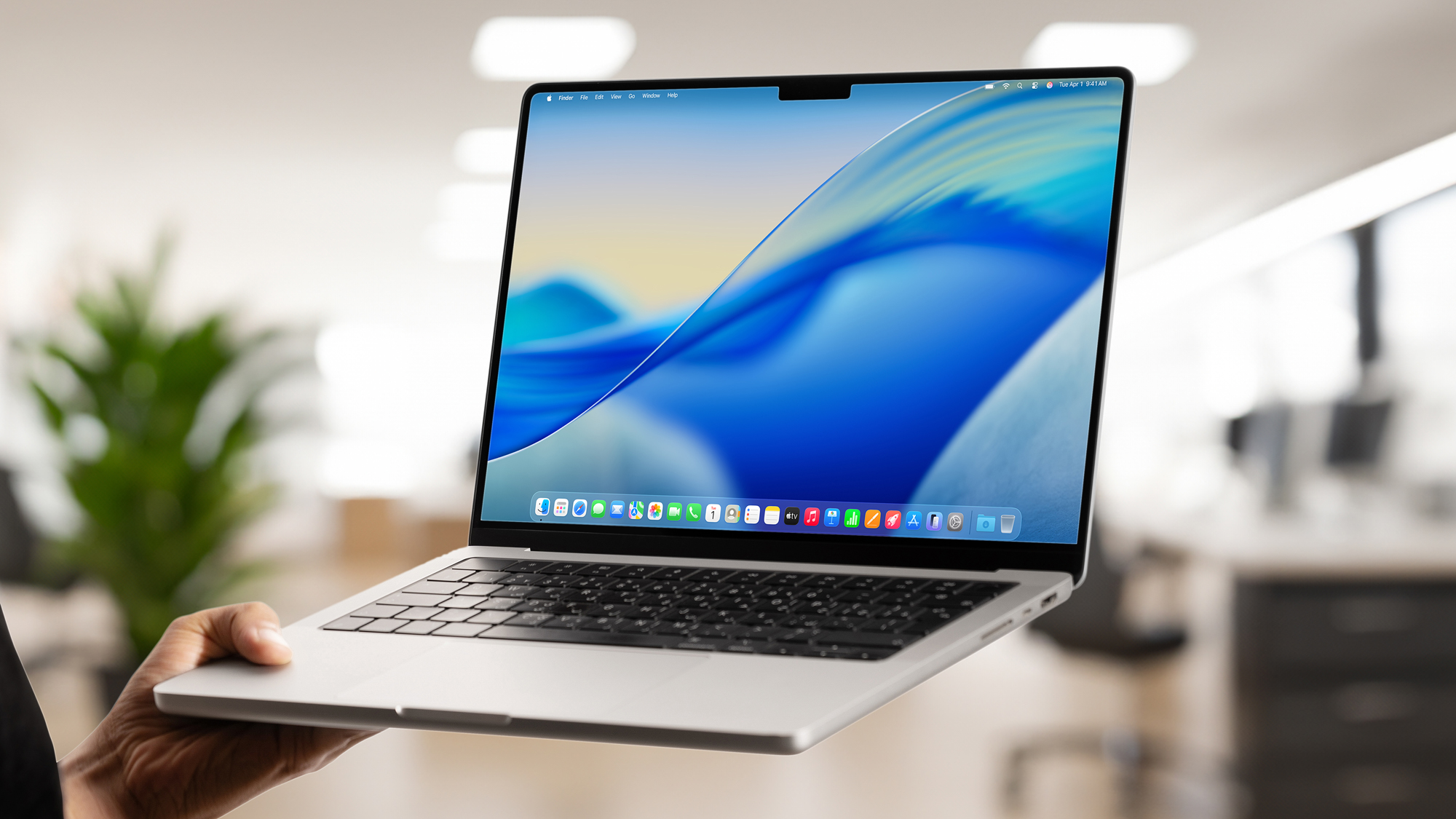
Apple has launched macOS Tahoe, introducing features like a new Liquid Glass aesthetic, customizable folder colors, an upgraded Spotlight Search with Apple Intelligence, enhanced Phone app capabilities, and the new Journal app, offering a fresh and more integrated user experience for supported Macs.
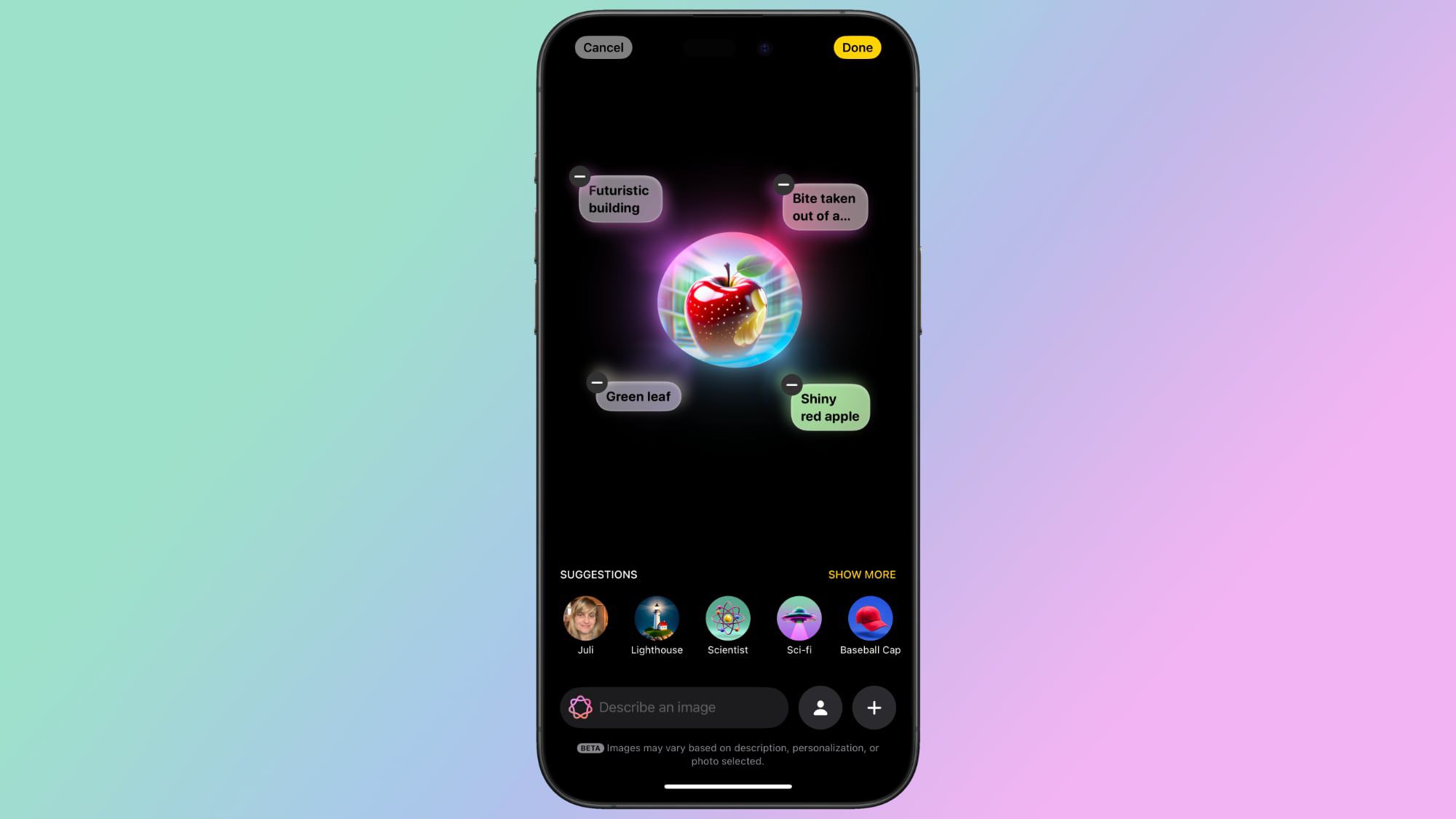
Apple has released macOS Sequoia 15.2, introducing new features like Image Playground for creating images from text descriptions and ChatGPT integration with Siri, allowing for more complex requests to be handled by OpenAI's technology. The update also includes enhancements to Photos and Safari, along with various bug fixes and security updates. These features are part of Apple's ongoing efforts to enhance user experience while maintaining privacy.
Apple has removed the 'Sketch' style option from its Image Playground app, initially promised as part of its Apple Intelligence features. The app, available in the latest iOS 18.2, iPadOS 18.2, and macOS Sequoia 15.2 betas, now only offers 'animation' and 'illustration' styles. Despite previous mentions, references to the Sketch style have been removed from the app description and are expected to be updated on Apple's website soon. The reason for this change remains unclear.