USB Tethering Demystified: How to share your phone’s internet with a PC via USB
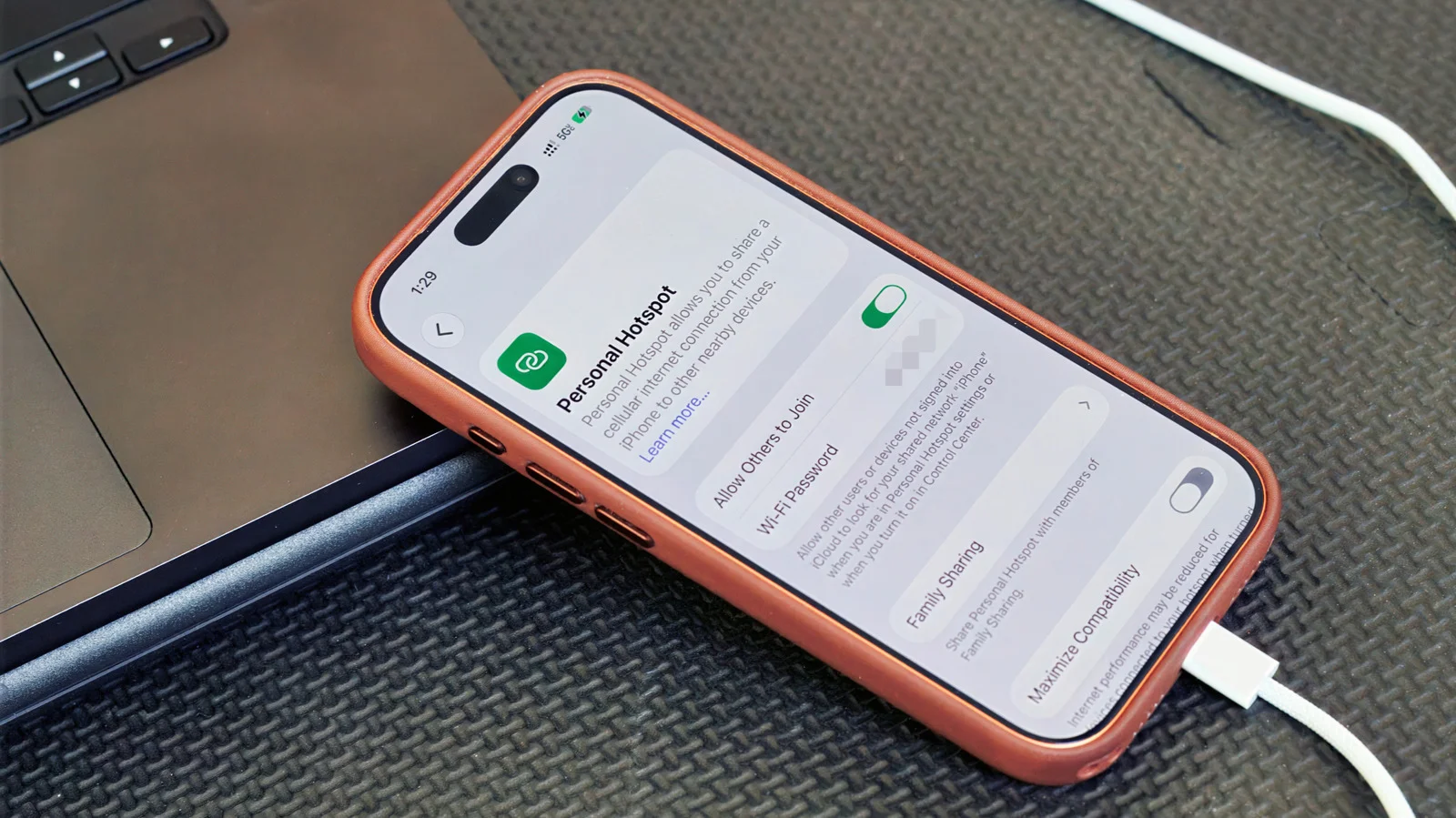
USB tethering lets you share your phone’s cellular data with a computer over a USB cable, often providing a more stable, private connection (and charging the phone) compared to wireless hotspots. On Android, enable USB tethering under Settings > Network & internet > Hotspot & tethering (the USB option must be data-capable and may be greyed out on some cables). On iPhone, connect via USB and enable Personal Hotspot, then accept Trust prompts as needed. Note that Android-to-Mac tethering isn’t supported, and some carriers or plans may limit or charge for tethering; performance also depends on your phone’s cellular signal and cable quality.