Google to extend Pixel 11 color-matched app icons to older devices
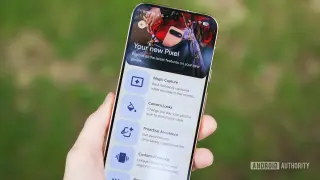
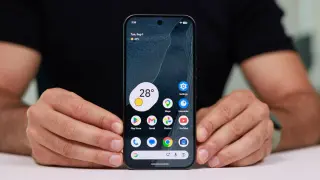
Google is preparing to bring a new visual feature from the Pixel 11 to older models. The update will allow the My Pixel app icon to match the specific color of the user's device. Evidence suggests this change is already rolling out to Pixel 9 phones, with Pixel 10 models likely to follow. Additionally, Google plans to change the default icon color from dark blue to light blue across all non-Pixel 11 devices.