Tag

System Resources

All articles tagged with #system resources

Windows 11 Copilot Adds PC Insights to Diagnose Slow PCs — and It Pulls 1GB RAM
technology1 month ago

Windows 11 Copilot Adds PC Insights to Diagnose Slow PCs — and It Pulls 1GB RAM

Windows 11 Copilot is testing a PC Insights feature that can read real-time system data—CPU, RAM, GPU usage, storage, connected devices, network, battery, BIOS, and more—to answer questions about your PC and suggest actions. The rollout is limited to the US and opt-in. While it could help users diagnose issues without digging through Task Manager, Copilot itself remains a RAM hog, often using about 800MB–1GB even when idle, and now ships with a private Edge browser. Microsoft says it won’t train on your personal files, though conversation data may be used to improve models.
Windows 11 Task Manager Bug Causes Unwanted Duplicates and Performance Issues
technology10 months ago

Windows 11 Task Manager Bug Causes Unwanted Duplicates and Performance Issues

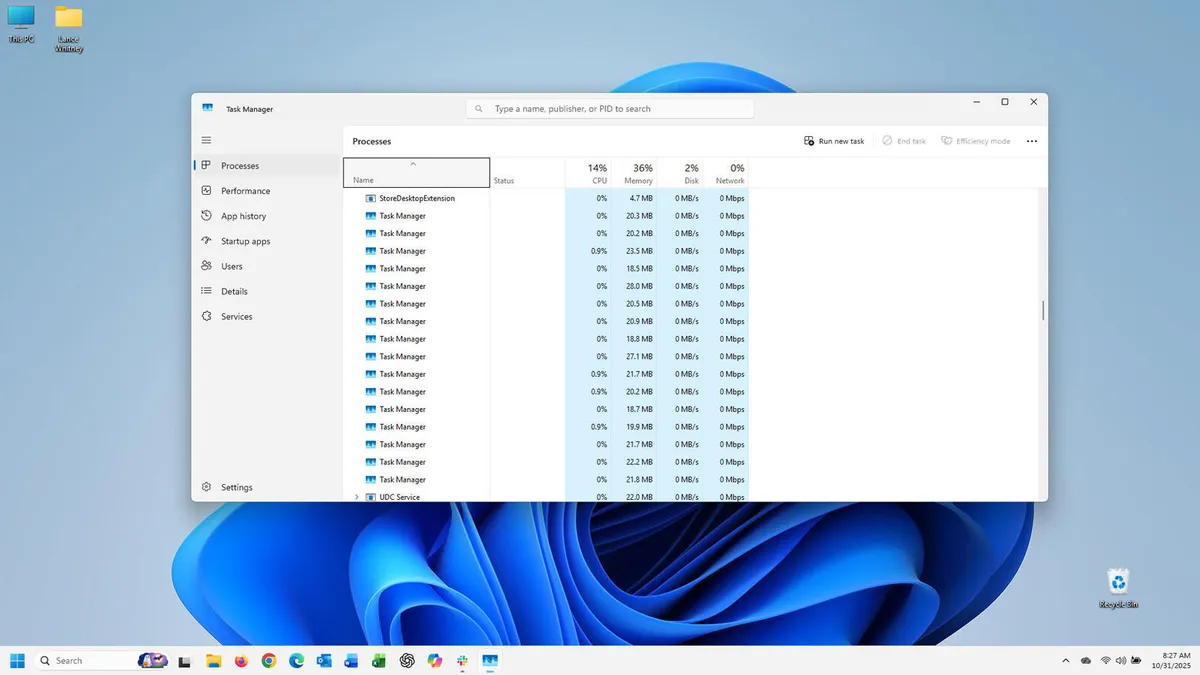
A bug introduced in the October preview update for Windows 11 causes Task Manager to duplicate itself each time it's closed and reopened, leading to increased memory usage. To avoid this, users should close Task Manager from within the app itself rather than clicking the X, and may need to manually terminate extra instances. Microsoft is expected to fix this issue in the upcoming November Patch Tuesday update.

"Mastering Windows Task Manager: From Refresh Pauses to Secret Shortcuts"
technology3 years ago

"Mastering Windows Task Manager: From Refresh Pauses to Secret Shortcuts"

A new Windows tip has been revealed that allows users to pause the process jumping in the Task Manager by holding down the Ctrl key on their keyboard. This feature helps users better access and select processes in the list, especially when sorting by resource utilization. The Ctrl key method can be used on Windows 7, Windows 10, and Windows 11.

Windows 11 boosts Android app performance with picture-in-picture support.
technology3 years ago

Windows 11 boosts Android app performance with picture-in-picture support.

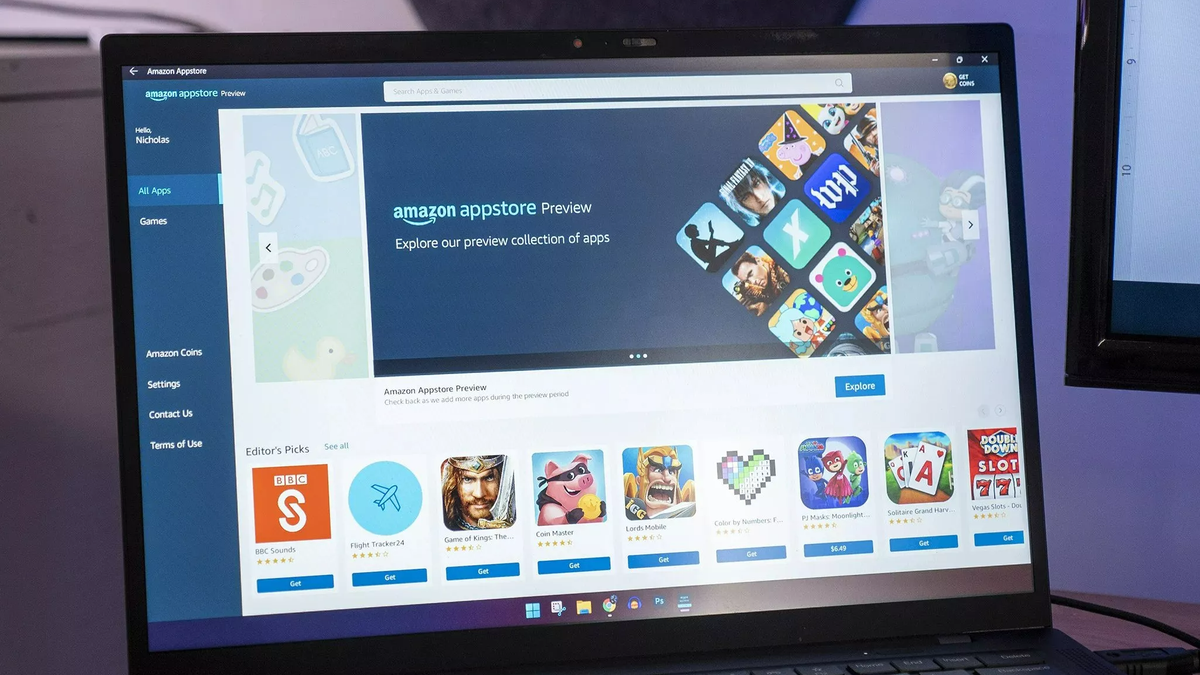
Microsoft has updated the Windows Subsystem for Android (WSA) to version 2303.40000.3.0, adding support for picture-in-picture mode for Android apps and a "Partially running" system setting that uses fewer system resources but can launch apps faster than "As needed" mode. The update also includes improvements to platform reliability and Android 13 security updates. The WSA adds several apps to PCs, but users are generally expected to get apps through the Amazon Appstore. However, it is possible to sideload Android apps onto Windows 11 and even run Google Play Store Android apps with some extra work.