Tag

Ram Usage

All articles tagged with #ram usage

Windows 11 Copilot Adds PC Insights to Diagnose Slow PCs — and It Pulls 1GB RAM
technology8 days ago

Windows 11 Copilot Adds PC Insights to Diagnose Slow PCs — and It Pulls 1GB RAM

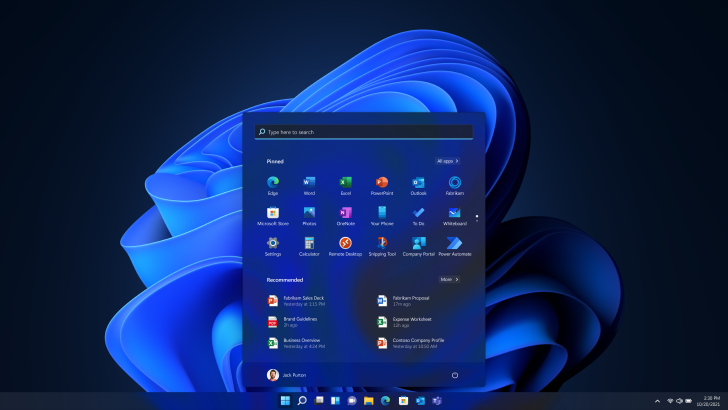
Windows 11 Copilot is testing a PC Insights feature that can read real-time system data—CPU, RAM, GPU usage, storage, connected devices, network, battery, BIOS, and more—to answer questions about your PC and suggest actions. The rollout is limited to the US and opt-in. While it could help users diagnose issues without digging through Task Manager, Copilot itself remains a RAM hog, often using about 800MB–1GB even when idle, and now ships with a private Edge browser. Microsoft says it won’t train on your personal files, though conversation data may be used to improve models.

Winhance debloater upgrades to WinUI 3 to match Windows 11 UI
technology5 months ago

Winhance debloater upgrades to WinUI 3 to match Windows 11 UI

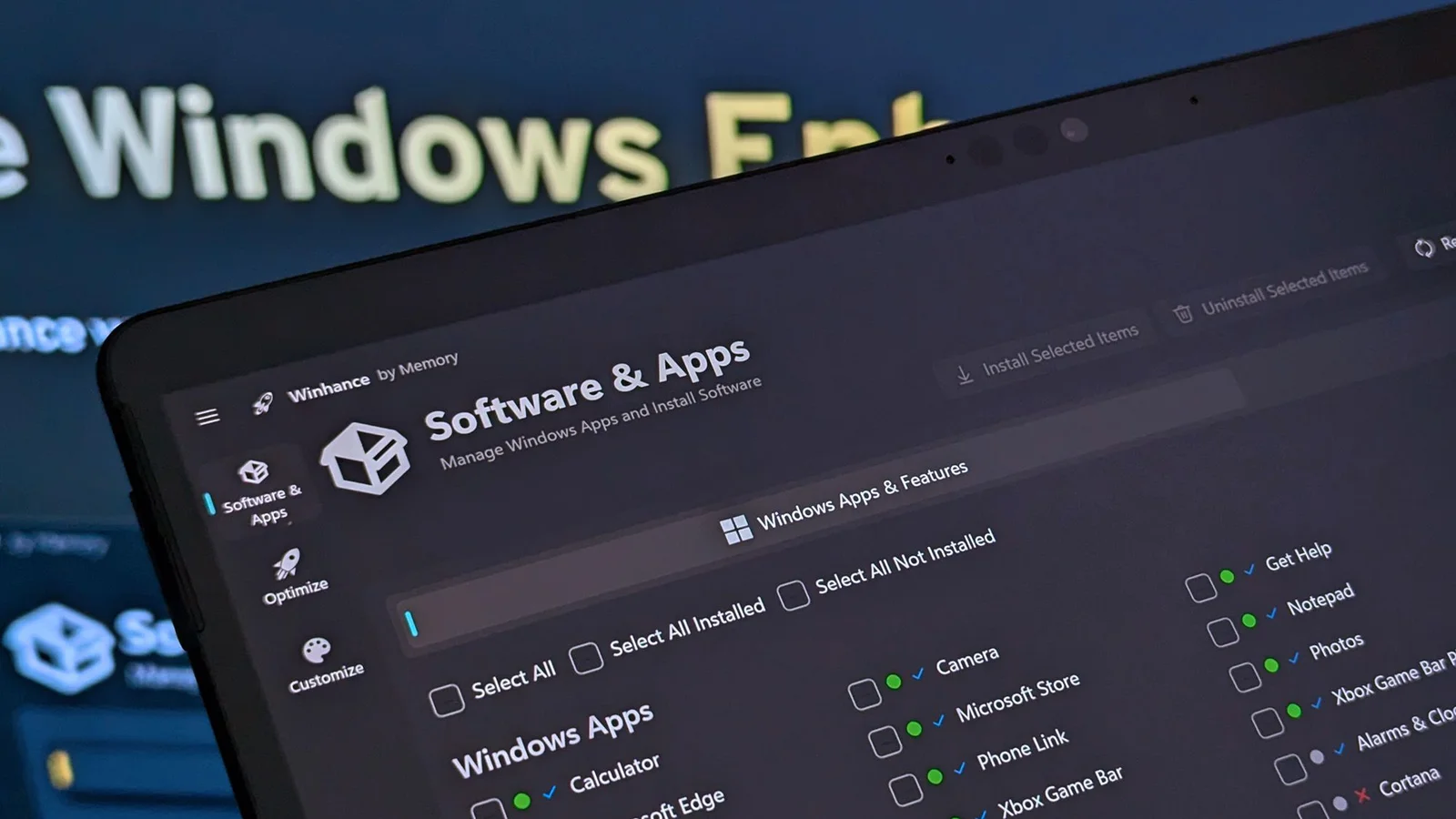
Windows Central reports that Winhance, an open‑source Windows debloater, migrated from the older WPF base to Microsoft's WinUI 3 for a Windows 11–like look. The latest release (v26.02.x, with v26.02.17 as the current build) includes UI migration refinements, performance improvements, and reduced RAM usage, while continuing to offer batch uninstall/installation of apps and advanced tools like an Autounattend XML option. The project remains on GitHub, and readers are reminded to back up their data before making system tweaks.

"Google Chrome's Latest Feature Exposes Tab RAM Usage on Windows 11"
technology2 years ago

"Google Chrome's Latest Feature Exposes Tab RAM Usage on Windows 11"

Google Chrome is testing a new feature that allows users to see the memory usage of individual tabs in real time on Windows 11. By hovering over a tab, users can view how much RAM it consumes, helping them identify resource-intensive web pages and manage them more efficiently. This feature is part of Google's ongoing efforts to enhance Chrome's performance, including implementing features like Memory Saver, which reallocates resources from inactive tabs to active ones. However, the feature does not provide a detailed breakdown like the built-in Task Manager.