
Roku Lacking Cache Clear Button? Try This Remote Shortcut
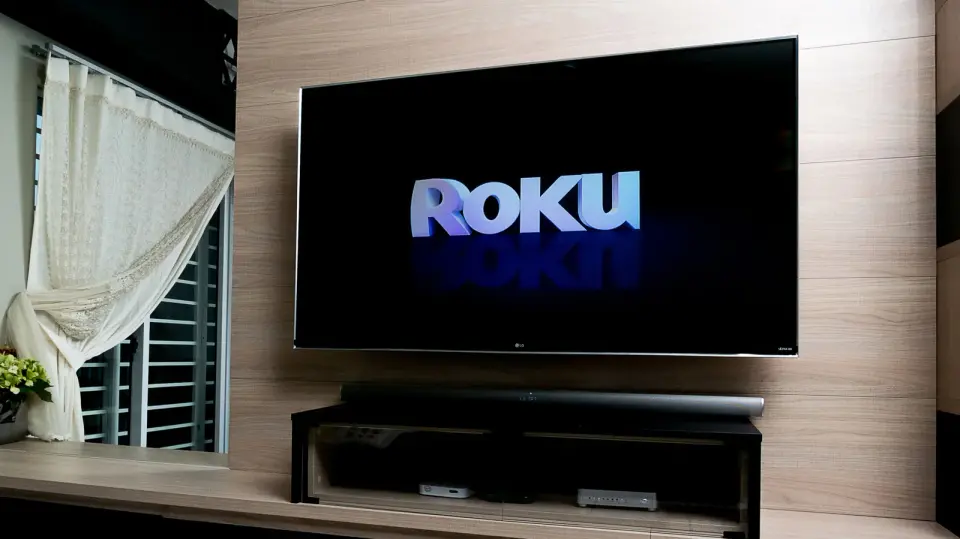
Roku devices lack a dedicated cache-clearing menu, but users can purge data via a specific remote button sequence or a full system restart. While other smart TV platforms allow per-app cache clearing, Roku requires a full system restart to resolve performance issues caused by accumulated temporary files.
Key points
- Roku devices do not have a dedicated 'Clear Cache' option in their settings menu.
- A specific remote button sequence (Home x5, Up x1, Rewind x2, Fast Forward x2) triggers a system restart that clears cached data.
- Alternative methods include navigating to Settings > System > Power > System restart or physically unplugging the device for 30 seconds.
- Cached data, which stores frequently accessed items like thumbnails, can become corrupted or excessive, leading to slower performance.
- Experts recommend clearing the cache monthly or when noticeable lag occurs, as it is a low-risk maintenance step.
Background
Smart TVs, including Roku, often experience performance degradation over time due to aging hardware, outdated software, or accumulated temporary files. While caching is designed to improve efficiency by storing data locally, excessive or corrupted cache can cause lag. Previous discussions on smart TV maintenance highlight that while some platforms allow granular cache management, others rely on broader system restarts to resolve similar issues.
How outlets are covering it
Engadget highlights a specific, lesser-known remote button sequence for Roku users to clear cache without navigating menus, emphasizing that this is a unique workaround for Roku's lack of a dedicated feature. In contrast, Mathrubhumi English and News18 provide broader advice for all smart TVs, noting that platforms like Android TV, Google TV, and Fire TV allow users to clear cache for individual apps. These outlets stress that while clearing cache is generally safe, users should avoid 'Clear Data' unless an app is malfunctioning, as it may remove login details. News18 also notes that if performance issues persist after cache clearing and updates, a factory reset or adding a new streaming device may be necessary for older hardware.
Why it matters
For Roku users experiencing slow app loading or buffering, understanding that a full system restart is the only way to clear cache is crucial for troubleshooting. This knowledge helps users avoid unnecessary factory resets or hardware replacements, as a simple restart can restore performance by purging corrupted temporary files. It also highlights a key difference in user experience between Roku and other smart TV platforms, where granular cache management is available.
What to watch
Users should monitor their Roku device's performance after clearing the cache and consider scheduling monthly restarts to prevent future slowdowns. If issues persist, checking for software updates or evaluating the need for a new streaming device may be the next steps. For other smart TV users, regularly clearing app-specific cache and updating software can help maintain optimal performance without needing full system restarts.
Want the full story? Read the original reporting
Read on Engadget