Tag

Desktop Apps

All articles tagged with #desktop apps

Google's Windows Gemini App Launches with Alt+Space Shortcut
technology1 month ago

Google's Windows Gemini App Launches with Alt+Space Shortcut

Google has released a native Gemini application for Windows 10 and 11, featuring a global Alt+Space shortcut for instant access. The lightweight client integrates with Google Workspace, supports agentic tasks via Gemini Spark, and includes native tools for generating images and video. This move mirrors the earlier macOS launch and aims to compete with Microsoft Copilot by embedding AI directly into the desktop environment rather than confining it to the browser.


Google Launches Dev Hub to Turn Googlebook into Desktop-Grade Platform
technology4 months ago

Google Launches Dev Hub to Turn Googlebook into Desktop-Grade Platform

Google unveils a dedicated Googlebook developer hub that guides developers to build desktop-grade apps using multi-pane layouts, precise input handling, contextual cursors, and true multi-window and drag-and-drop support, with Android Studio Canary's desktop emulator and Adaptive AI Skills to auto-generate desktop-optimized layouts ahead of a fall rollout.

"Twilio's Deadline: Authy Desktop Apps to Shut Down Next Month"
technology2 years ago

"Twilio's Deadline: Authy Desktop Apps to Shut Down Next Month"

Twilio-owned Authy Desktop authentication app is set to be discontinued on March 19, 2023, rather than the previously announced August 2024 date, prompting users to switch to mobile apps. Twilio suggested alternatives for desktop users, but the lack of an export feature in Authy means re-enabling 2FA in a new application. The decision has sparked disappointment and frustration among users, with some criticizing the move as "beyond absurd." Twilio's turbulent times, including CEO departure and layoffs, have added to the uncertainty surrounding the company.

"Apple's macOS Sonoma: Enhanced Option Key, Windows 11 Influence, Game Mode, and Installation Guide"
technology3 years ago

"Apple's macOS Sonoma: Enhanced Option Key, Windows 11 Influence, Game Mode, and Installation Guide"

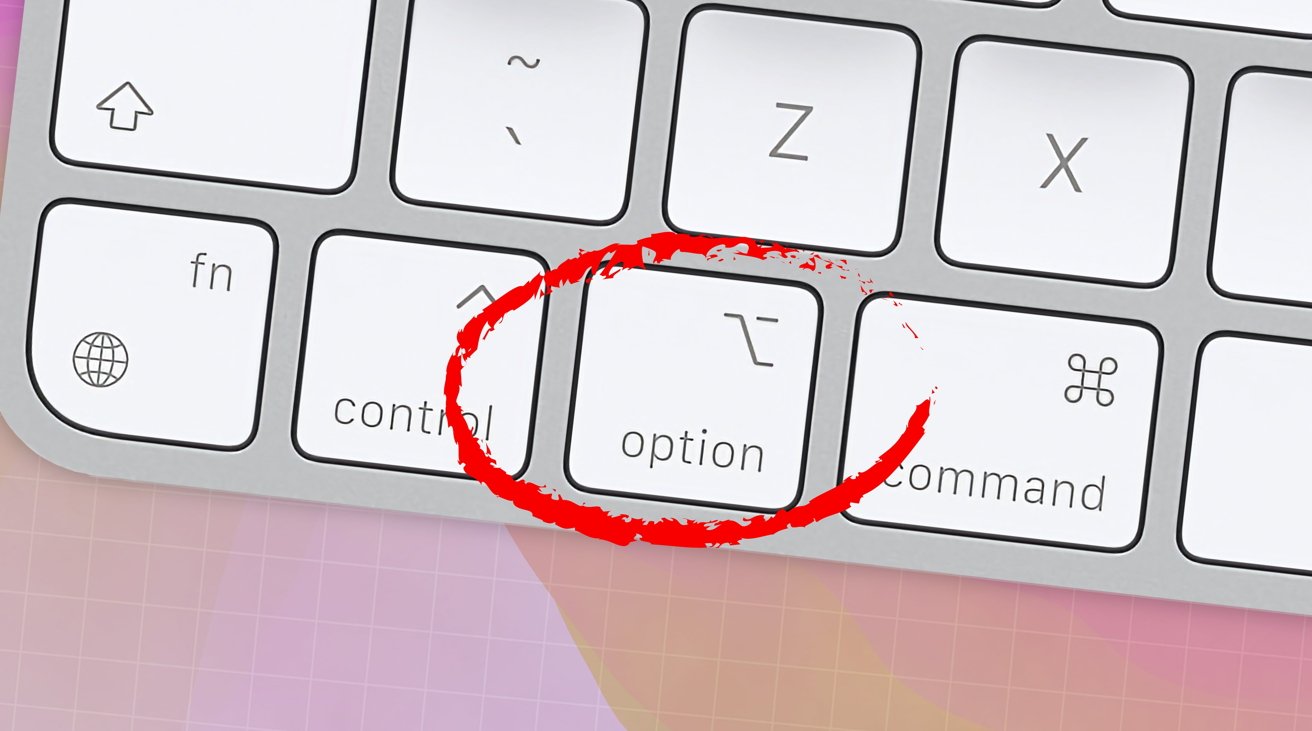
Apple has made changes to the behavior of the Option key in macOS Sonoma. Previously, Option-clicking on the Finder's Desktop would hide all running apps, but now it only hides the frontmost app. To hide all visible running apps except Finder, users can now click on the Finder's Desktop without holding down any keys. This new behavior is quicker and simpler, allowing users to toggle between hiding and showing all visible running apps with a single click. The old behavior is still available by Command-Option-clicking on the Desktop. Users can also customize the new window zooming feature in the system settings.